
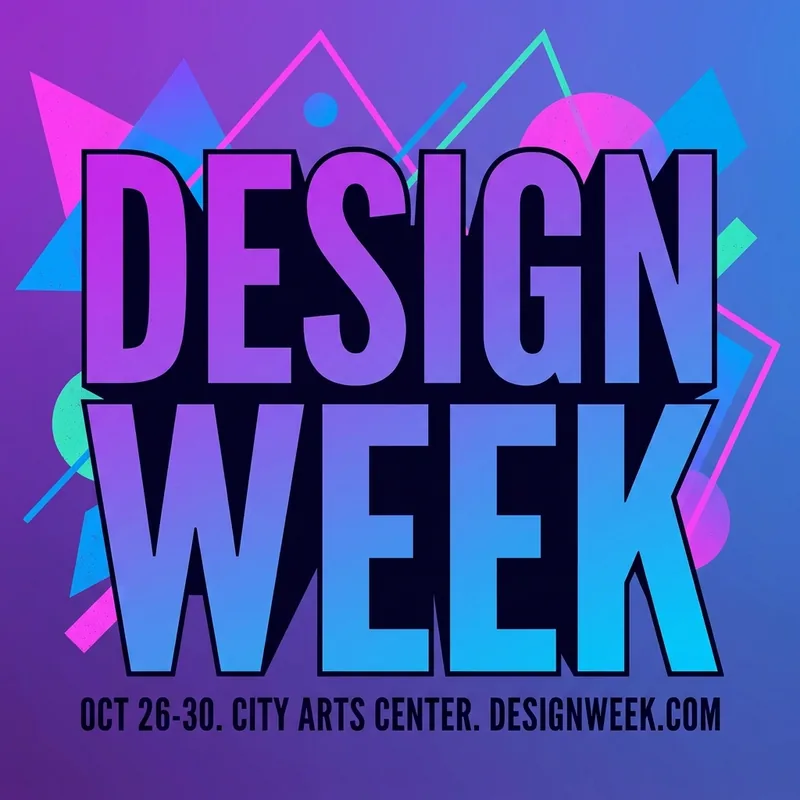
Event announcement
A launch announcement built around one large headline on a gradient backdrop.
Use this briefBring the message you want on the poster. DreamMMer drafts the layout, artwork and typography, then adjusts the copy, colors and composition with you until the poster works.
The composer picks a default model for you; switch anytime before generating. Credit cost depends on the model and resolution.
Loading the generator… You can read the examples and copy a brief below.
A poster has to carry one message clearly: a headline people read first, supporting details second, artwork that sets the mood. DreamMMer works from that structure — you state the message and the occasion, the agent turns it into a visual brief, and you keep directing changes in plain language.
Share the headline, the details that must appear — date, price, offer — and the mood you want. Mention where it will be shown: printed, a square post, or a landscape banner.
The agent designs the poster and shows you the result. Read the text carefully: check the headline is correct, the hierarchy is clear, and nothing important is cropped.
Ask for changes in everyday words — a larger headline, a warmer background, a different product angle. Every revision keeps the earlier version available in your workspace.
Three sample posters made with DreamMMer using the briefs below. These are image-generation samples, not a guarantee of identical results.
A launch announcement built around one large headline on a gradient backdrop.
Use this brief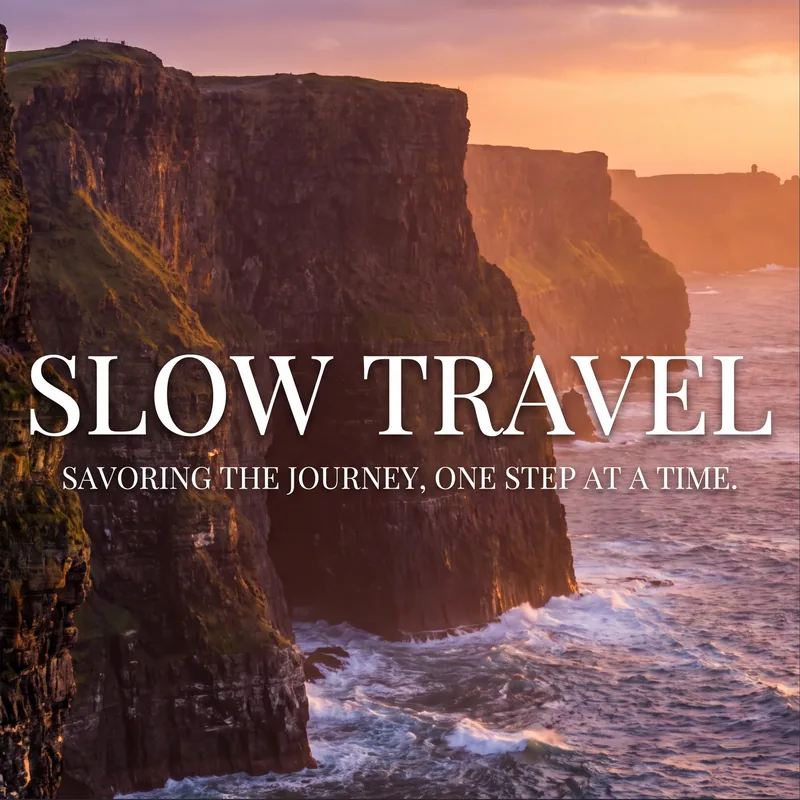
A vertical campaign poster with serif lettering over a photo backdrop.
Use this brief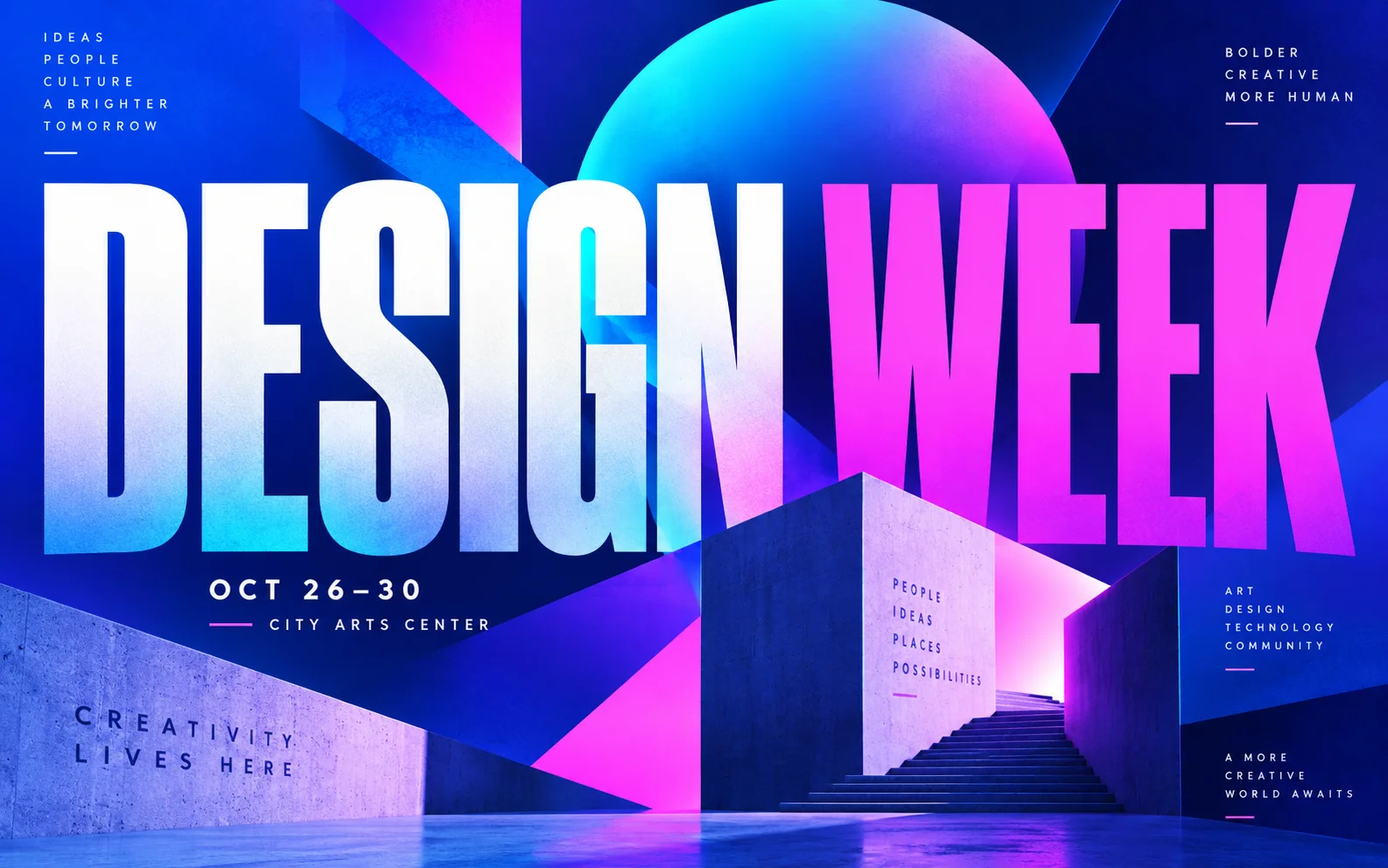
A wide format for screens and printed banners; ask for the aspect ratio you need.
Use this briefUse a brief to fill the input, then replace the fictional names and details with your own.
Design a bold event poster for "NOVA", a fictional music festival. Large headline NOVA at the top, the dates "June 12–14" underneath, a purple-to-blue gradient background with abstract sound-wave shapes, flat vector style.
Check the spelling of the headline and dates before using the result.
Make a vertical travel poster for "Slow Travel": coastal cliffs at sunset, warm orange light, the headline in elegant white serif lettering at the top, with clear space at the bottom for a tagline.
Read the lettering carefully — generated text can drift from the prompt.
Design a landscape poster for a Design Week event: bold modern typography, a purple and blue color scheme, and room for a date and venue line at the bottom.
Confirm the aspect ratio matches where you plan to publish it.
Yes — the connected models can draw headlines and short lines of text. Keep the text short and specific in the brief, and always proofread the result. Long passages are more likely to contain glitches; ask the agent for another pass when lettering needs correction.
You set the aspect ratio and resolution in the composer before generating — landscape banners, square posts, and vertical stories are all supported. The exact options depend on the selected model.
For small-format prints they usually work well. Generate at the highest resolution the model offers, review the text at full size, and run a test print before a large run.
You can ask the agent to change wording, sizing, or placement in a follow-up message. The result is an image, not an editable design file, so precise re-typesetting is limited to what the model can redraw.
Image generation uses credits based on the selected model and resolution. See the pricing page for current credit costs and your account balance.
You are responsible for how you use generated images, including the rights to any logos, photos, or names you reference. Review the terms of service and the model provider terms before commercial use.