Agent-Powered
AI Image Editor
Describe the result you want. Let the AI agent handle the rest. This AI image editor understands your intent — it handles prompting, model selection and settings, then creates your image and refines it through conversation.
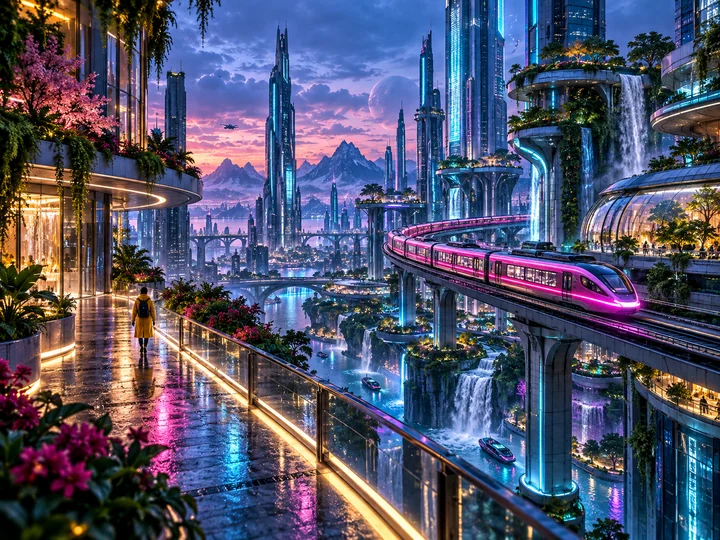
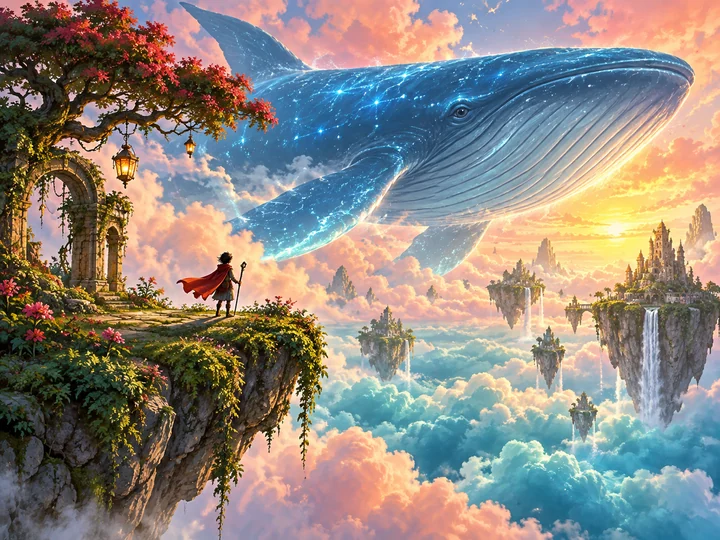
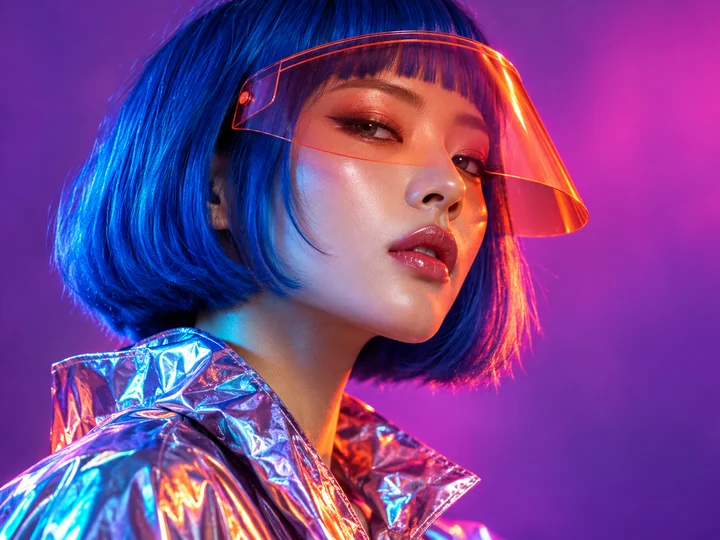
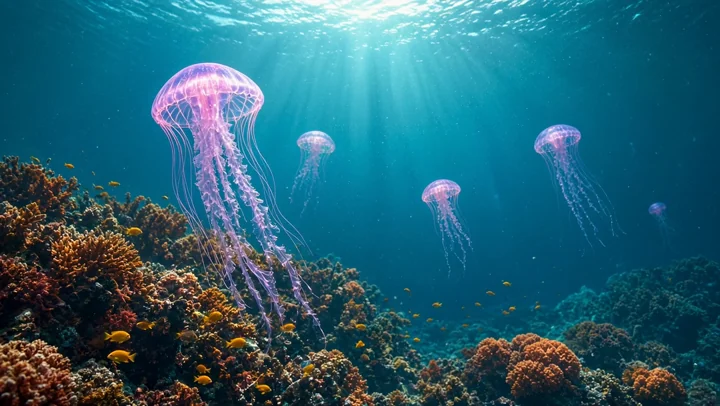
Recommended for you
Explore templatesWhat is the DREAMMMER agent?
Write one sentence. It understands your intent, searches the web for references when needed, writes a detailed English prompt, chooses the right model, and helps you refine the result in the same conversation until you're happy with it.
Give your images a next scene
Describe the movement and camera direction, starting from text or an image. Use reference images or start and end frames with compatible models, all in the same conversation.
Try a request like this
A mechanical dragon with glowing cyan scales and orange wings flies through a neon city. Track alongside it as the wings beat and the buildings sweep past. Cinematic light, one continuous six-second shot.
Start with what you have in mind
Describe your idea in your own words. The agent develops the prompt and creates an image. Refine the light, composition, or details by continuing the conversation.
Try a request like this
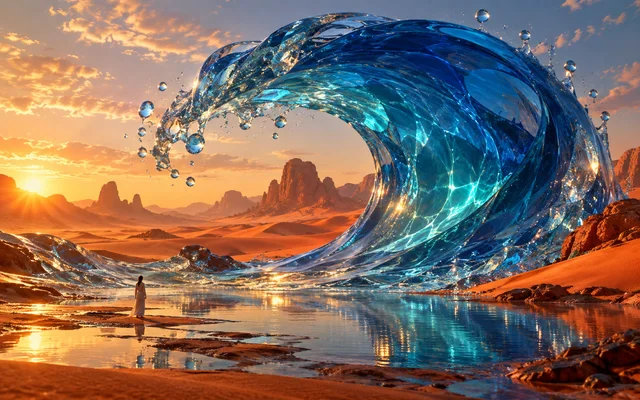
A giant cobalt-blue glass wave curls over an orange desert. A tiny traveler stands by its reflection, with droplets suspended in golden sunset light. Surreal, cinematic, full of scale.
Keep the idea. Refine the details.
Upload one or more references, or keep working with an image you just created. Change the background, try an outfit, or bring elements together in one composition.
Try a request like this
Keep the same person and expression. Change the top to a cream blazer, with a warm studio background and softer lighting.
 Before
 After
AfterHow to use
From your first idea to the final image or video, all in one conversation.
Describe your idea
Tell the agent what you want to create. Add a reference image or start with a template to show the direction you have in mind.
Let the agent create
The agent works out the prompt and uses image or video tools to bring your idea to life. Leave the model on Auto, or choose one yourself.
Refine it together
Continue the conversation to adjust the lighting, composition, style, or motion. Preview the results and download the version you like.
A REAL CREATION
Every creation unfolds into a flow map
You chat on the left; an infinite canvas on the right draws the whole process in real time. Requests, web research, option forms, prompts, renders and every revision become nodes, wired the way the data actually flowed. Ten rounds in, you can still see exactly how each image came to be.
Scroll the conversation, explore the creation flow, and open any result.
Steps wire themselves
Searches connect to the prompt, the prompt to the render, and a revision request hangs off the very image it changes — even form answers stay on the graph. Full lineage at a glance.
Hover, then act
Point at any render and fire the next step on the spot — remove background, upscale, make a GIF, generate video, or edit again. The new step grows onto the canvas and the chat stays in sync.
Arrange it your way
Drag nodes anywhere with snap-to-grid and edges that follow. Pan with two fingers, pinch to zoom, double-click empty ground to refit the view.
Full screen, your split
Take the canvas truly full screen, or drag the divider between chat and canvas until each side has exactly the room you want.
Start with a template
Pick a look you love. Let the AI agent help you make it your own.
Have something else in mind?
Why create images with DREAMMMER
Bring the idea. This AI image editor handles the prompts, tools, and steps in between—so you can focus on the work you want to make.
No prompt engineering needed
Describe your idea in your own language. This AI image editor turns it into a detailed prompt, shaping the lighting, composition, and style.
Images and video, one chat
Create an image, refine it, then bring it to life. Keep using the references and results in your conversation as you go.
Combine your references
Combine people, outfits, products, or backgrounds from multiple images. Explain what to keep and what to change.
Credits back on failed tasks
When a generation task fails, the credits charged for that task are automatically returned to your account.
Know your credit costs
Check model credit rates in the model menu and pricing page. Choose a model, resolution, or video duration to suit your needs.
Private until you share
Conversations are private by default. Your results stay in your account, and you decide when to enable a public sharing link.
Popular models
Quick concepts and everyday edits.
Product photos and detailed revisions.
Product mockups and text-led posters.
Packaging design and material-rich scenes.
Chinese text layouts and editorial covers.
 View all


FAQ
What can I create?
Use the AI image editor to create images from text, edit or restyle existing photos, and generate videos from a description or reference image. You can make product visuals, posters, portraits, social content, and more.
Do I need to write prompts or choose a model?
Start with a plain-language description of your idea. The agent helps turn it into a generation prompt. Auto lets the agent choose a suitable model; you can also select a model and supported settings yourself.
Do I need an account?
You can browse templates and public showcases without signing in. To create, sign in with Google so your conversations, generated work, and credit balance are saved to your account.
Can I change a result without starting over?
Yes. Continue in the same conversation and describe what to change and what to keep. You can also use an earlier result as a reference for the next image or video.
How are credits used?
Image and video generation use credits. The amount depends on the model and settings, such as resolution, image count, or video duration. With Auto, usage depends on the model selected for the task. See Pricing for plans and model costs.
View pricingWhat if generation takes a while or fails?
Generation time varies by model and task, and videos can take several minutes. Check the task status in your conversation. If a task fails or appears stuck, open its details or contact Support with the conversation and error information.
Contact support