
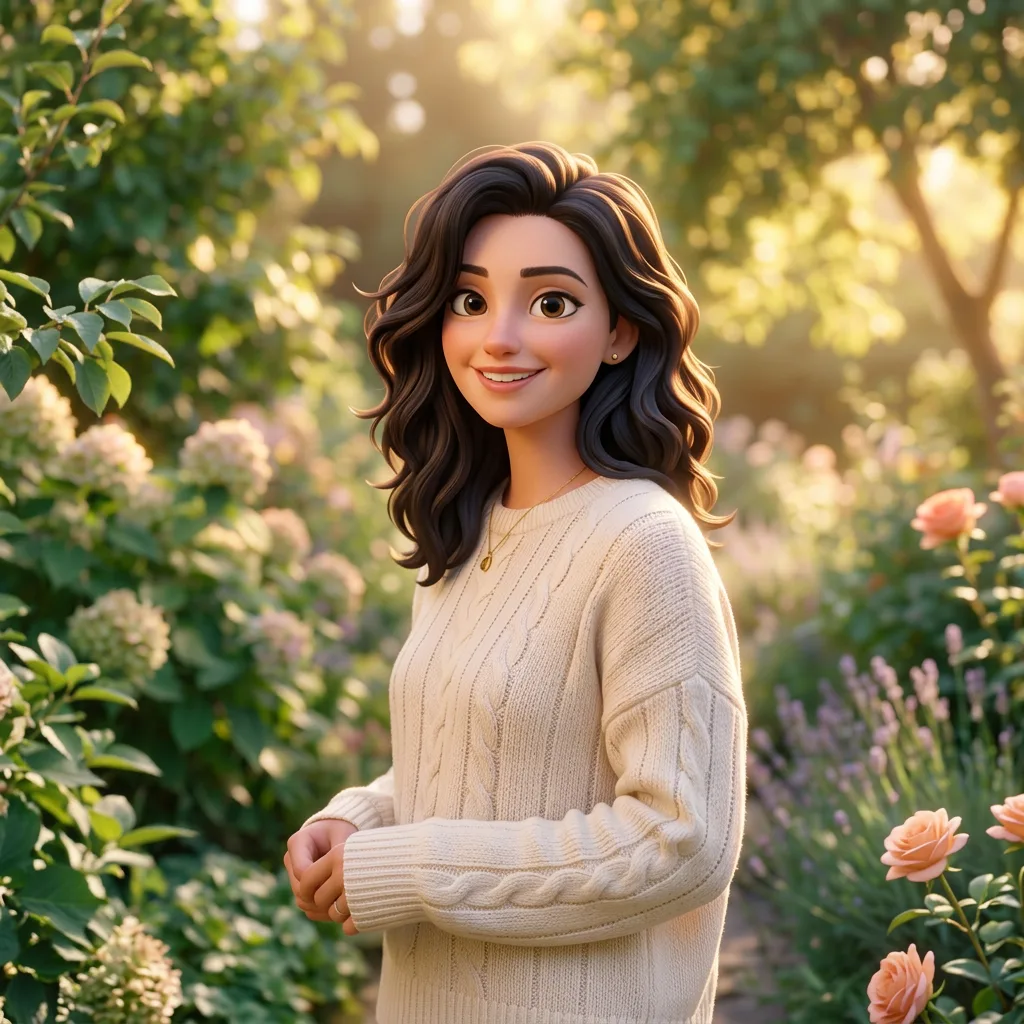
Pixar 3D
The street scene stays; the materials and proportions become animated-film 3D.
Use this briefUpload a photo and describe the art direction — a 3D character look, an anime scene, a watercolor painting — and DreamMMer redraws it while keeping the subject and pose you want to preserve.
The composer picks a default model for you; switch anytime before generating. Credit cost depends on the model and resolution.
Loading the generator… You can read the examples and copy a brief below.
A style transfer lives or dies on the details: what changes, and what stays. DreamMMer turns your description into an editing instruction that names both — the new style and the poses, outfits, or composition to preserve — and keeps each attempt as its own version so you can compare directions side by side.
Add the photo you want to restyle and name the style: Pixar 3D, Ghibli watercolor, chibi figurine. Say what must stay — the pose, the outfit, the background.
Compare the result with your original. A good style transfer keeps the person or scene recognizable while the materials and lighting change completely.
Ask for adjustments — softer shading, warmer light, more stylized features — or try a different style from the same photo without starting over.
Samples made with DreamMMer from generated source portraits using the instructions below. These are image-generation samples, not a guarantee of identical results.
The street scene stays; the materials and proportions become animated-film 3D.
Use this brief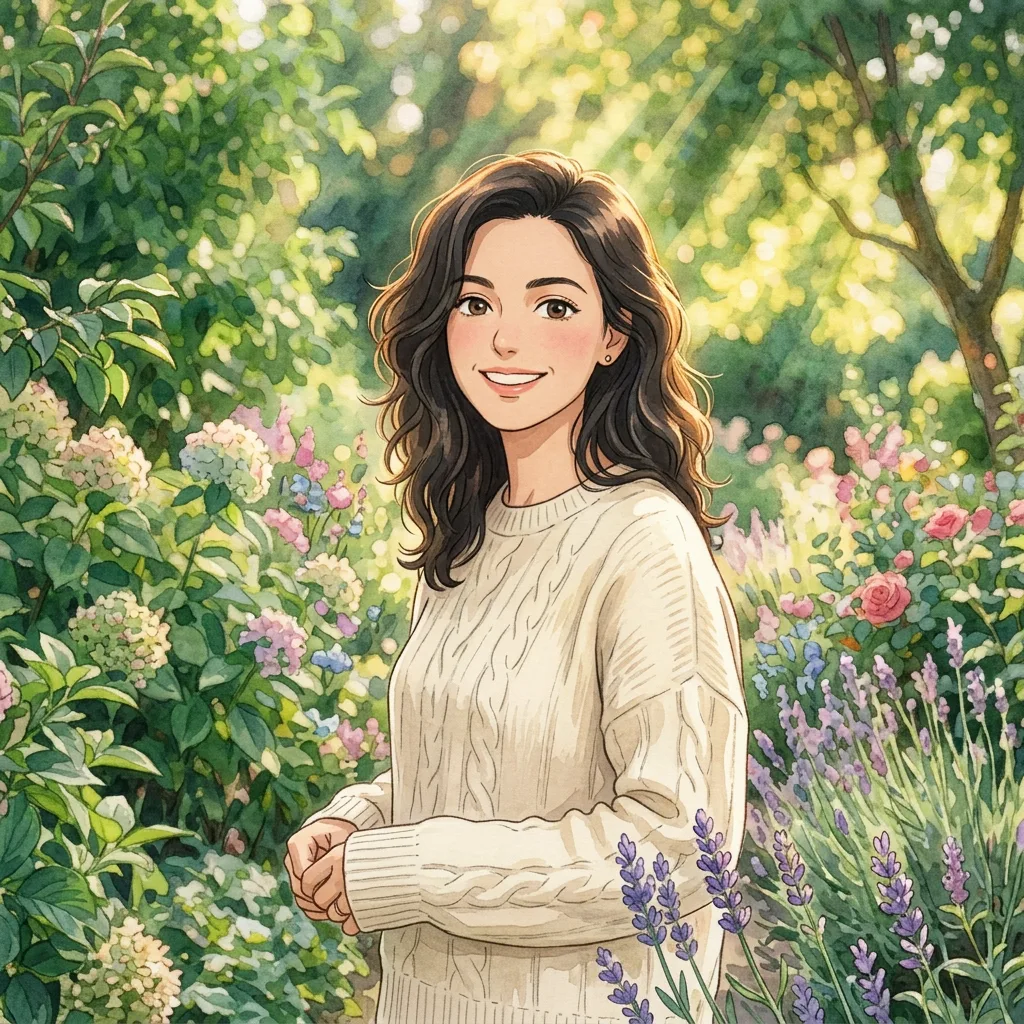
Hand-painted backgrounds and soft natural light replace the photographic look.
Use this brief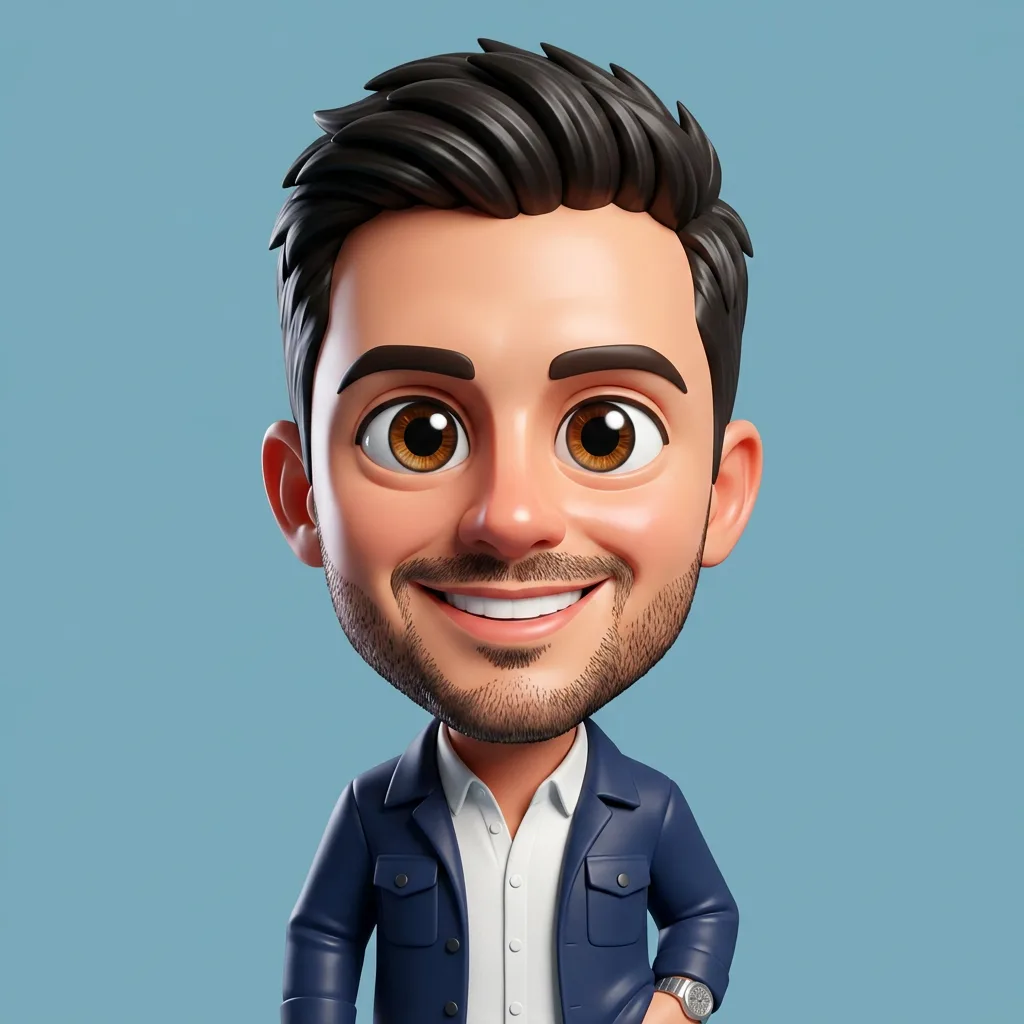
A toy-like avatar version of the same portrait, hairstyle and expression kept.
Use this briefUpload a photo, use a brief to fill the input, then adjust the style to your taste.
Redraw the uploaded photo in Pixar 3D style: smooth stylized shading, slightly exaggerated features, and warm cinematic lighting. Keep the pose, outfit, and background unchanged.
Compare with the original — the person should stay recognizable.
Repaint the uploaded photo in a hand-painted watercolor style with lush painted backgrounds and warm natural light, like a Studio Ghibli scene. Keep the composition and subject unchanged.
Check that the face and pose survived the repaint.
Redraw the person in the uploaded photo as a cute 3D chibi figurine: an oversized head, large eyes, and rounded features on a plain pastel background. Keep the hairstyle and expression recognizable.
The hairstyle and expression should still read as the same person.
Usually yes when you say what to keep. Name the pose, outfit, and features that must stay in the same request as the style change. If a result drifts too far, ask the agent to keep more of the original.
Clear, well-lit photos with the subject fully visible transfer most reliably. Very small faces, heavy motion blur, or busy backgrounds give the model less to work with.
Yes — upload the artwork whose look you want and ask the agent to apply its style to your photo. Say what to take from the reference: the palette, the brushwork, or the mood.
That is one of the main advantages of the workspace. Every result is saved as its own version, so you can compare directions and continue from the one you prefer.
Your uploads stay in your account and are sent to the selected image model to process. You are responsible for having the rights to the photos you restyle and for how you use the results.
Editing uses the same credit system as other image work — the cost depends on the model and resolution. See the pricing page for current rates.