GPT Image 2 AI 图片生成器

使用 GPT Image 2,把日常想法变成完整视觉作品。

使用 GPT Image 2 创作

以下为使用此模型生成的原创作品。打开作品可查看提示词与输出信息。

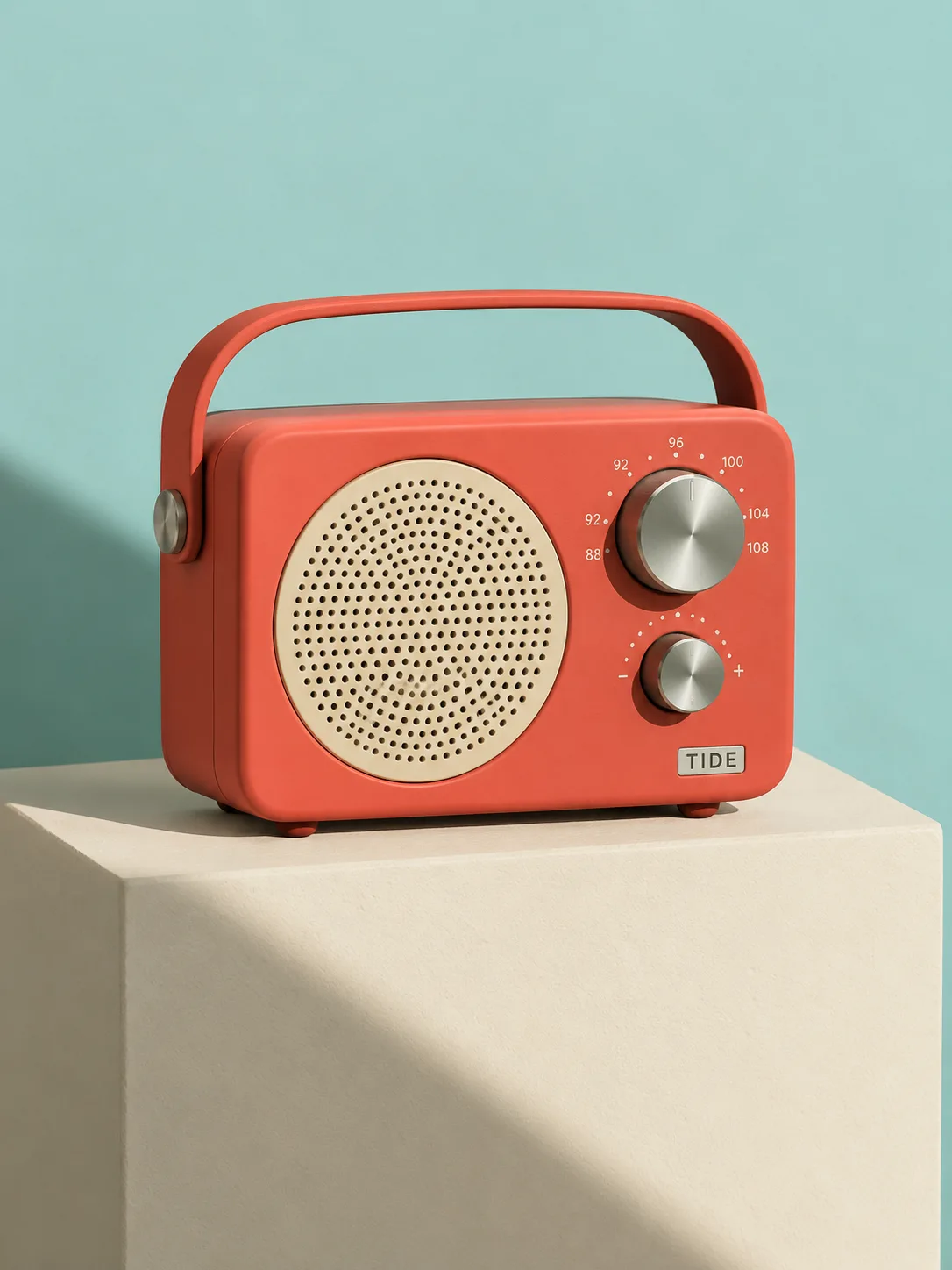
珊瑚色收音机棚拍

GPT Image 2 · 1086 × 1448

提示词

A playful but realistic product photograph of a compact coral-red portable radio with one circular ivory speaker, two brushed steel knobs and a small label reading TIDE. It sits on a cream pedestal against a pale turquoise backdrop. Strong late-afternoon shadow, tactile matte plastic and finely perforated speaker grille, clean mid-century industrial design. Full composition, no border, no watermark.
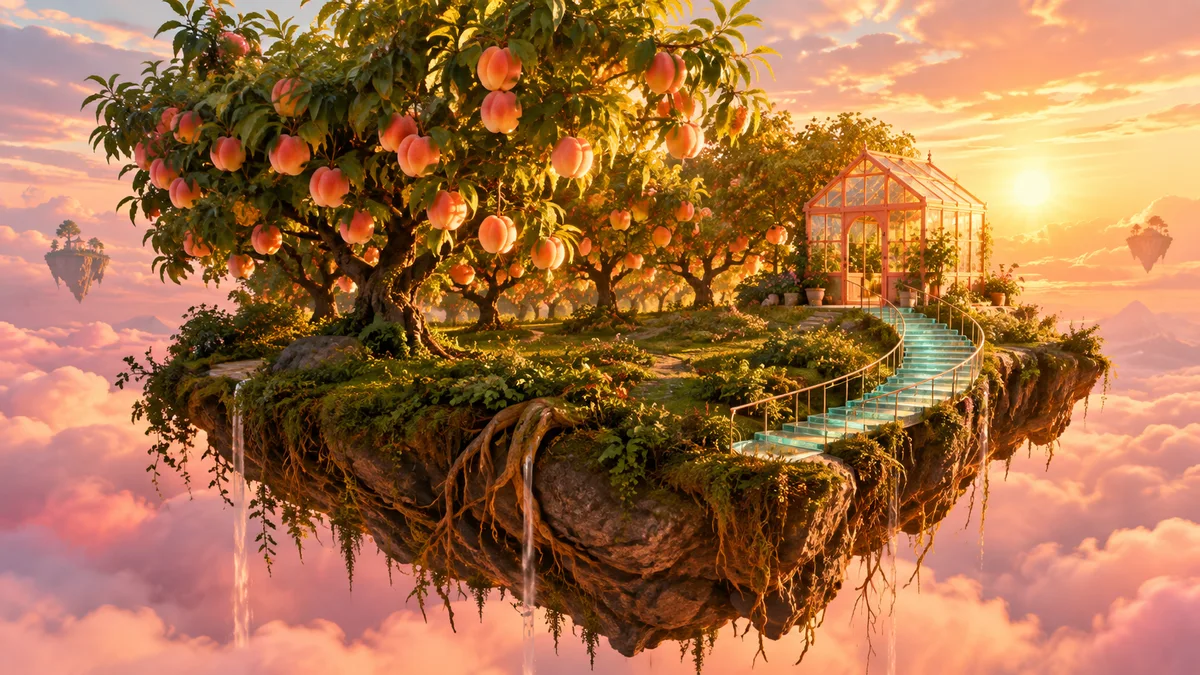
漂浮果园

GPT Image 2 · 1672 × 940

提示词

An enormous peach orchard grows on a small floating island above soft pink clouds. A curved turquoise glass stairway leads to a tiny coral greenhouse. Golden-hour rays illuminate translucent fruit and the island roots, cinematic wide composition, an imaginative world rendered with believable natural textures and atmospheric depth. Full composition, no border, no watermark.

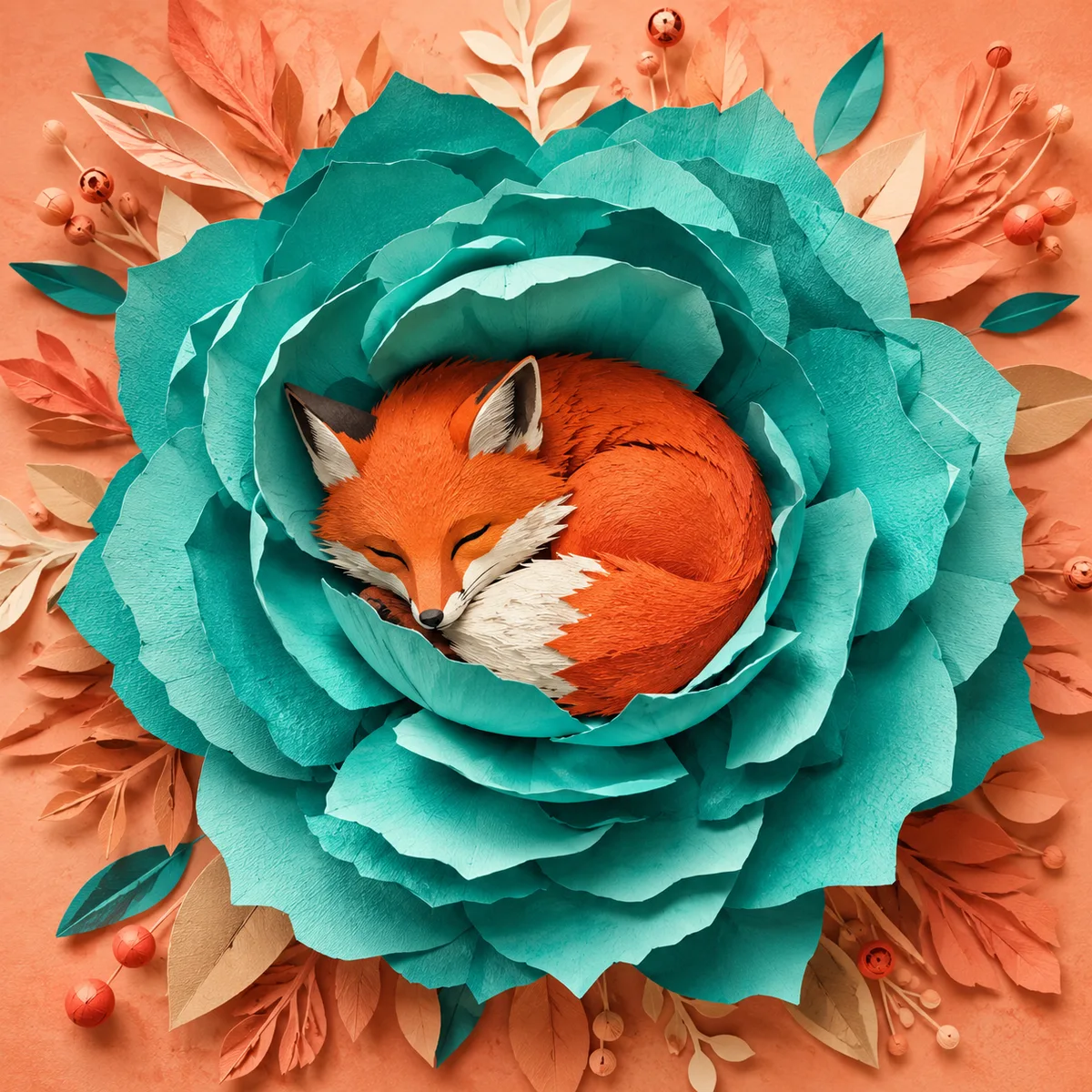
折纸狐狸

GPT Image 2 · 1254 × 1254

提示词

A charming original red fox sleeps curled inside a giant folded turquoise paper flower. Intricate layered paper-cut illustration, visible paper fibers, warm peach background, gentle shadows, restrained premium picture-book aesthetic. Strong central silhouette, careful separation of overlapping petals, no text. Full composition, no border, no watermark.

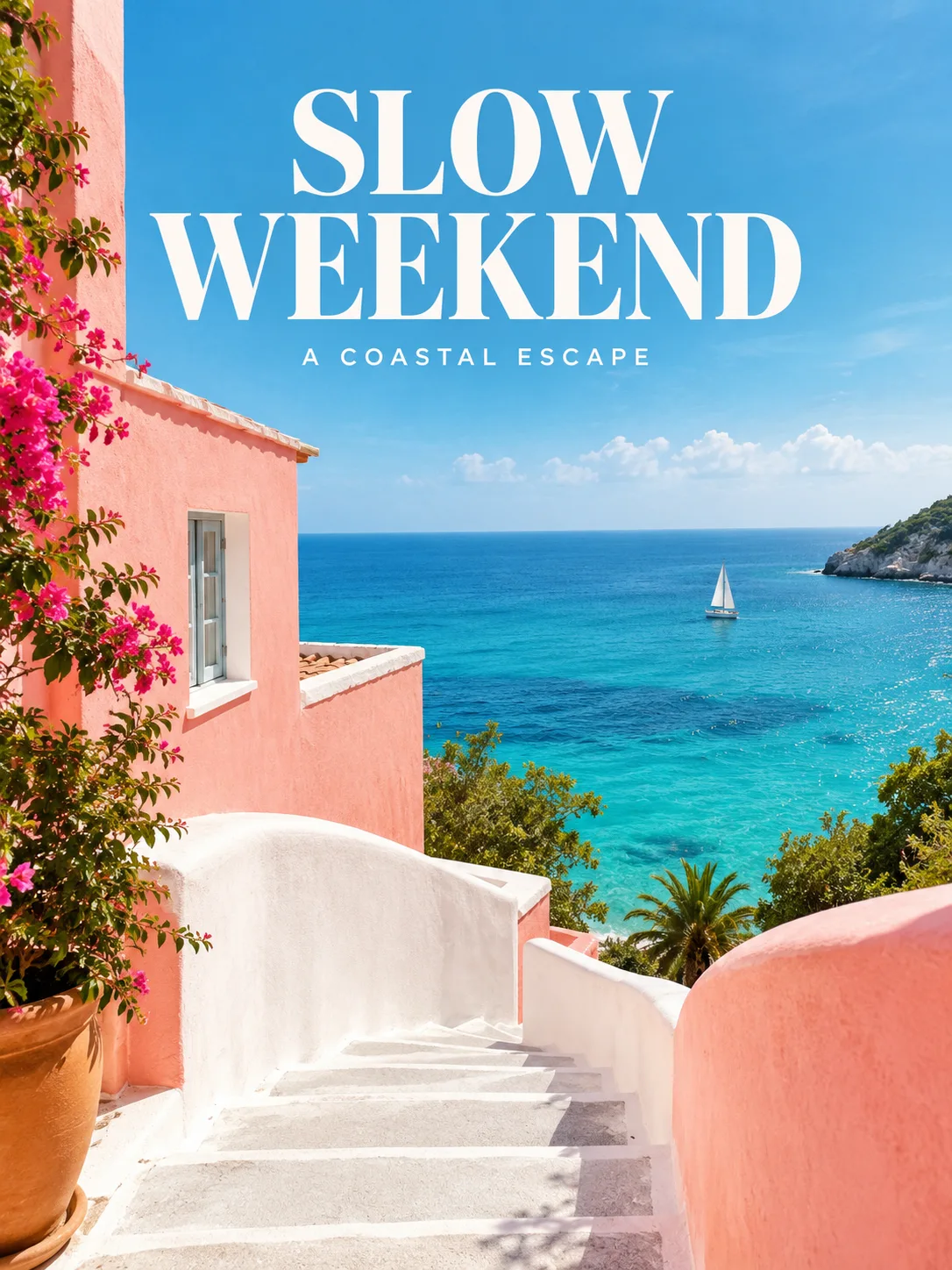
慢周末封面

GPT Image 2 · 1086 × 1448

提示词

Create an editorial travel cover with exact large headline SLOW WEEKEND and small text A COASTAL ESCAPE. A white staircase curves through a coral-pink coastal house toward a turquoise sea. Bright clean photography, deliberate negative space, tasteful bold serif headline and small sans-serif supporting text, refined magazine layout. Full composition, no border, no watermark.

你可以创作什么

使用 GPT Image 2,把日常想法变成完整视觉作品。描述画面、加入参考图,再在聊天中继续编辑。这里展示产品设计、超现实环境、纸艺和杂志封面等不同方向。

同一个需求,探索不同方向

一台珊瑚色收音机既可以拍成简洁的棚拍广告,也可以成为彩色房间的视觉中心。把主体、用途和氛围一起说明,需要延续风格时,把认可的方向作为下一张的参考。

探索材质与不可能的场景

用漂浮果园或折纸狐狸,把脑中的想法落实到画面。说明主体尺度、镜头位置和材料纹理。清楚的主体与背景关系,往往比堆叠大量形容词更有效。

继续编辑已有构图

把生成的收音机移入新场景,再调整时间与光线。我们的连续示例每一步都使用上一张结果作为输入,让修改过程可以直接对照,创作对话也始终围绕可见作品展开。

一张图片,三次创作选择

每次修改都以前一张结果为参考,对比发生的变化与保留的细节。

原始图片
原始图片
提示词

A playful but realistic product photograph of a compact coral-red portable radio with one circular ivory speaker, two brushed steel knobs and a small label reading TIDE. It sits on a cream pedestal against a pale turquoise backdrop. Strong late-afternoon shadow, tactile matte plastic and finely perforated speaker grille, clean mid-century industrial design. Full composition, no border, no watermark.
切换环境
切换环境
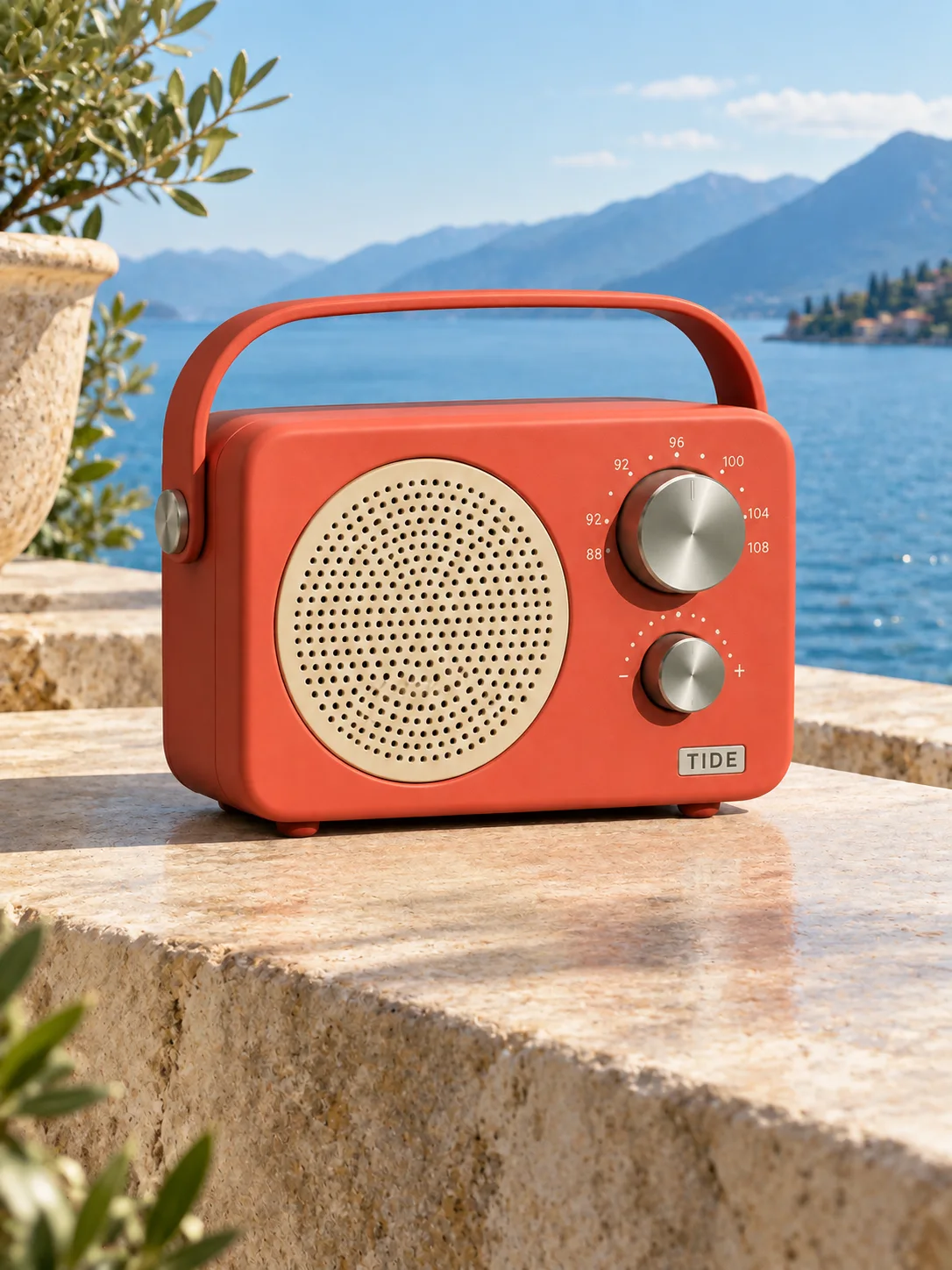
提示词

Use the supplied image as the product reference. Preserve the exact product silhouette, construction, colors, logo and readable label. Replace only the setting with a sunlit sculptural stone terrace overlooking a calm blue lake and distant mountains. Keep a similar camera angle, realistic scale and the complete product in frame. Premium commercial photography, precise natural shadows and coherent reflections. No extra text, no watermark.

改变时间与光线
改变时间与光线
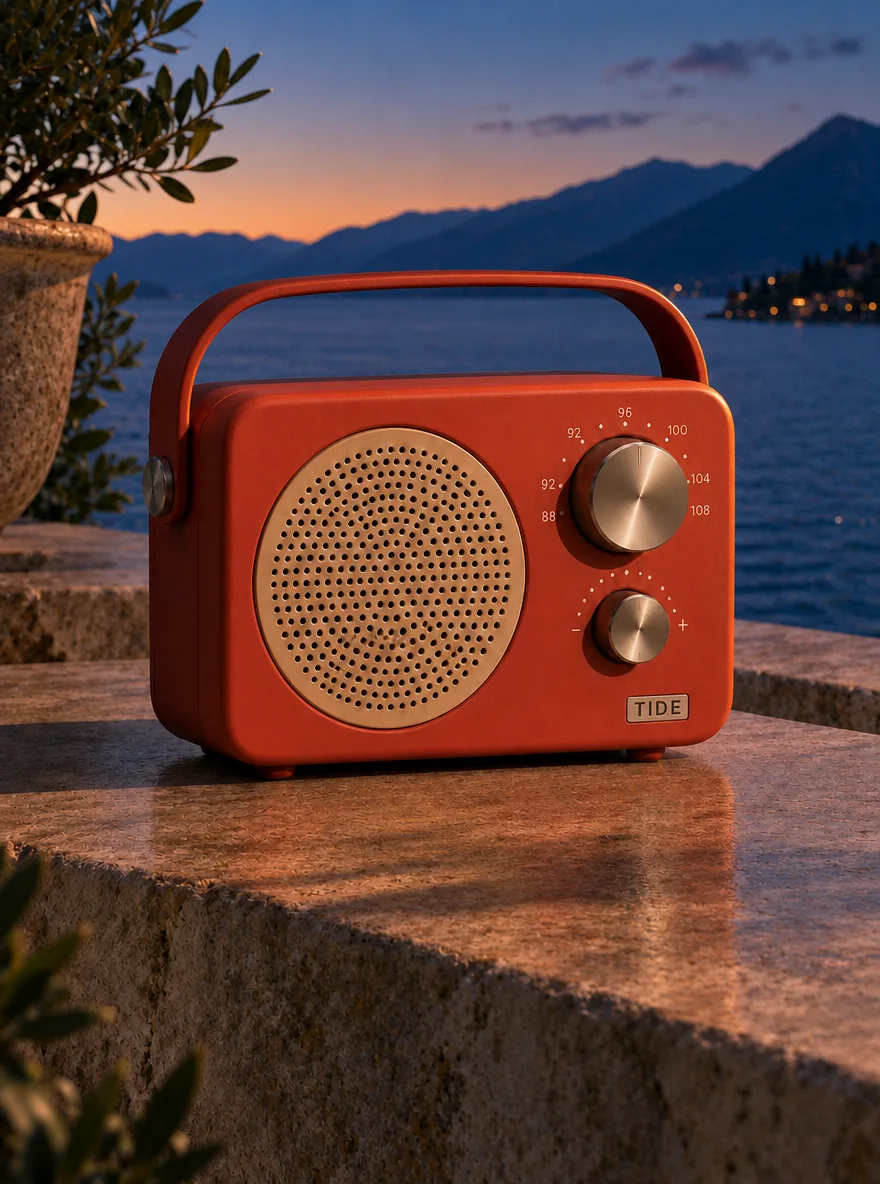
提示词

Use this result as the reference for one more edit. Preserve the exact product, label, shape, surface, lake, mountain background and camera composition. Change the daylight to a refined blue-hour mood with a warm amber rim light on the product and subtle warm reflections. Keep the important details legible and the product recognizable. No added objects or text, no watermark.

复现编辑时,请将上一张图片与展示的提示词一起作为输入。

如何使用 GPT Image 2 创作

  1. 描述你想要的结果

    告诉 Agent 主体、构图和用途。模型支持时可以添加参考资料,并明确需要保留的细节。

  2. 选择创作设置

    本页默认选择当前介绍的模型。核对画面比例、可用输出尺寸和积分预估;制作视频时,也请选择适合动作的时长。

  3. 检查结果,继续创作

    打开作品检查细节。可以在聊天中提出具体修改,也可以下载满意的结果。正式发布前,请检查画面文字并收听生成声音。

设置与积分

以下为 DREAMMMER 已接入的设置。表格为不含参考输入的输出积分;生成器预估会结合实际请求中的输入与设置。

输出规格积分
1K · 每张图片20
2K · 每张图片45
4K · 每张图片70

常见问题

这里的 GPT Image 2 能生成和编辑图片吗?

可以。生成器支持该模型的文生图和参考图编辑。上传图片并说明修改内容,也请明确哪些细节需要保持可辨认。

这个页面与 GPT Image 2.5 相同吗?

不同。GPT Image 2、Flare 和 Sunburst 是 DREAMMMER 中的独立模型选项。本页默认选择 GPT Image 2,作品也由这个模型生成。

如何制作文字准确的封面?

尽量使用简短标题,用引号给出准确文字,并说明文字与图片的位置关系。生成后检查拼写与换行,可继续对话调整版式或替换文案。

创作需要账号吗?

可以先浏览作品、准备提示词。提交生成时登录,创作草稿与所选模型会带入登录流程。生成使用可用积分或符合条件的套餐额度。

模型资料: GPT Image 2

用 GPT Image 2,实现下一个创意。

从几句话开始,和你的 Agent 一起继续创作。

使用 GPT Image 2 创作