Grok Imagine Image 2.0 AI 图片生成器

使用 xAI 的 Grok Imagine Image 2.0 制作视觉鲜明的概念图。

使用 Grok Imagine Image 2.0 创作

以下为使用此模型生成的原创作品。打开作品可查看提示词与输出信息。

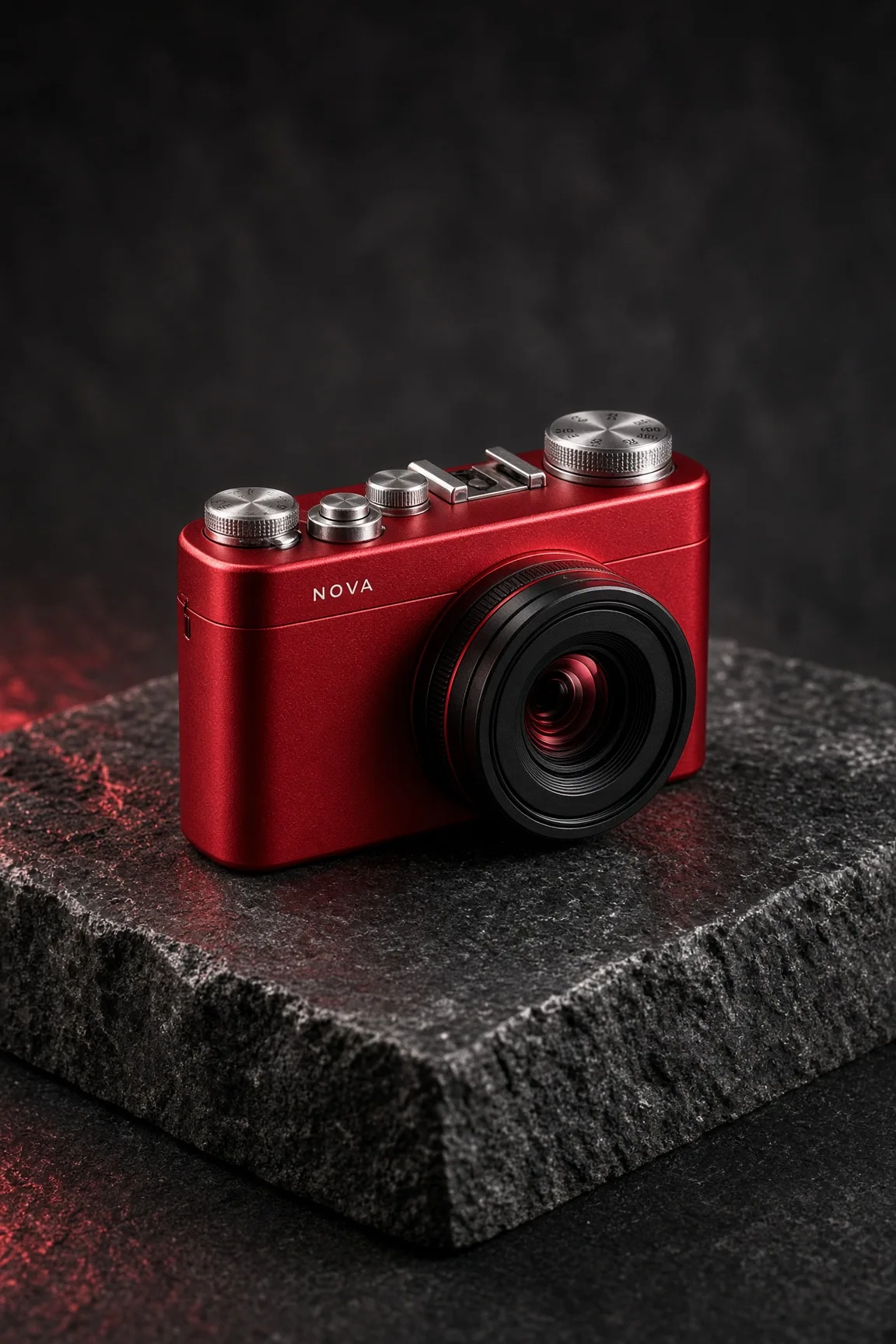
红色相机广告

Grok Imagine Image 2.0 · 1152 × 1728

提示词

A cinematic studio product photograph of an original compact cherry-red camera with one large black lens, finely machined silver dials and a tiny white label NOVA. Resting on a charcoal stone block, hard white side light and red reflections. Believable industrial design, sharply defined controls, rich matte and polished material contrast. Full composition, no border, no watermark.
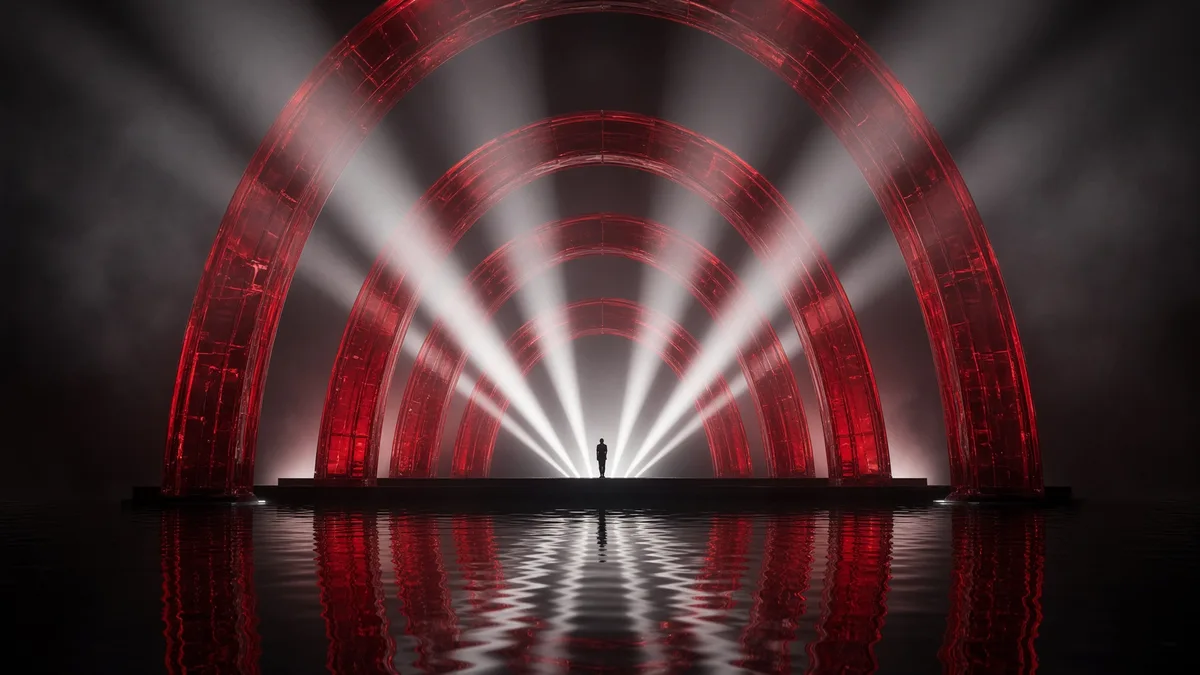
电光舞台

Grok Imagine Image 2.0 · 1792 × 1008

提示词

A spectacular wide concert stage made from translucent crimson glass arches floating over a black reflective ocean. White beams fan into smoky air, one tiny performer stands at the center. Cinematic photographic realism, bold graphic rhythm, immense scale, carefully controlled highlights, no lettering. Full composition, no border, no watermark.

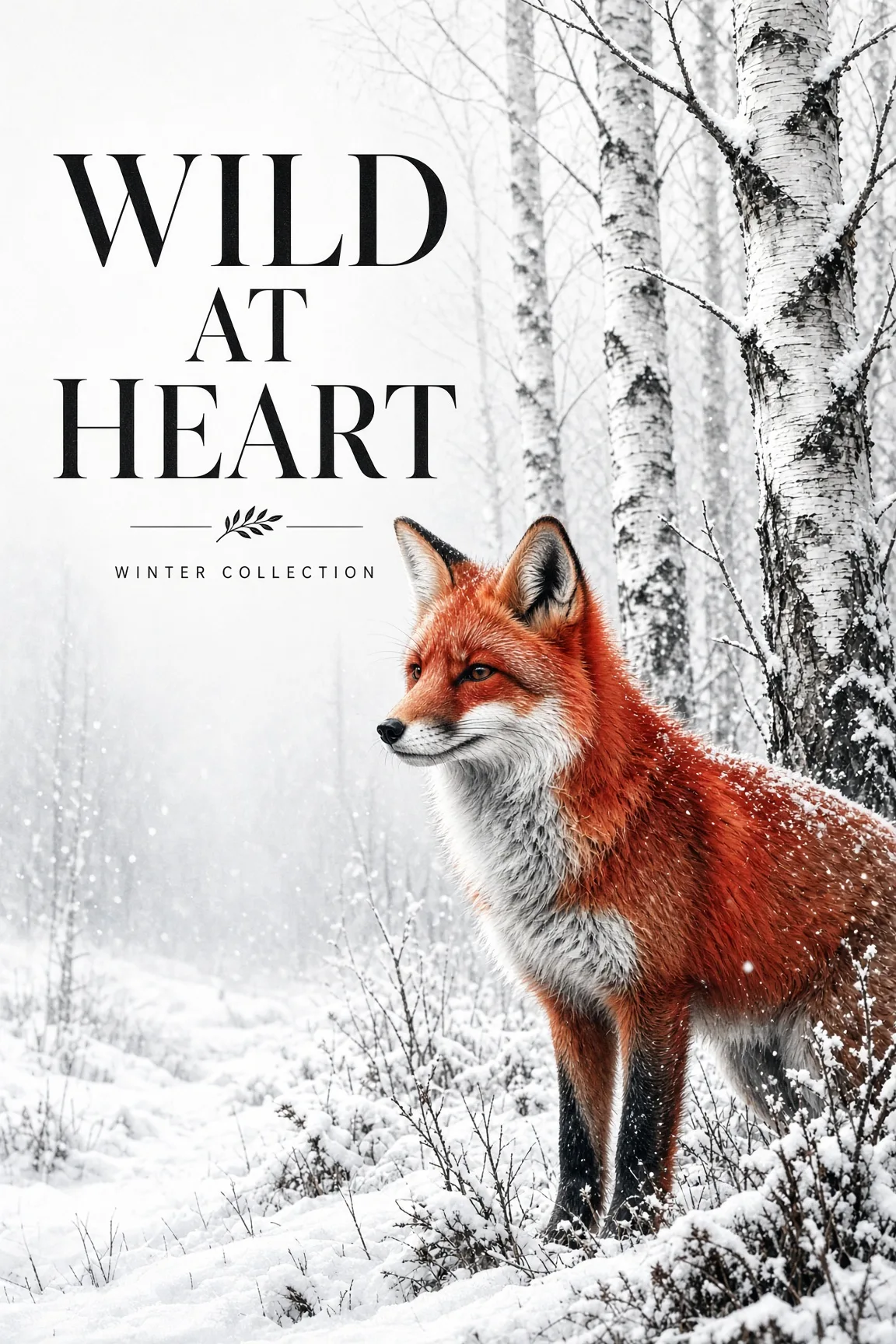
野性之心海报

Grok Imagine Image 2.0 · 1152 × 1728

提示词

Create a contemporary wildlife art poster with exact headline WILD AT HEART. A striking red fox in a snowy birch forest, detailed natural fur, white and charcoal palette with vivid red focal color. Elegant black typography in clear negative space, strong vertical editorial composition, small line WINTER COLLECTION. Full composition, no border, no watermark.

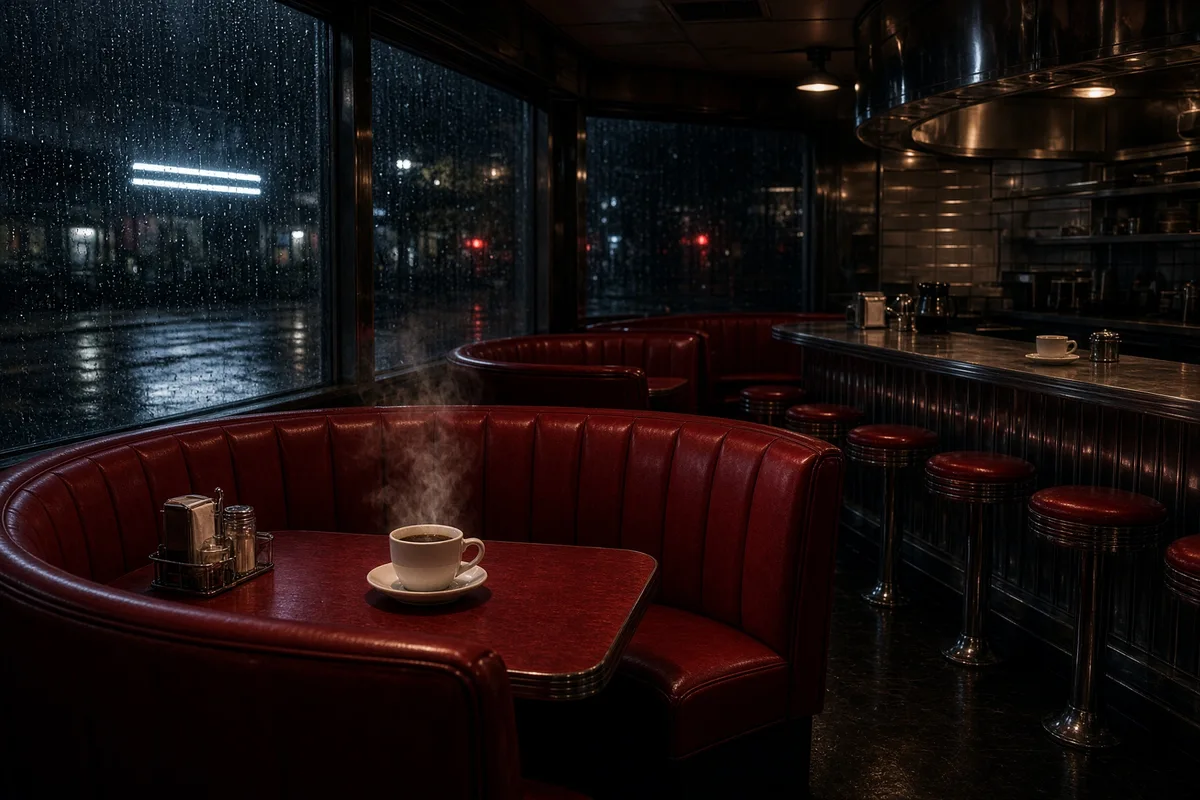
电影感红色餐厅

Grok Imagine Image 2.0 · 1728 × 1152

提示词

An intimate cinematic photograph of a retro diner at night with curved cherry-red booths, a polished steel counter, steam rising from one coffee cup and rain running down the window. Restrained white neon reflected in black pavement outside, believable lighting, rich material detail, no people or readable signage. Full composition, no border, no watermark.

你可以创作什么

使用 xAI 的 Grok Imagine Image 2.0 制作视觉鲜明的概念图。探索产品棚拍、电光舞台、平面海报或电影感室内,再在 DREAMMMER 中用参考图继续编辑。从明确主体开始,通过对话逐步发展画面。

建立强烈的产品焦点

克制的棚拍背景让红色相机的形状与表面更容易判断。说明镜头、机身比例和反射。真实产品需要保持可辨认时,请上传参考图。

用简短文字构成平面设计

狐狸海报展示文字、插画与留白的关系。把准确文案与场景描述分开,生成后同时检查拼写和文字在构图中的位置。

用光线改变故事

霓虹舞台或红色餐厅可以通过光线呈现安静、热烈或电影感的气氛。说明光源以及它照亮的表面。编辑已有图片时,可以每次只调整一个因素。

一张图片,三次创作选择

每次修改都以前一张结果为参考,对比发生的变化与保留的细节。

原始图片
原始图片
提示词

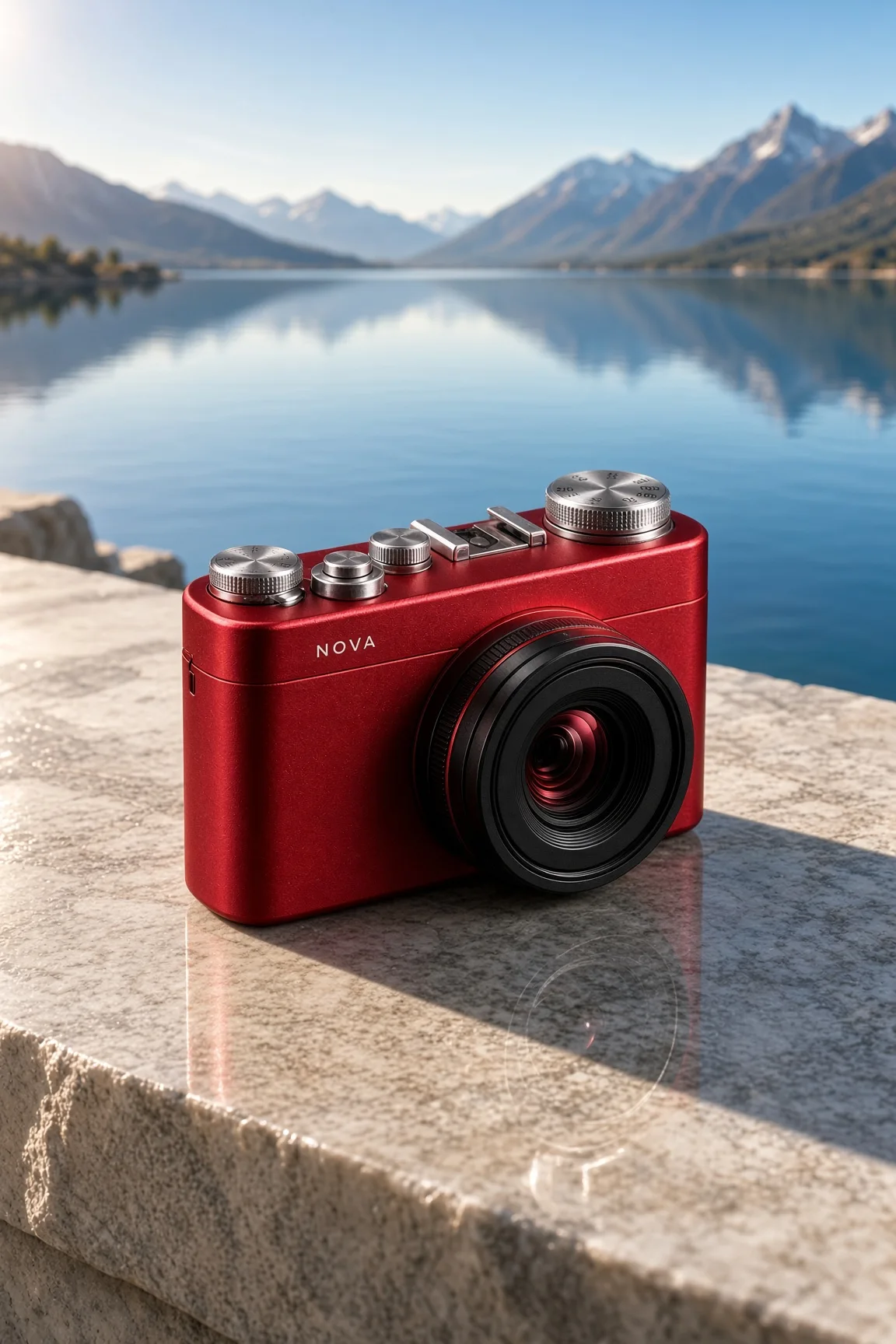
A cinematic studio product photograph of an original compact cherry-red camera with one large black lens, finely machined silver dials and a tiny white label NOVA. Resting on a charcoal stone block, hard white side light and red reflections. Believable industrial design, sharply defined controls, rich matte and polished material contrast. Full composition, no border, no watermark.
切换环境
切换环境
提示词

Use the supplied image as the product reference. Preserve the exact product silhouette, construction, colors, logo and readable label. Replace only the setting with a sunlit sculptural stone terrace overlooking a calm blue lake and distant mountains. Keep a similar camera angle, realistic scale and the complete product in frame. Premium commercial photography, precise natural shadows and coherent reflections. No extra text, no watermark.

改变时间与光线
改变时间与光线
提示词

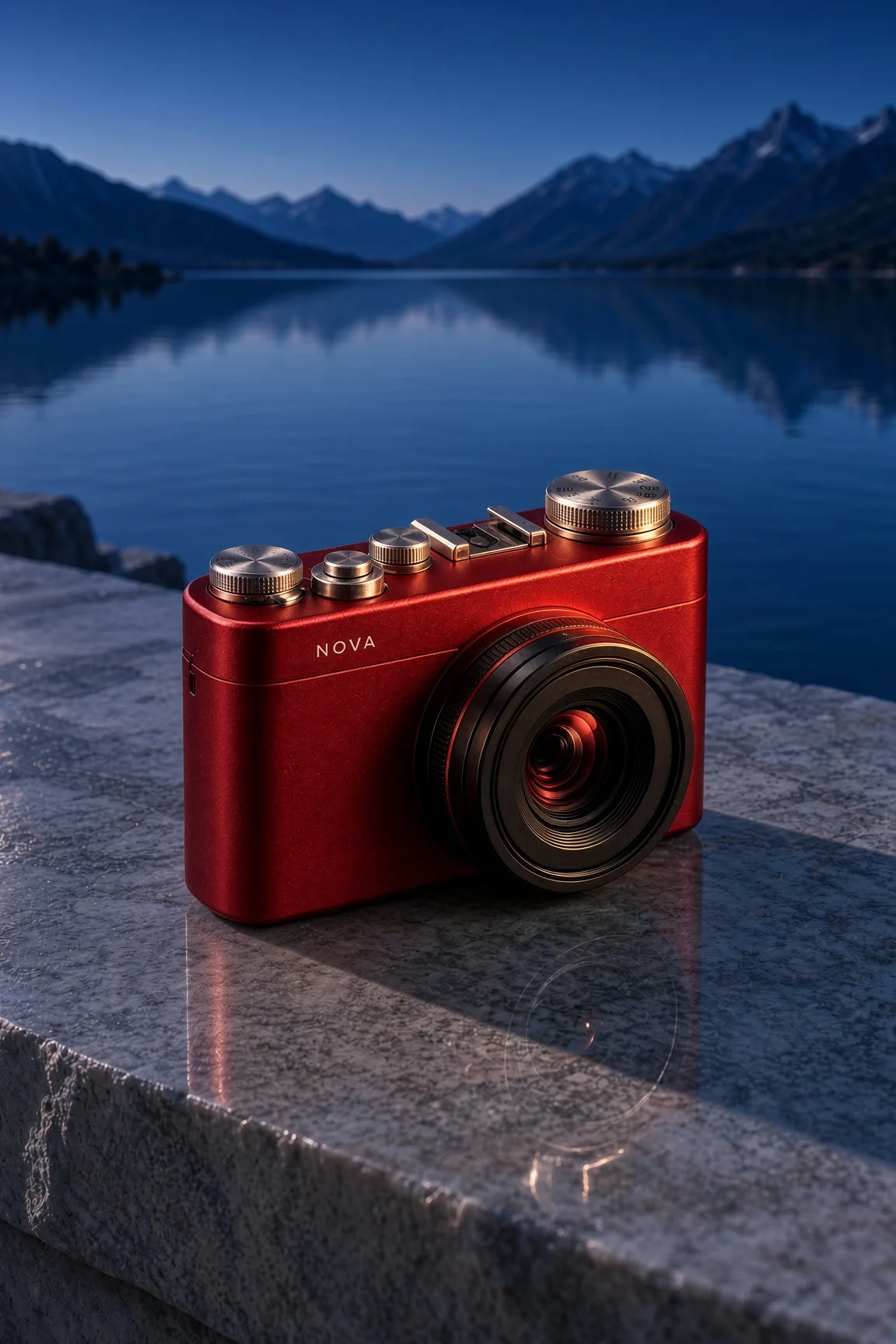
Use this result as the reference for one more edit. Preserve the exact product, label, shape, surface, lake, mountain background and camera composition. Change the daylight to a refined blue-hour mood with a warm amber rim light on the product and subtle warm reflections. Keep the important details legible and the product recognizable. No added objects or text, no watermark.

复现编辑时,请将上一张图片与展示的提示词一起作为输入。

如何使用 Grok Imagine Image 2.0 创作

  1. 描述你想要的结果

    告诉 Agent 主体、构图和用途。模型支持时可以添加参考资料,并明确需要保留的细节。

  2. 选择创作设置

    本页默认选择当前介绍的模型。核对画面比例、可用输出尺寸和积分预估;制作视频时,也请选择适合动作的时长。

  3. 检查结果,继续创作

    打开作品检查细节。可以在聊天中提出具体修改,也可以下载满意的结果。正式发布前,请检查画面文字并收听生成声音。

设置与积分

以下为 DREAMMMER 已接入的设置。表格为不含参考输入的输出积分;生成器预估会结合实际请求中的输入与设置。

输出规格积分
标准输出 · 每张图片20

常见问题

这是 Grok 的图片模型还是视频模型?

本页默认使用 Grok Imagine Image 2.0 生成静态图片。Grok Video 1.5 有单独页面,用于生成视频;也可以在生成器中选择相应模型。

这里可以选择 4K 吗?

当前 DREAMMMER 接入的此模型提供标准输出。本页按实际开放的设置展示,不承诺其他平台的所有分辨率选项。

能编辑上传的图片吗?

可以。添加图片并说明修改要求。模型支持参考图编辑,需要精确保留的部分仍应明确说明,并检查实际生成结果。

创作需要账号吗?

可以先浏览作品、准备提示词。提交生成时登录,创作草稿与所选模型会带入登录流程。生成使用可用积分或符合条件的套餐额度。

模型资料: Grok Imagine Image 2.0

用 Grok Imagine Image 2.0,实现下一个创意。

从几句话开始,和你的 Agent 一起继续创作。

使用 Grok Imagine Image 2.0 创作