蓝色茶盒
Qwen Image 3.0 Pro · 864 × 1152
提示词
精致商业产品摄影,一只靛蓝色方形茶叶包装盒,米白色正面标签清晰写着「山川之间」和「乌龙茶」,细小的金色山脉线条。包装放在浅灰石台上,旁边一片茶叶。自然侧光、真实纸张纹理、清晰折边、准确中文排版,安静而高级。 Full composition, no border, no watermark.
使用 Qwen Image 3.0 Pro,把包含较多文字的需求变成视觉构图。
以下为使用此模型生成的原创作品。打开作品可查看提示词与输出信息。
Qwen Image 3.0 Pro · 864 × 1152
精致商业产品摄影,一只靛蓝色方形茶叶包装盒,米白色正面标签清晰写着「山川之间」和「乌龙茶」,细小的金色山脉线条。包装放在浅灰石台上,旁边一片茶叶。自然侧光、真实纸张纹理、清晰折边、准确中文排版,安静而高级。 Full composition, no border, no watermark.
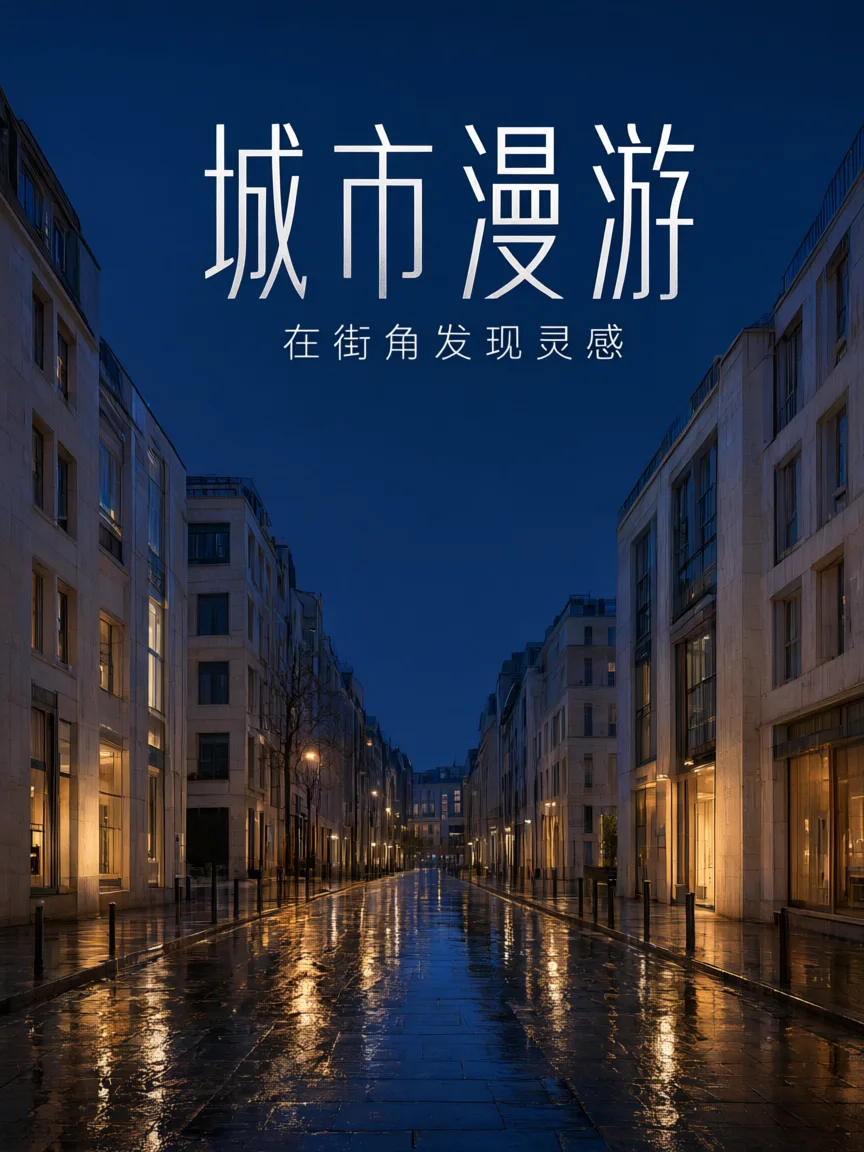
Qwen Image 3.0 Pro · 864 × 1152
设计一张现代中文城市杂志封面。主标题「城市漫游」,副标题「在街角发现灵感」。一条雨后的靛蓝色街道,两侧是米白建筑,暖金灯光映在石板路上。高质量写实摄影结合清晰中文大字,版式严谨,留白舒适,不出现其他文字。 Full composition, no border, no watermark.
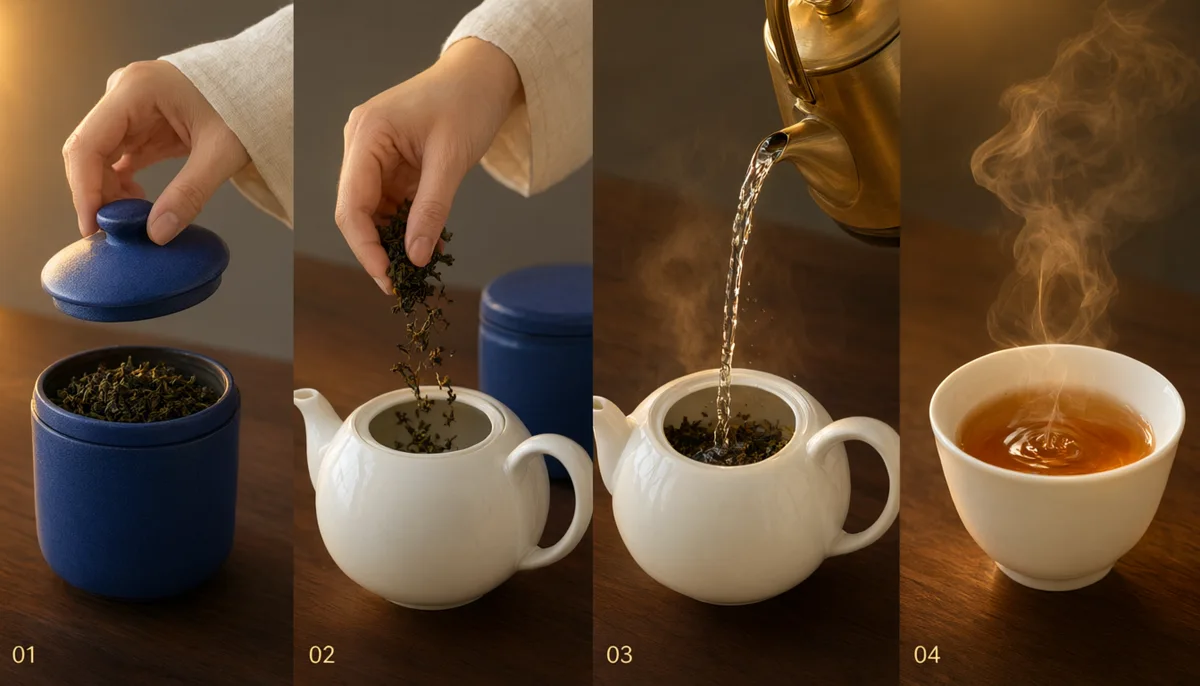
Qwen Image 3.0 Pro · 1344 × 768
Create a premium four-panel storyboard arranged in one clean horizontal row. It tells a simple tea-making story: a hand opens an indigo tea box, dry leaves fall into a white teapot, water is poured, and steam rises from a finished cup. Identical props and warm gold light across panels, editorial photographic realism. Only small panel numbers 01 02 03 04, no other text. Full composition, no border, no watermark.
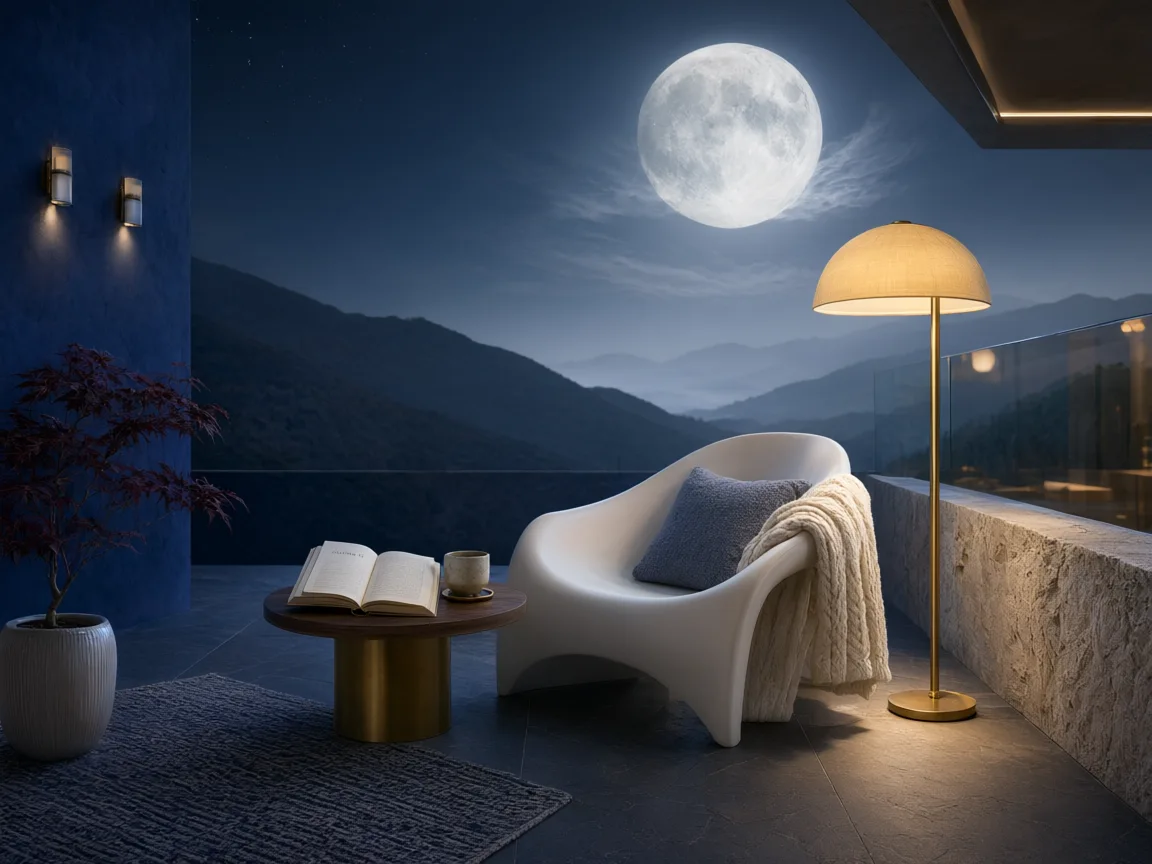
Qwen Image 3.0 Pro · 1152 × 864
An atmospheric architectural photograph of a contemporary indigo-blue reading terrace overlooking layered misty mountains beneath an enormous pale moon. Warm golden lamps, fine stone textures, a white curved chair and one open book, believable scale and perspective, restrained cinematic composition and peaceful detail. Full composition, no border, no watermark.
使用 Qwen Image 3.0 Pro,把包含较多文字的需求变成视觉构图。探索中文包装、编辑式封面、分镜和氛围场景。DREAMMMER 将生成与参考图编辑放在同一段对话里,让设计逐步成形。
蓝色茶盒示例区分产品名称与辅助标签。准确给出中文,并说明哪一行最突出。真实包装需要按生产要求核对生成文字和尺寸。
城市主题封面把中文与街景结合。明确阅读顺序和视觉情绪,比简单要求杂志风格更具体。为标题保留足够空间,避免与背景混淆。
四格茶主题分镜探索不同时刻之间的延续。分别说明每格发生的事,以及需要重复出现的物体。可以用结果讨论方向,再检查顺序和一致性。
每次修改都以前一张结果为参考,对比发生的变化与保留的细节。
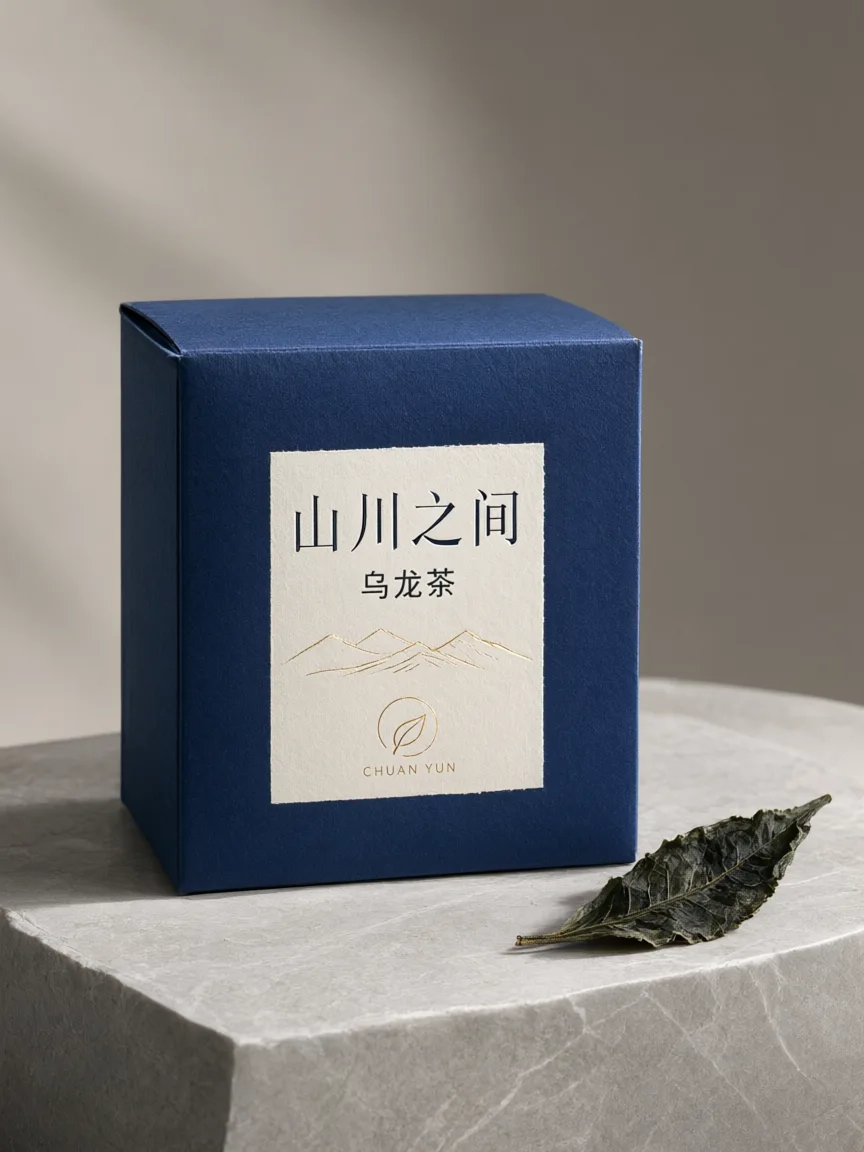
精致商业产品摄影,一只靛蓝色方形茶叶包装盒,米白色正面标签清晰写着「山川之间」和「乌龙茶」,细小的金色山脉线条。包装放在浅灰石台上,旁边一片茶叶。自然侧光、真实纸张纹理、清晰折边、准确中文排版,安静而高级。 Full composition, no border, no watermark.
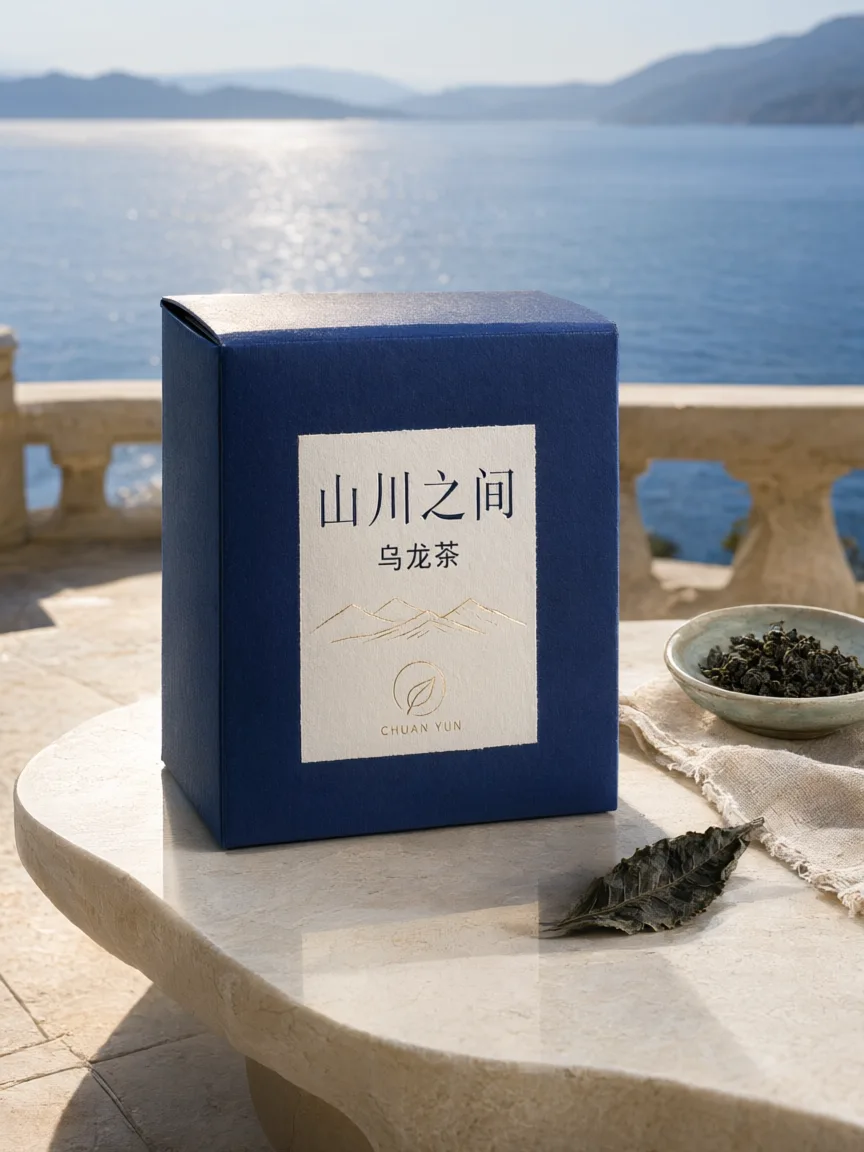
Use the supplied image as the product reference. Preserve the exact product silhouette, construction, colors, logo and readable label. Replace only the setting with a sunlit sculptural stone terrace overlooking a calm blue lake and distant mountains. Keep a similar camera angle, realistic scale and the complete product in frame. Premium commercial photography, precise natural shadows and coherent reflections. No extra text, no watermark.
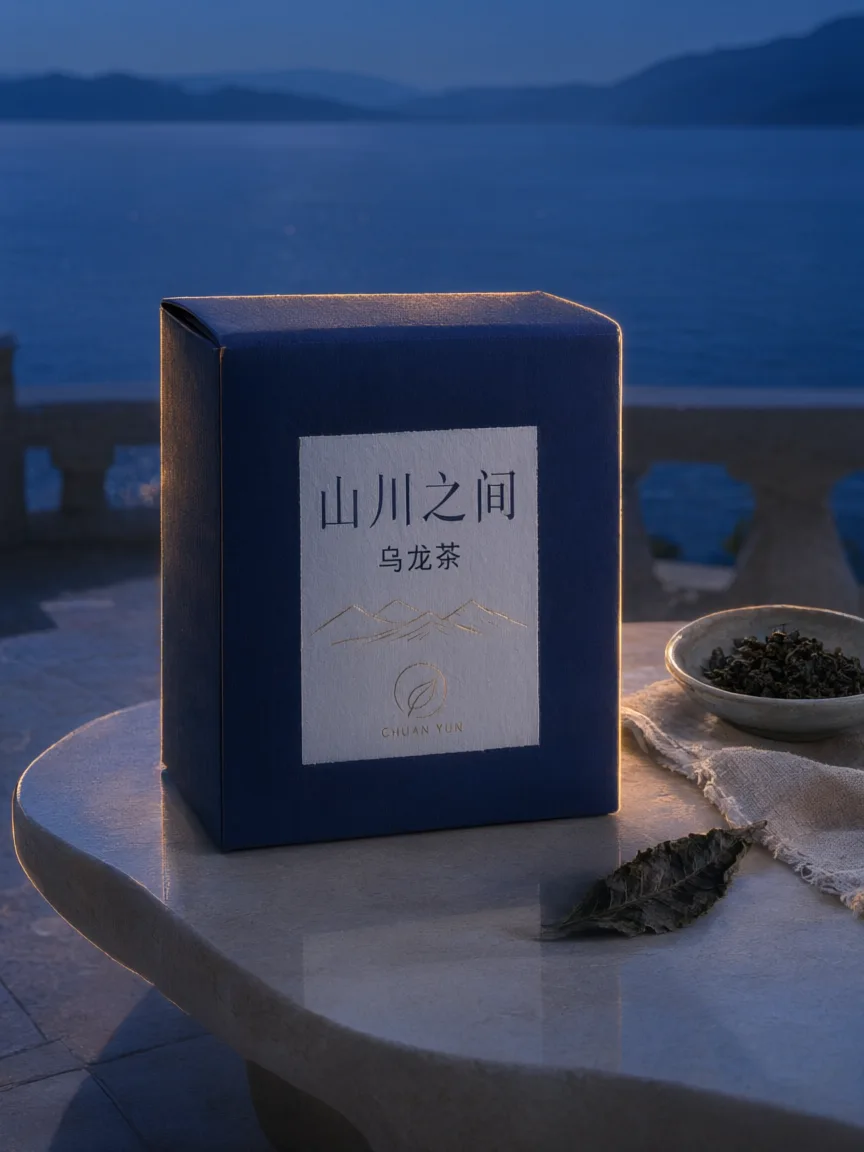
Use this result as the reference for one more edit. Preserve the exact product, label, shape, surface, lake, mountain background and camera composition. Change the daylight to a refined blue-hour mood with a warm amber rim light on the product and subtle warm reflections. Keep the important details legible and the product recognizable. No added objects or text, no watermark.
复现编辑时,请将上一张图片与展示的提示词一起作为输入。
告诉 Agent 主体、构图和用途。模型支持时可以添加参考资料,并明确需要保留的细节。
本页默认选择当前介绍的模型。核对画面比例、可用输出尺寸和积分预估;制作视频时,也请选择适合动作的时长。
打开作品检查细节。可以在聊天中提出具体修改,也可以下载满意的结果。正式发布前,请检查画面文字并收听生成声音。
以下为 DREAMMMER 已接入的设置。表格为不含参考输入的输出积分;生成器预估会结合实际请求中的输入与设置。
| 输出规格 | 积分 |
|---|---|
| 1K · 每张图片 | 30 |
| 2K · 每张图片 | 50 |
Qwen Image 3.0 官方介绍强调多语言文字与复杂布局。这里展示了中文作品,但实际使用前仍需检查每个汉字与标签。
可以。使用上一张作品作为参考,并提出明确的单项修改。下方示例将茶盒移入新环境,再改变光线,同时要求保留包装。
输出是图片,不是分层版面或可编辑文档。可以在聊天中继续修改,也可以下载后在你常用的设计工具中处理。
可以先浏览作品、准备提示词。提交生成时登录,创作草稿与所选模型会带入登录流程。生成使用可用积分或符合条件的套餐额度。