15 AI Prompts for Product Photography with Seedream 5.0 Pro
Need a prompt for product photography? Start with 15 copy-ready AI templates for ecommerce hero images, studio shots, lifestyle scenes, ads, macro details, and reference-image edits. Each example turns product facts, lighting, camera angle, composition, and output purpose into a practical brief for Seedream 5.0 Pro.
Build a product photography prompt from six concrete decisions
Seedream receives better production direction when the prompt separates product facts from creative choices. Use this order to make the request easier to inspect and revise.
Object type, material, shape, packaging color, visible details, and what must stay recognizable.
Studio sweep, kitchen counter, botanical setting, stone pedestal, retail shelf, or another specific environment.
Soft window light, large diffused key, hard noon sun, colored rim light, or dramatic low-key contrast.
Front three-quarter view, eye level, top-down flat lay, 85mm close-up, macro crop, or wide environmental frame.
Centered hero, rule of thirds, clean negative space, layered props, symmetric layout, or edge-to-edge crop.
Realistic materials, controlled reflections, ecommerce hero, launch banner, social ad, or editorial campaign.
Create a [shot type] of [product truth]. Place it in [scene]. Use [lighting] and a [camera view]. Compose the image with [layout and negative-space rule]. Finish with [material, shadow, reflection, and color treatment] for [specific channel or campaign use].
15 product photography prompts by workflow
Replace bracketed details with real information about your product. If you upload a reference, describe the features to preserve and verify packaging, geometry, and text before commercial use.
Ecommerce hero images
Clean, legible product-first compositions for storefront heroes and product detail pages.
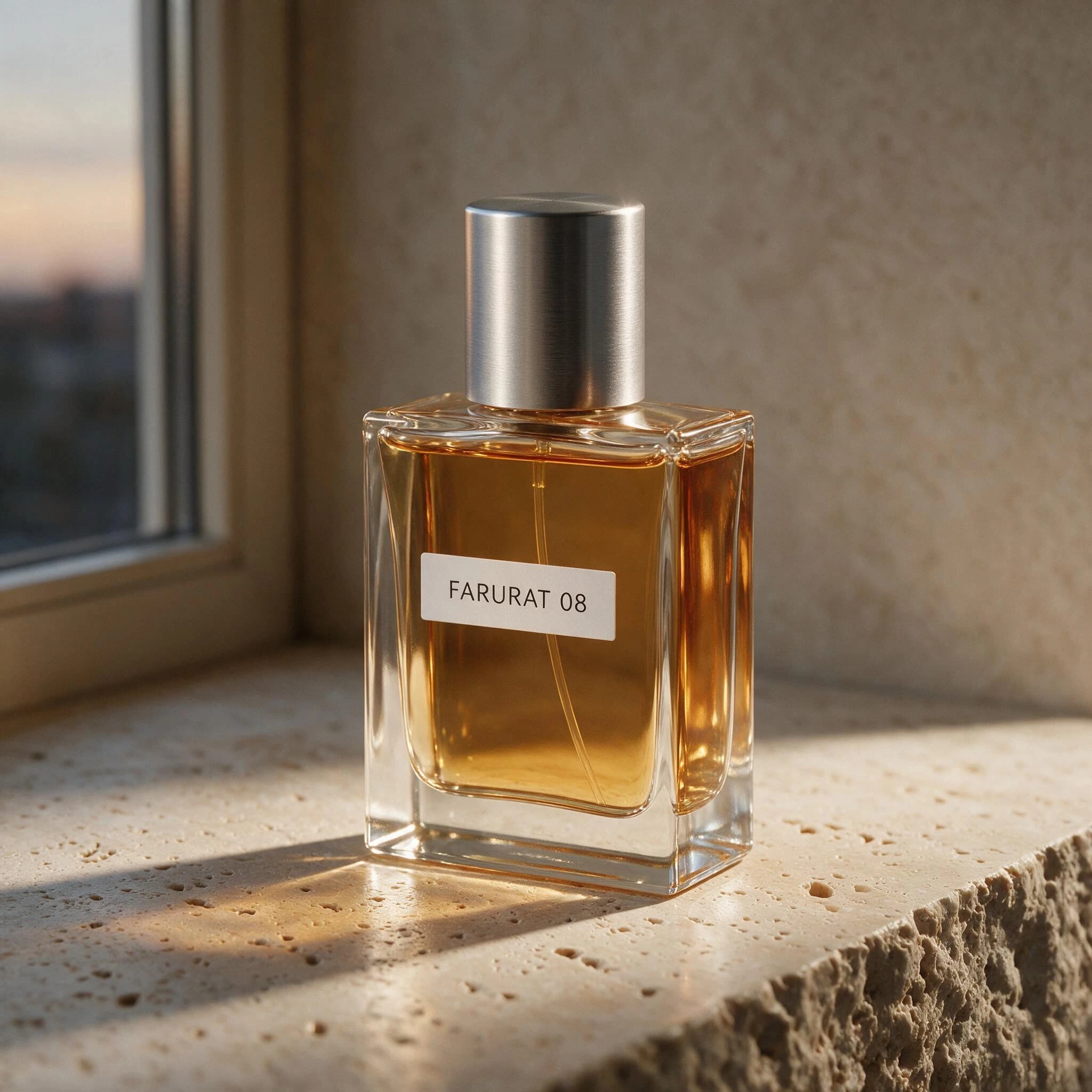 Reference
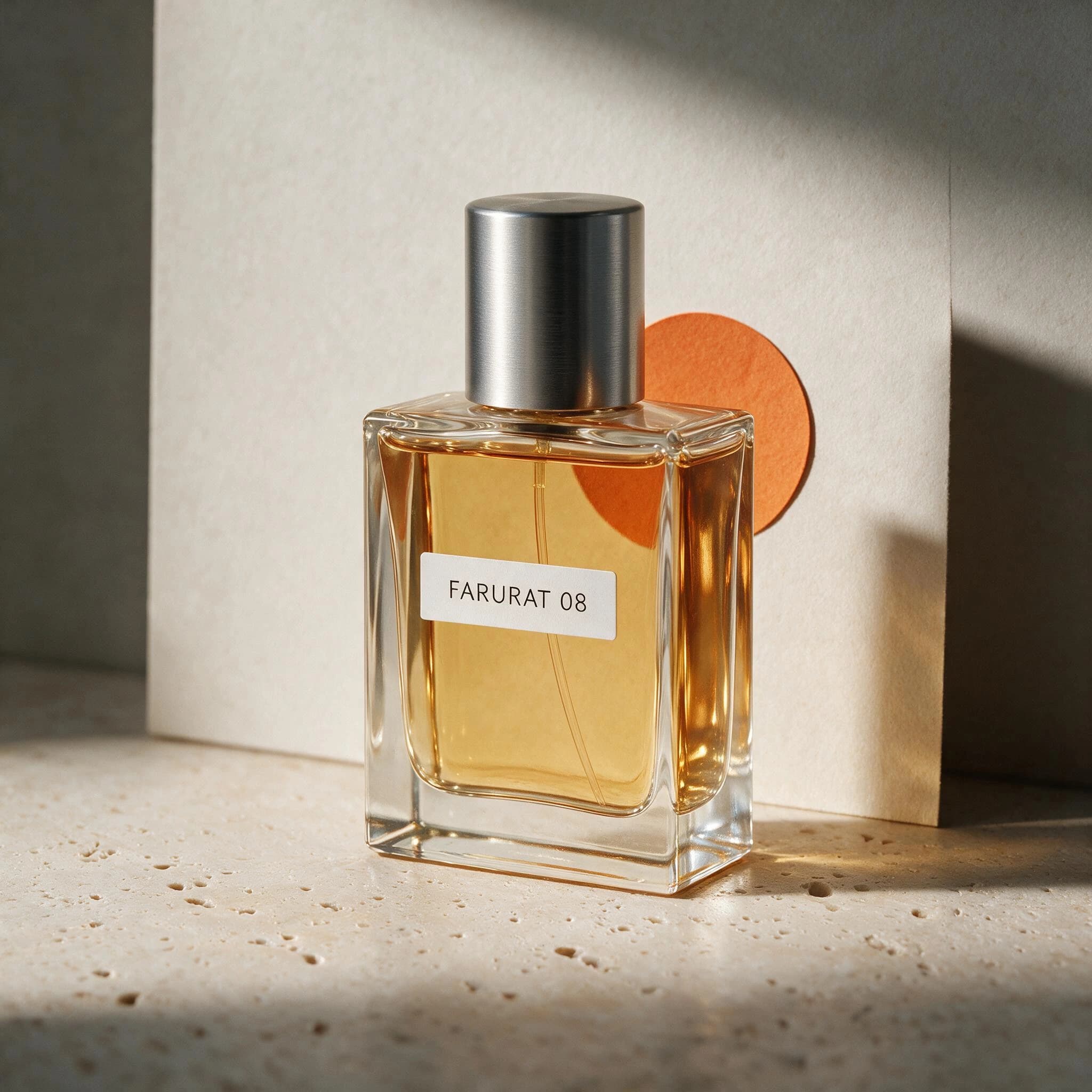 Generated result
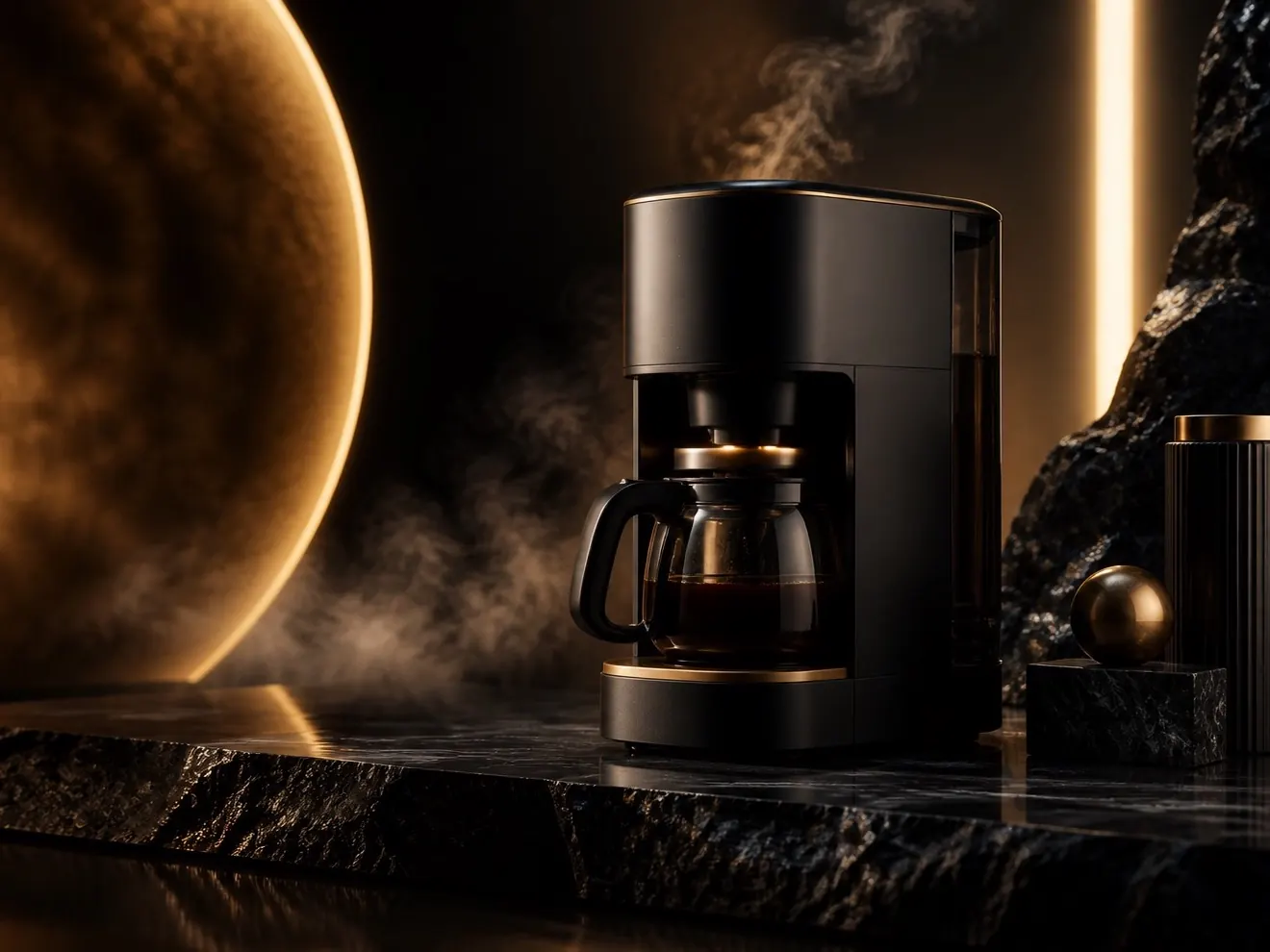
Luxury pedestal shot prompt
4:3Photograph [product] as a luxury hero object on a low [stone / acrylic / brushed metal] pedestal. Use a dark tonal background, one narrow warm rim light, a soft frontal key, subtle atmospheric depth, realistic material texture, restrained highlights, and generous negative space above the product for campaign copy.
Lifestyle product scenes
Context-rich images that show how a product fits into a real environment or routine.
 Reference
 Generated result
Warm home setting prompt
4:3Create an editorial lifestyle photograph of [product] in a calm [kitchen / bedroom / living room] setting. Place the product on [surface], surround it with only two relevant props, use warm morning window light, natural shadows, an eye-level 50mm view, shallow depth of field, tactile materials, and an inviting lived-in mood without visual clutter.
Campaign and social ads
More directed compositions with deliberate space for headlines, offers, or launch messaging.
 Reference
 Generated result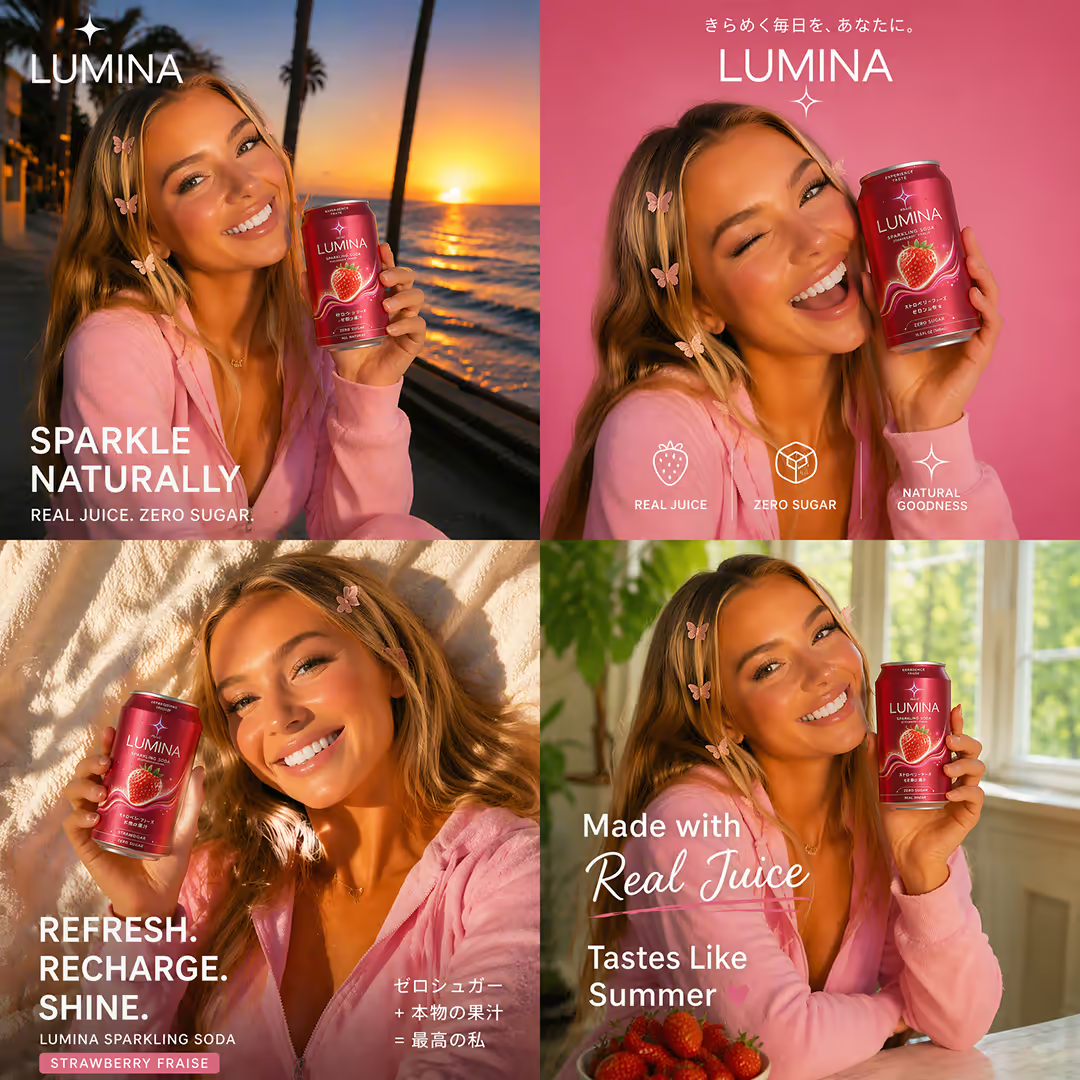
Wide launch banner prompt
16:9Create a cinematic launch banner for [product]. Position the product on the right third, angled slightly toward camera, with [campaign environment] and a focused beam of [light color]. Leave the left half clean for headline and CTA text, maintain strong edge separation, realistic shadow and reflections, premium advertising finish, no generated typography.
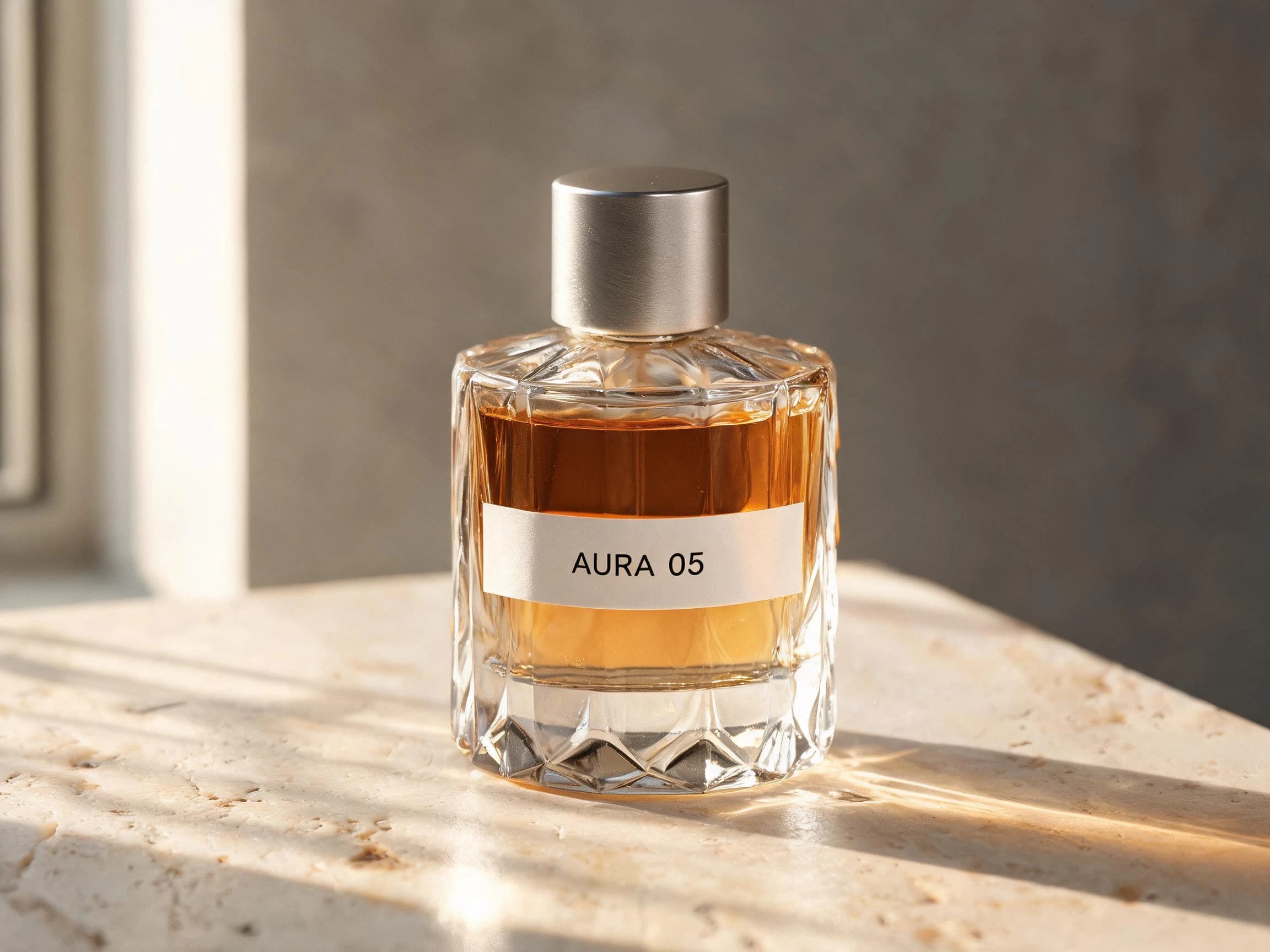
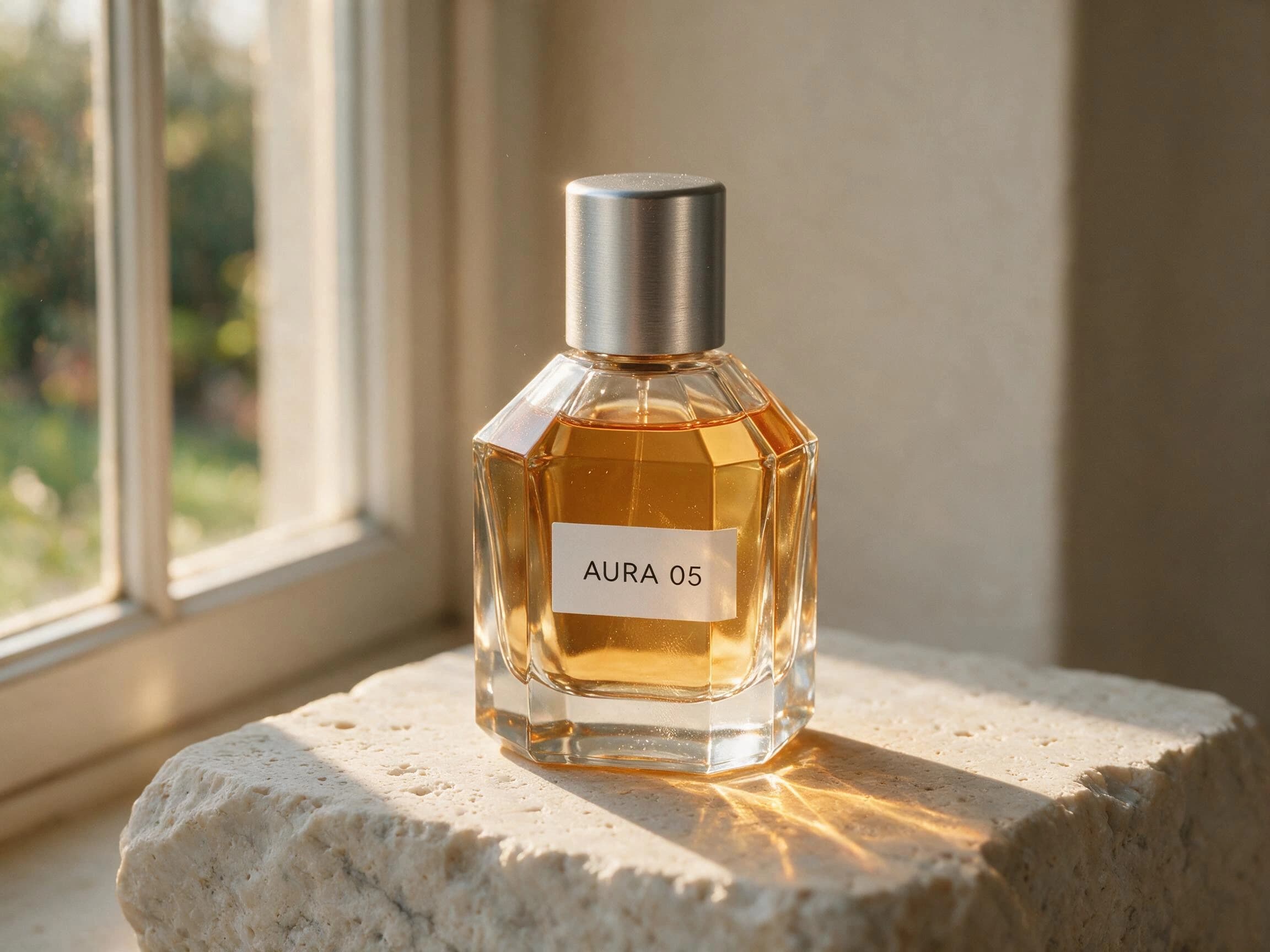
Macro and material details
Close views for communicating texture, construction, ingredients, and packaging quality.
 Reference
 Generated result
Material macro prompt
1:1Create a macro product photograph focused on the [material / finish / mechanism] of [product]. Use an 85mm macro perspective, narrow side light that reveals texture, controlled highlights, very shallow depth of field, one precise focal plane, realistic micro-detail, neutral background, and premium technical-editorial photography.
Reference-image product edits
Prompts for the current single-reference workflow when you already have a product photo.
 Reference
 Generated result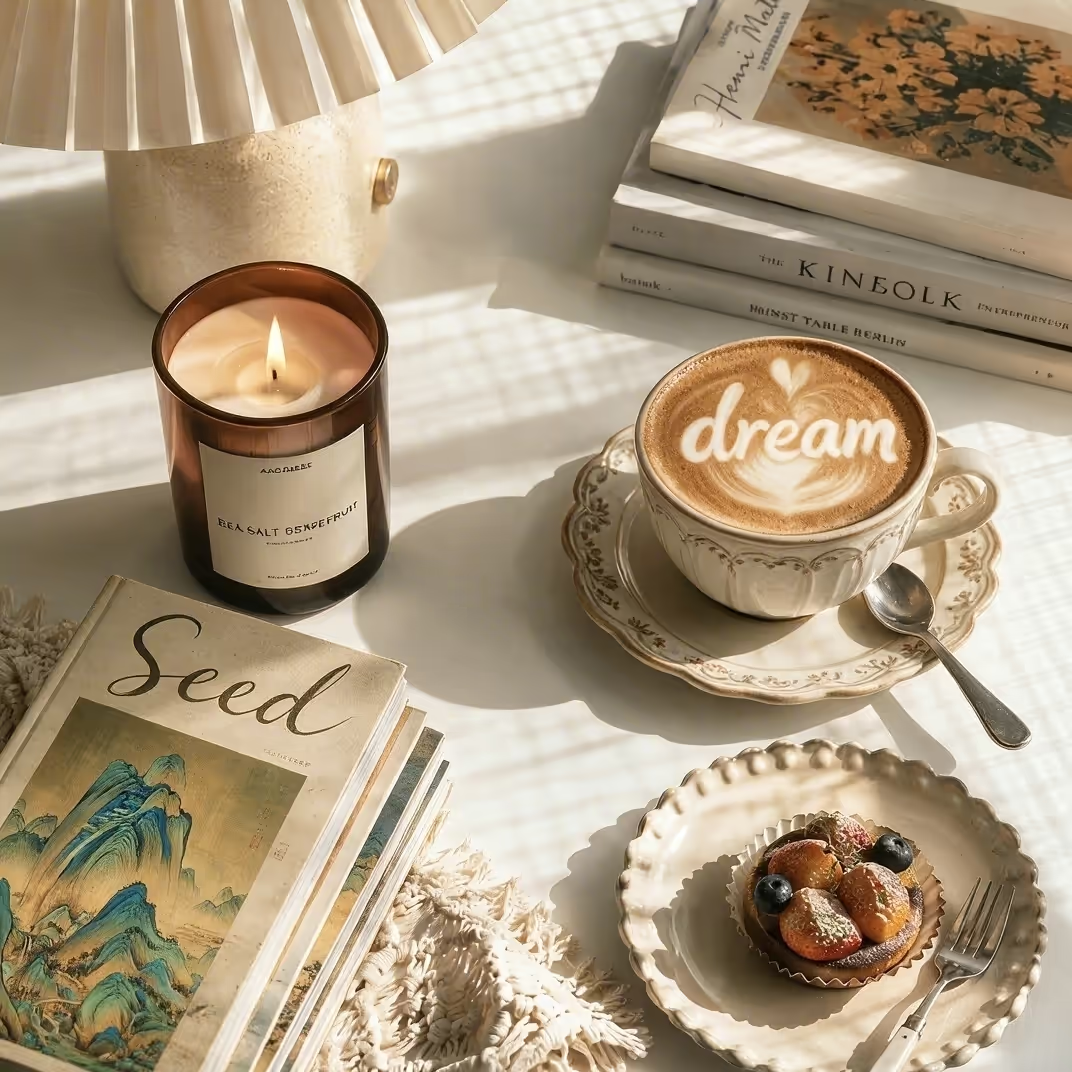
Replace the background prompt
1:1Use the uploaded product photo as the reference. Preserve the product category, main silhouette, material, primary color, and packaging layout. Replace only the background with [new setting], add matching contact shadow and reflections, use [lighting direction], keep the product centered and unobstructed, and verify labels and geometry after generation.
Turn a template into a production brief
The strongest prompt is not the longest one. It protects the product facts that matter and makes the creative decisions explicit.
Write down non-negotiable product facts
Name the object type, material, recognizable shape, primary color, and packaging features that should remain visible. Do not rely on the model to infer which detail matters to the brand.
Choose one visual story
Pick a single setting and mood: clean studio, home routine, botanical freshness, dark luxury, technical macro, or another concrete direction. Mixing several stories usually weakens the image.
Specify light, camera, and composition
State the light source, camera angle, crop, focal feel, and negative-space requirement. These choices are more actionable than adjectives such as beautiful, cinematic, or premium on their own.
Generate, inspect, and narrow the revision
Check shape, label, text, material, scale, and reflections. Revise only the largest mismatch in the next prompt instead of rewriting every creative choice at once.
Three product photography directions to describe clearly
Use these images to compare lighting and environmental direction, not as proof that one exact prompt will reproduce one exact output.
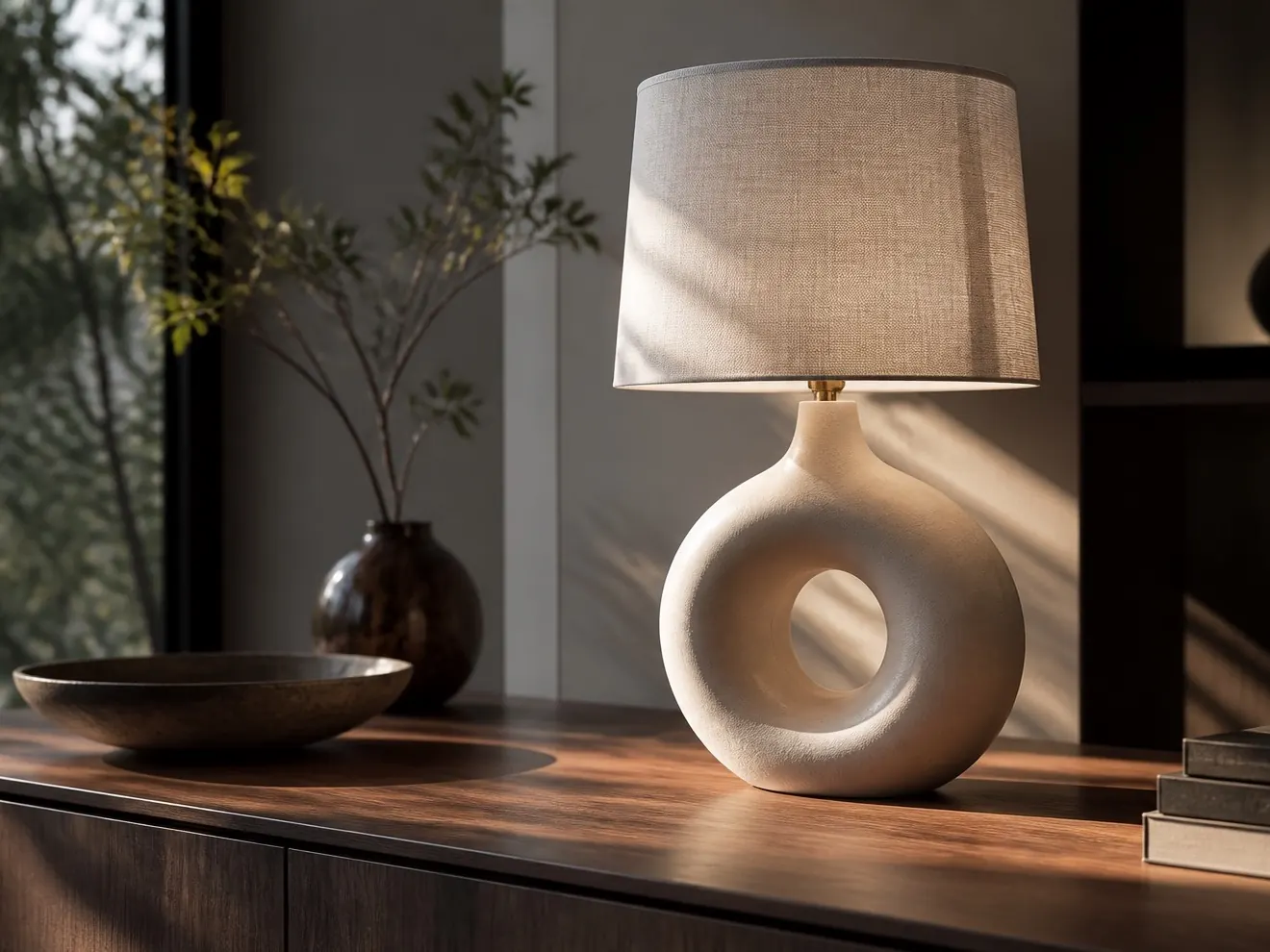
Warm editorial interior
Soft window light, tactile materials, familiar props, and a calm lived-in setting. Best for home, furniture, or design products.
Dark launch campaign
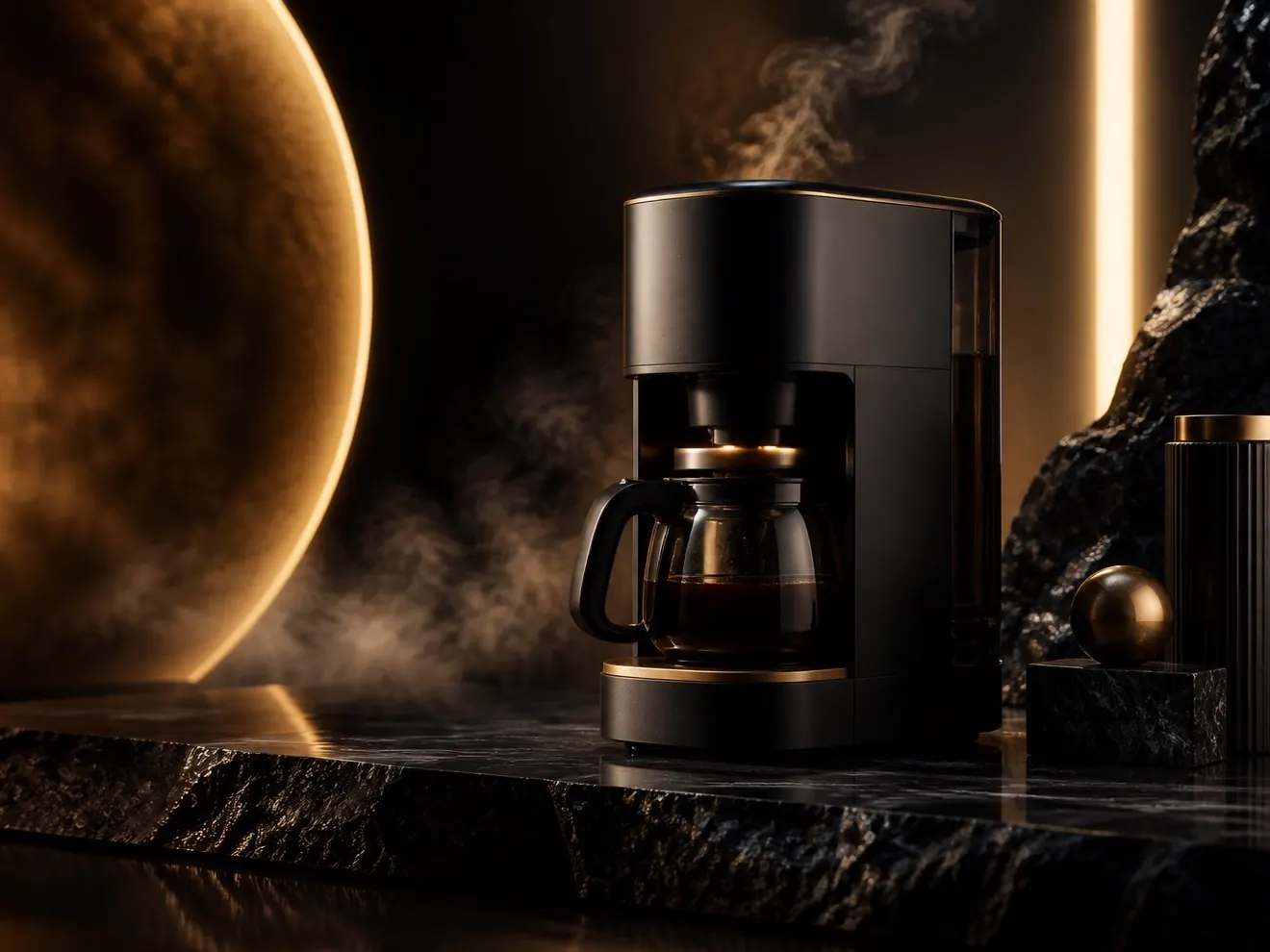
Low-key contrast, controlled gold highlights, hard surfaces, and a centered hero object for premium launch visuals.
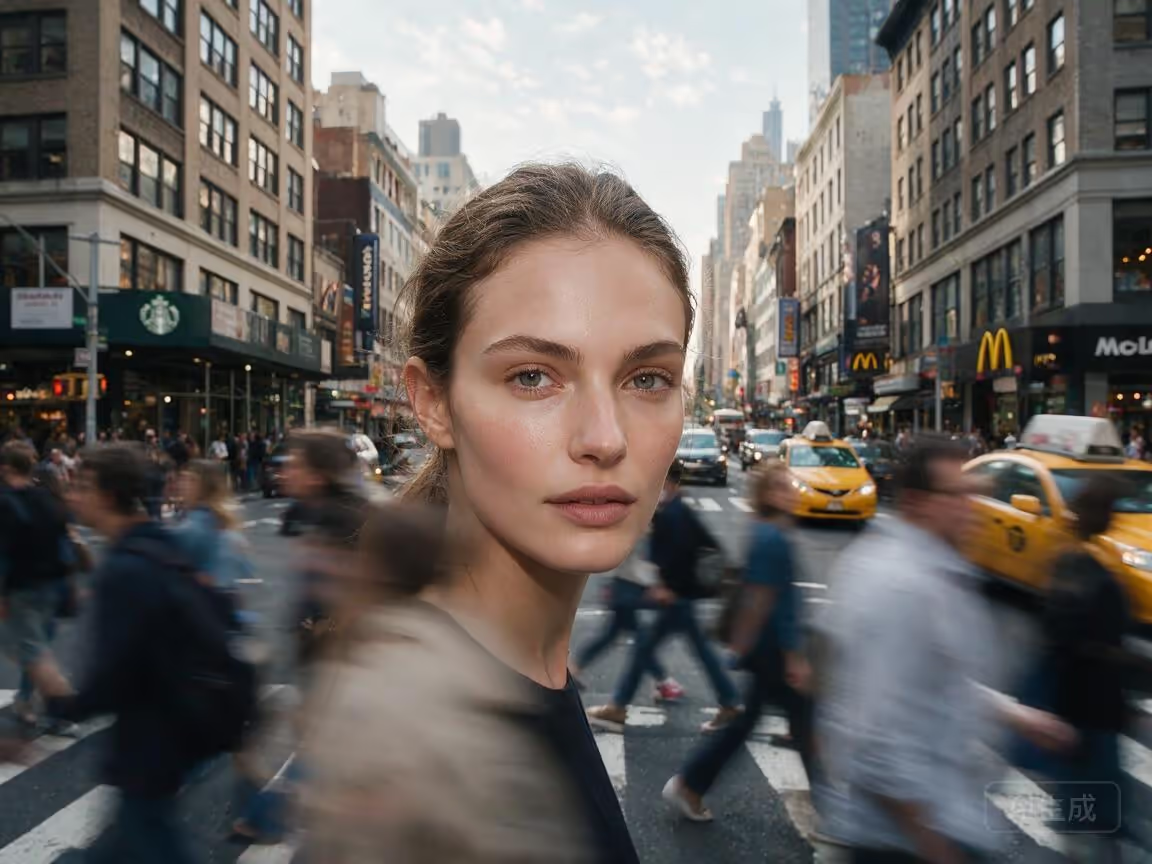
Natural lifestyle scene
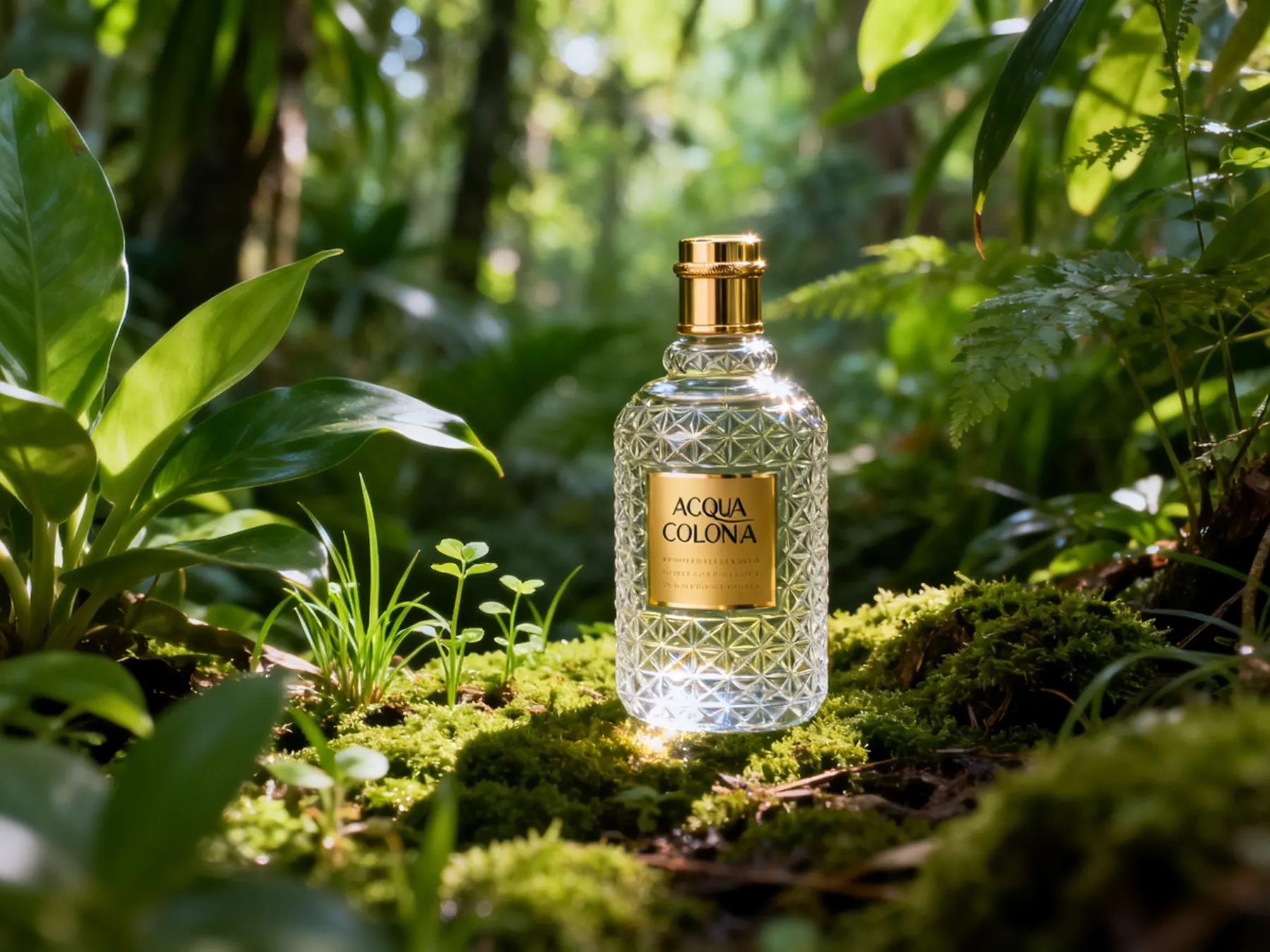
Green surroundings, filtered sunlight, shallow depth, and environmental context for fragrance, wellness, or skincare.
These are existing Seedream marketing assets, not preserved Dreammmer generation records. Product details and text can change during generation and must be reviewed before use.
Choose the ratio from the placement—not from habit
The current generator supports seven aspect ratios. Start with the final channel so composition and negative space are designed for the real crop.
Storefront and catalog hero
Centered or lightly asymmetric product images that must work in compact cards and square galleries.
Editorial product story
Enough horizontal space for environment and props without shrinking the product too far.
Website launch banner
Place the product on one side and explicitly reserve the other side for headline and CTA.
Social story and reel cover
Keep the product within the mobile safe area and leave space above or below for platform text.
Create Product & Marketing Visuals
Start with a prompt or add one reference image, choose your settings, and generate a visual for products, campaigns, posters, or social content.
Use prompts with the current product boundaries
The focused product tool, reference-image workflow, and content policy cover the next decisions that usually follow prompt selection.
AI Product Photography
Use the production generator, inspect two preserved first-output tests, and review the product-accuracy checklist before publishing.
Open the product toolReference Image AI Generator
Learn how to upload one JPG or PNG, describe what to preserve, and guide a new product scene without claiming multi-reference editing.
Open reference-image guideAcceptable Use Policy
Review prohibited content, rights responsibilities, and how prompts, uploads, and generated images may be moderated.
Review content policyAI Product Photography Prompt FAQ
Practical answers about prompt length, reference images, product accuracy, text, settings, and commercial review.
What should an AI prompt for product photography include?
Include the product facts to preserve, the scene, lighting direction, camera view, composition, material and reflection treatment, and intended channel. Replace vague quality adjectives with observable decisions such as a soft left key light, front three-quarter angle, or clean negative space on the left.
How long should a product photography prompt be?
Long enough to make the important production choices clear, but not so long that several conflicting concepts compete. A useful starting point is one compact paragraph covering product, scene, light, camera, composition, and finish.
Can I upload a product photo as a reference?
Yes. The current Dreammmer generator accepts one optional JPG or PNG reference image with a required text prompt. Describe the shape, color, material, and packaging features to preserve, then inspect the generated result rather than assuming exact fidelity.
Will Seedream preserve the product label and text exactly?
Exact text or label reproduction is not guaranteed. Generated typography, small symbols, geometry, and packaging details can change. Review every output closely and use an external design workflow for final regulated, legal, or brand-critical copy.
Which aspect ratio should I use for product photography?
Use 1:1 for square storefront cards, 4:3 or 3:2 for editorial scenes, 16:9 for website banners, and 9:16 for mobile stories. State where the product should sit and where negative space is required so the composition fits the final placement.
Can I create several product images in one request?
The current generator can request one to four output images. They are separate variations and are not promised to form a perfectly consistent coordinated campaign set. Review each output independently.
Can generated product images be used commercially?
You are responsible for having the rights and permissions needed for uploaded products, brand assets, people, locations, and downstream use. Review the output for accuracy and third-party rights, and consult the current Terms and Acceptable Use Policy before commercial publication.

Turn one product brief into a visual direction
Copy a prompt, replace the brackets, choose the final ratio, and generate with the same Seedream 5.0 Pro workflow used across Dreammmer.