Grok Imagine Image 2.0 AI Image Generator

Create bold visual concepts with Grok Imagine Image 2.0 from xAI.

Made with Grok Imagine Image 2.0

Original examples generated with this model. Open an example to see its prompt and output details.

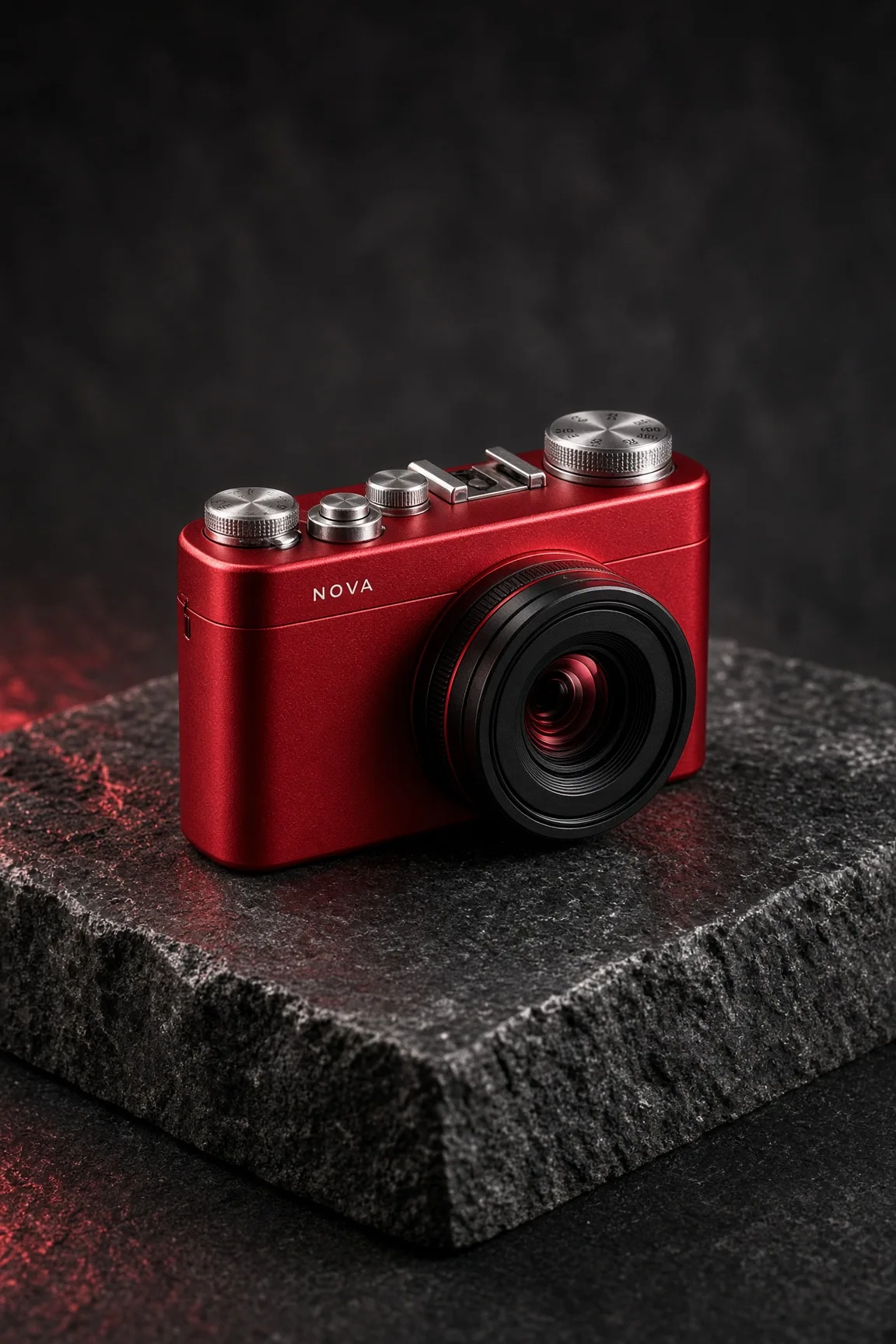
Red camera campaign

Grok Imagine Image 2.0 · 1152 × 1728

Prompt

A cinematic studio product photograph of an original compact cherry-red camera with one large black lens, finely machined silver dials and a tiny white label NOVA. Resting on a charcoal stone block, hard white side light and red reflections. Believable industrial design, sharply defined controls, rich matte and polished material contrast. Full composition, no border, no watermark.
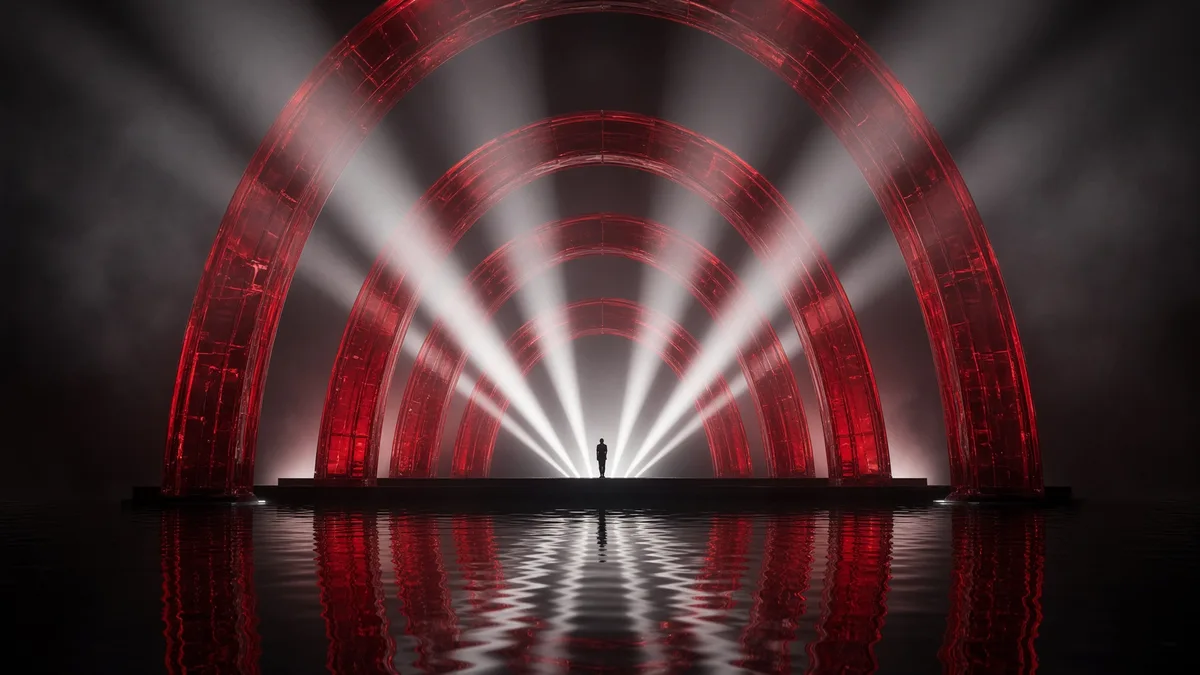
Electric stage

Grok Imagine Image 2.0 · 1792 × 1008

Prompt

A spectacular wide concert stage made from translucent crimson glass arches floating over a black reflective ocean. White beams fan into smoky air, one tiny performer stands at the center. Cinematic photographic realism, bold graphic rhythm, immense scale, carefully controlled highlights, no lettering. Full composition, no border, no watermark.

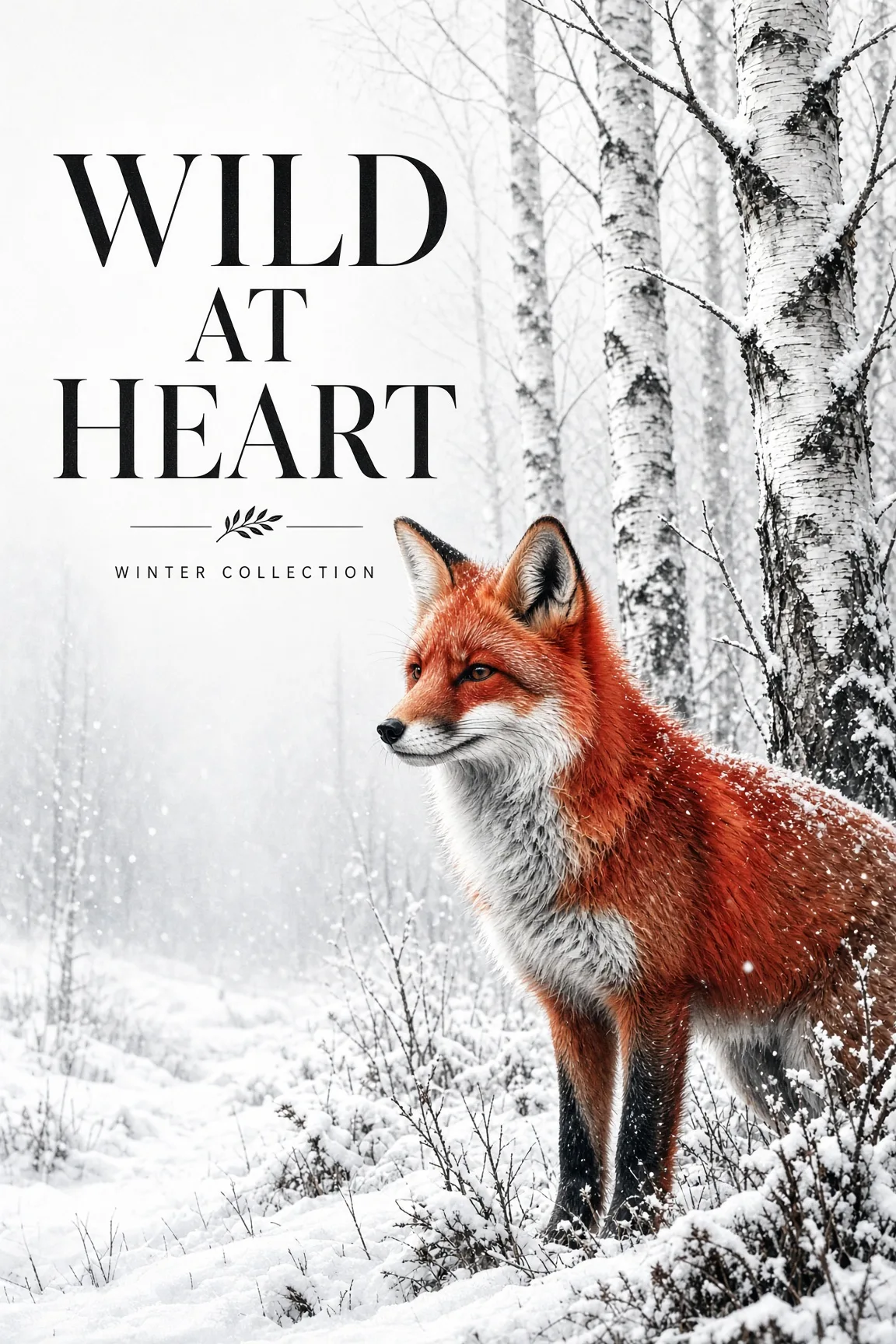
Wild at heart poster

Grok Imagine Image 2.0 · 1152 × 1728

Prompt

Create a contemporary wildlife art poster with exact headline WILD AT HEART. A striking red fox in a snowy birch forest, detailed natural fur, white and charcoal palette with vivid red focal color. Elegant black typography in clear negative space, strong vertical editorial composition, small line WINTER COLLECTION. Full composition, no border, no watermark.

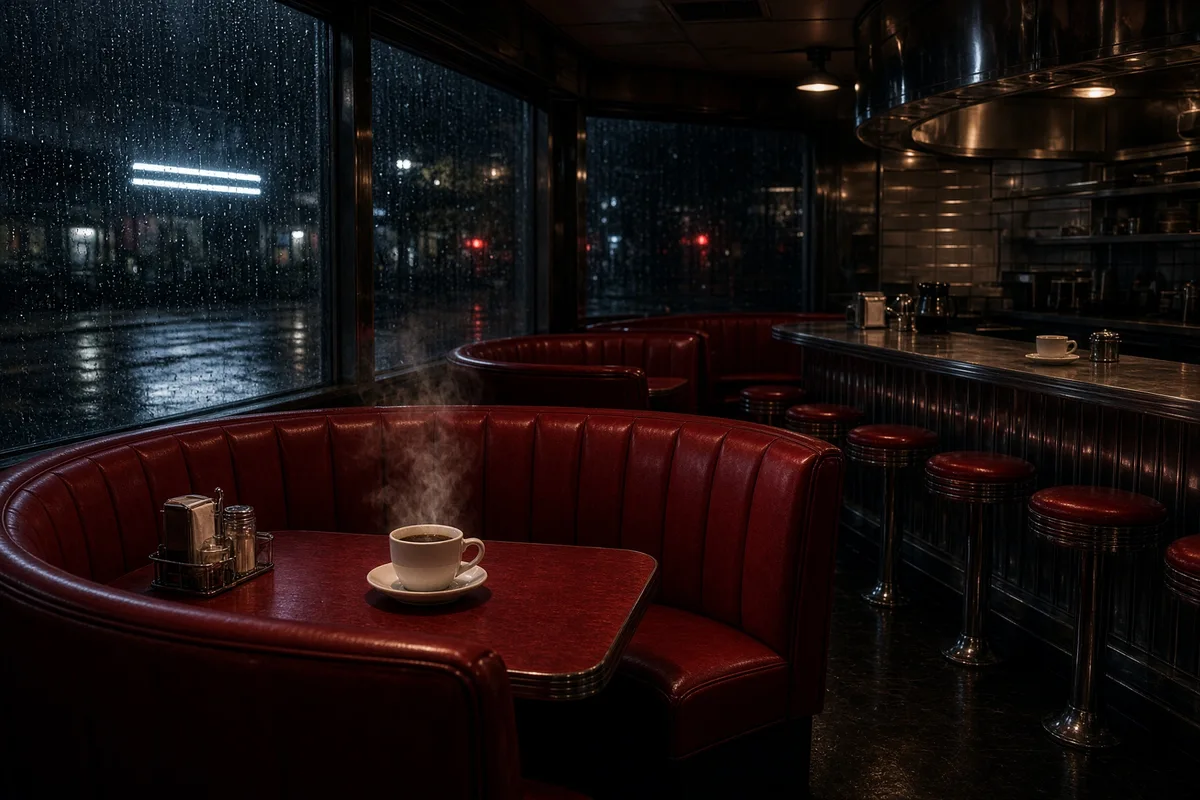
Cinematic red diner

Grok Imagine Image 2.0 · 1728 × 1152

Prompt

An intimate cinematic photograph of a retro diner at night with curved cherry-red booths, a polished steel counter, steam rising from one coffee cup and rain running down the window. Restrained white neon reflected in black pavement outside, believable lighting, rich material detail, no people or readable signage. Full composition, no border, no watermark.

What you can create

Create bold visual concepts with Grok Imagine Image 2.0 from xAI. Explore a product shot, an electric stage, a graphic poster, or a cinematic interior, then continue with reference-based edits in DREAMMMER. Start with a clear subject and let the conversation develop the scene.

Bold products with a strong focal point

A red camera against a restrained studio background makes shape and finish easy to judge. Describe the lens, body proportions, and surface reflections. If a real product must be recognizable, upload its reference rather than relying on the model name alone.

Graphic compositions with short text

The fox poster tests the relationship between lettering, illustration, and negative space. Keep the required phrase separate from the scene description. Check both the spelling and how the words sit inside the final composition.

Lighting that changes the story

A neon stage or a red diner can feel quiet, energetic, or cinematic depending on the lighting. Name the light source and the surfaces it touches. Use one change at a time when revising an existing image.

One image, three creative decisions

Each revision uses the previous result as its reference. Compare what changes and what stays recognizable.

Original image
Original image
Prompt

A cinematic studio product photograph of an original compact cherry-red camera with one large black lens, finely machined silver dials and a tiny white label NOVA. Resting on a charcoal stone block, hard white side light and red reflections. Believable industrial design, sharply defined controls, rich matte and polished material contrast. Full composition, no border, no watermark.
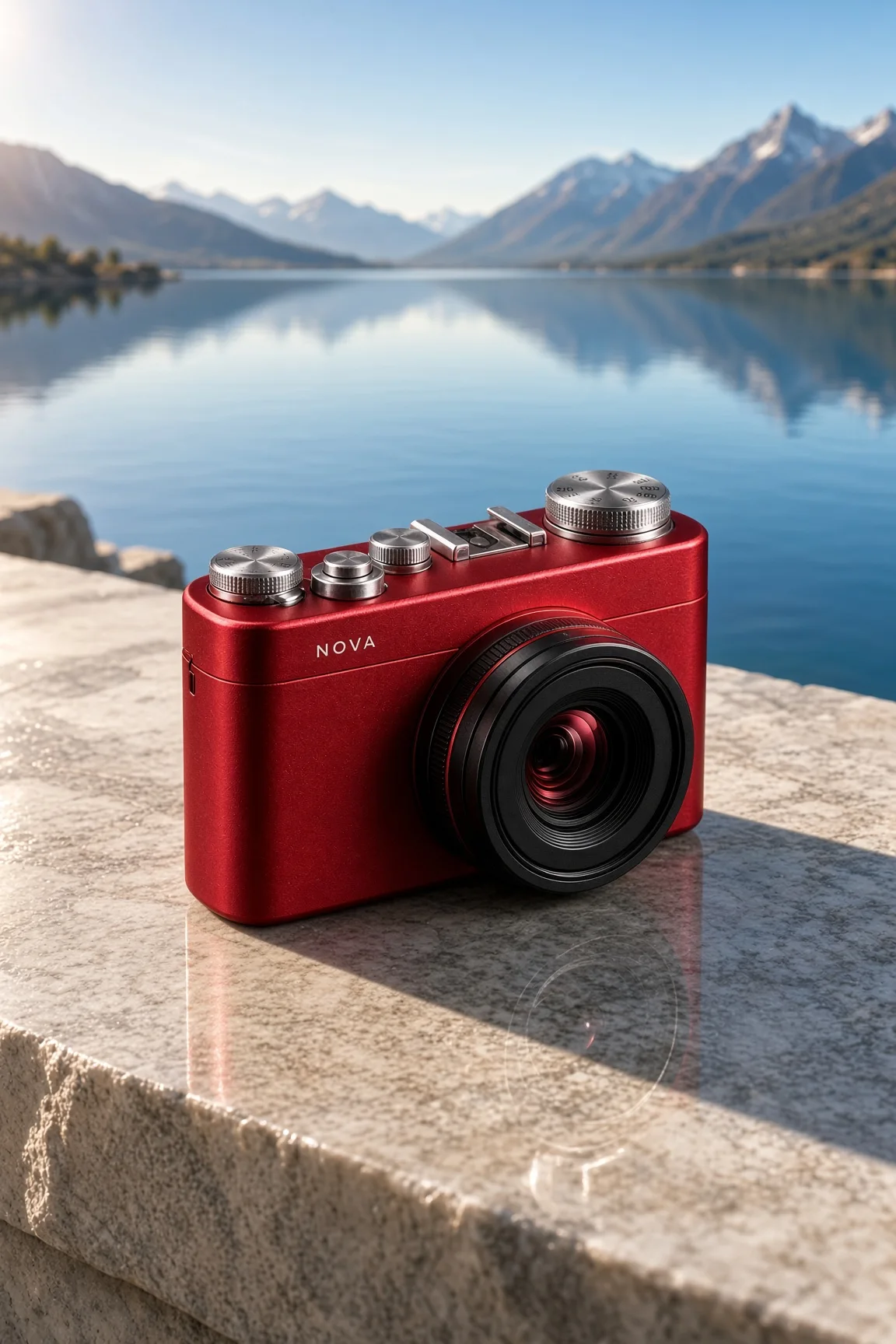
A new setting
A new setting
Prompt

Use the supplied image as the product reference. Preserve the exact product silhouette, construction, colors, logo and readable label. Replace only the setting with a sunlit sculptural stone terrace overlooking a calm blue lake and distant mountains. Keep a similar camera angle, realistic scale and the complete product in frame. Premium commercial photography, precise natural shadows and coherent reflections. No extra text, no watermark.

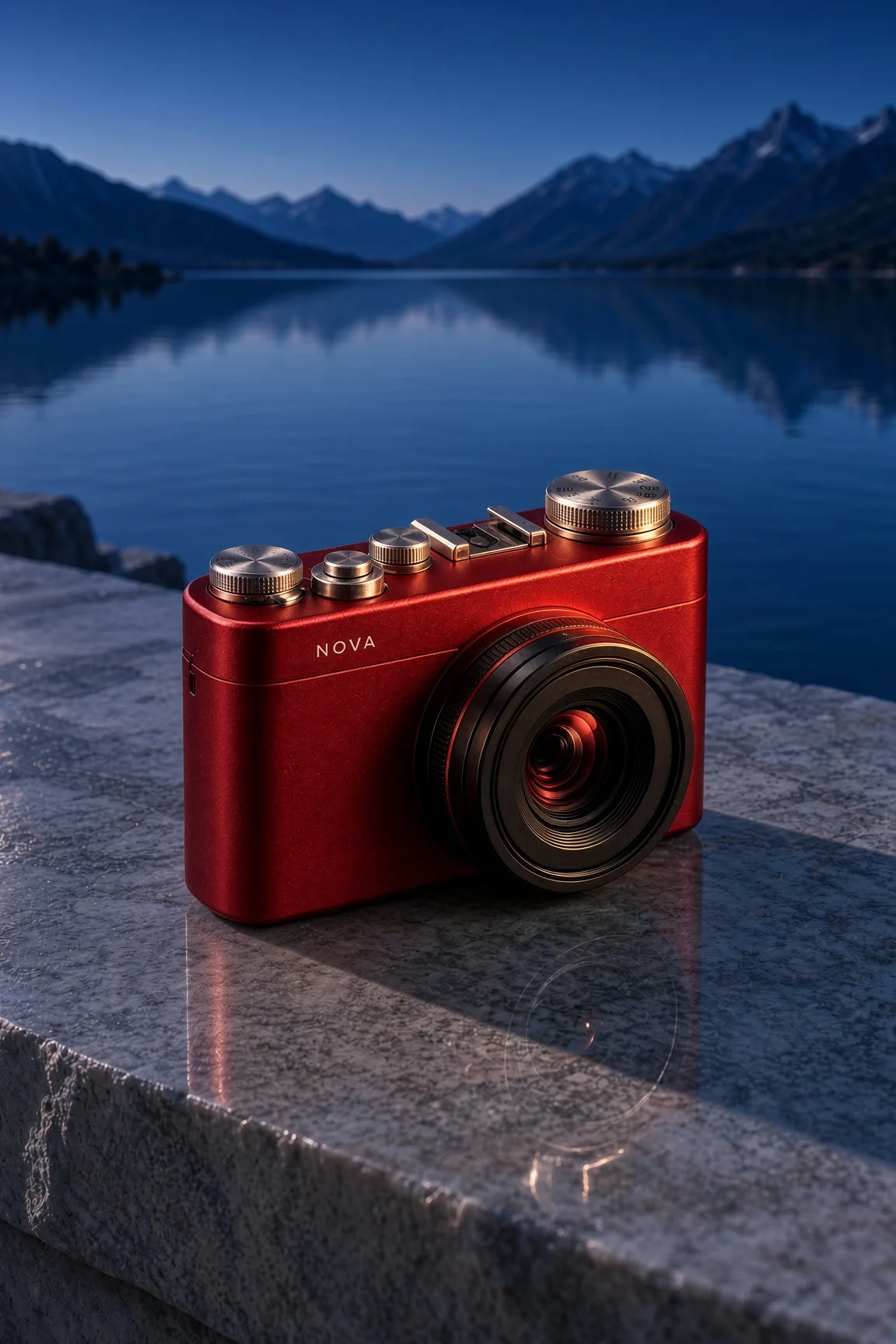
A new time of day
A new time of day
Prompt

Use this result as the reference for one more edit. Preserve the exact product, label, shape, surface, lake, mountain background and camera composition. Change the daylight to a refined blue-hour mood with a warm amber rim light on the product and subtle warm reflections. Keep the important details legible and the product recognizable. No added objects or text, no watermark.

To reproduce an edit, attach the previous image as a reference along with the displayed prompt.

How to create with Grok Imagine Image 2.0

  1. Describe the result

    Tell the agent the subject, composition, and intended use. Add a reference when the selected model supports it, and say which details should be preserved.

  2. Choose your settings

    This page starts with the featured model selected. Review the aspect ratio, available output size, and credit estimate. For video, also choose a duration that fits the action.

  3. Review and keep creating

    Open the completed work and inspect the details. Continue in chat with a specific revision, or download a result you want to use. Check visible text and listen to generated sound before publishing.

Settings and credits

These are the settings connected in DREAMMMER. The table shows output credits without reference inputs; your composer estimate includes the inputs and settings of the actual request.

OutputCredits
Standard output · per image20

Frequently asked questions

Is this Grok’s image model or video model?

This page selects Grok Imagine Image 2.0 for still images. Grok Video 1.5 has its own page and generates moving clips. You can select the appropriate model in the composer.

Can I select 4K here?

The current DREAMMMER integration offers standard output for this model. This page reflects that available setting rather than promising every resolution described elsewhere.

Can I edit an uploaded image?

Yes. Attach the image and describe the desired revision. The model supports image-based editing; precise preservation still needs a clear instruction and inspection of the resulting image.

Do I need an account to create?

You can explore the page and prepare your prompt first. Sign in when you are ready to generate; the creative draft and selected model carry into the sign-in flow. Generation uses your available credits or eligible plan allowance.

Model information: Grok Imagine Image 2.0

Your next idea, made with Grok Imagine Image 2.0.

Start with a few words. Keep creating with your agent.

Create with Grok Imagine Image 2.0