Kling 3.0 AI Video Generator

Direct a short scene with Kling 3.0.

Made with Kling 3.0

Original examples generated with this model. Open an example to see its prompt and output details.

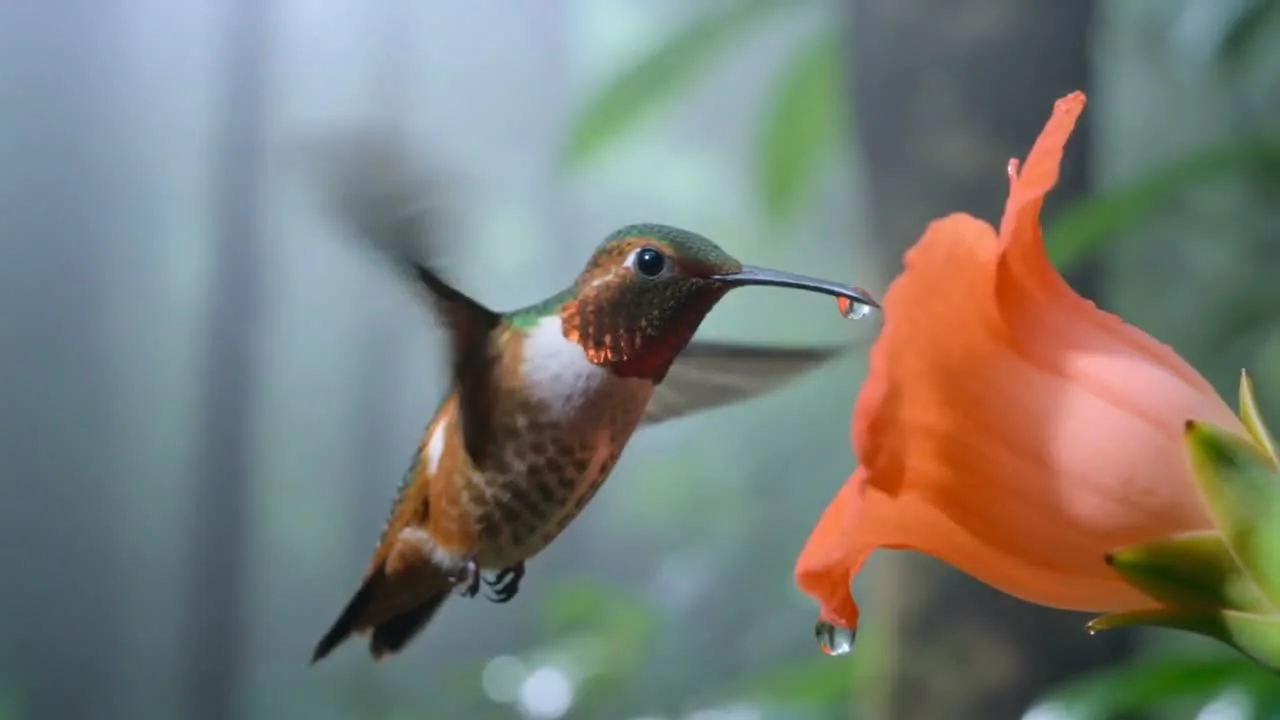
Copper hummingbird

Kling 3.0 · 1280 × 720 · 5 seconds

Prompt

A cinematic macro wildlife shot of a copper-and-emerald hummingbird hovering beside a vivid orange flower in a misty rainforest. Wings beat fluidly while the body remains stable; one dew droplet falls from a petal. The camera tracks a small arc with natural shallow depth of field. Believable anatomy, rich feather detail. Native forest ambience and delicate wing sounds, no music, no cuts or text.
Previews play muted. Use the video controls to pause, replay, or listen.

What you can create

Direct a short scene with Kling 3.0. Use text to describe the subject, action, and camera, or start with a product image and add movement. DREAMMMER helps you prepare the shot, choose its settings, and continue creating in the same chat.

Choreograph a focused action

A copper-toned hummingbird moves through a luminous botanical scene. The prompt describes wing motion, a camera path, and the way light catches the subject. One clearly staged action gives a short clip a readable visual rhythm.

Animate an existing product visual

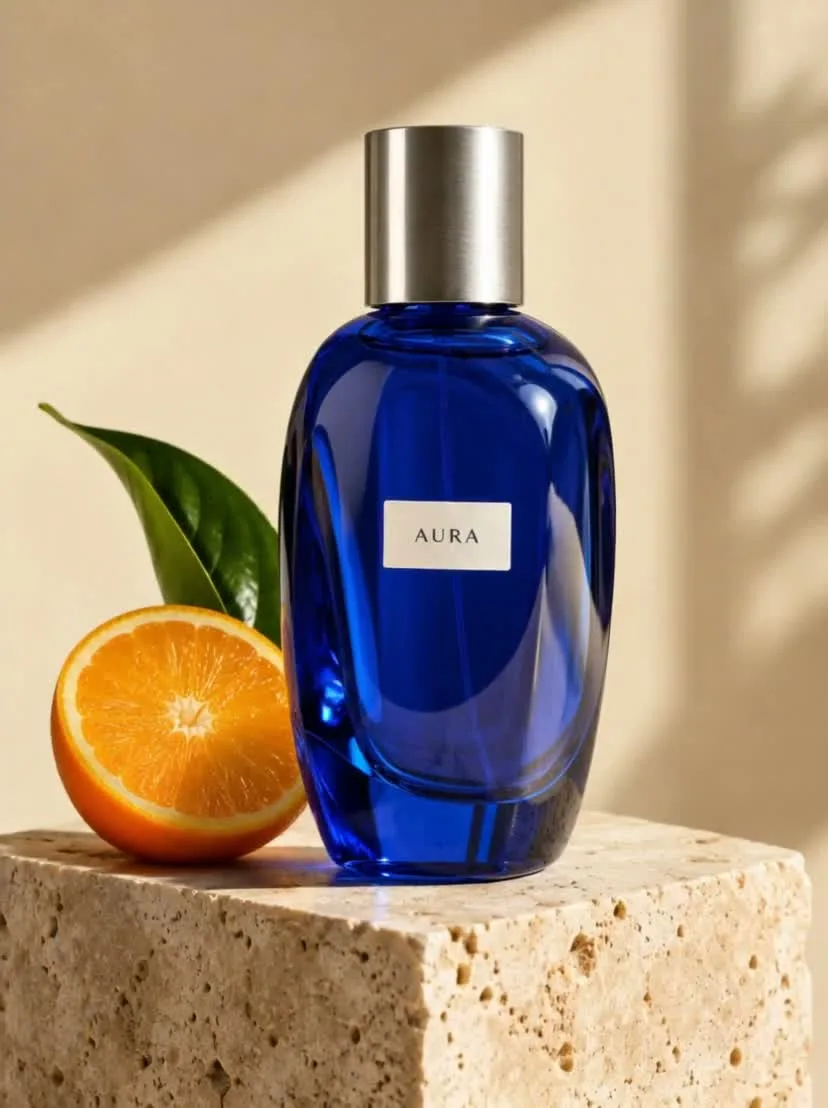
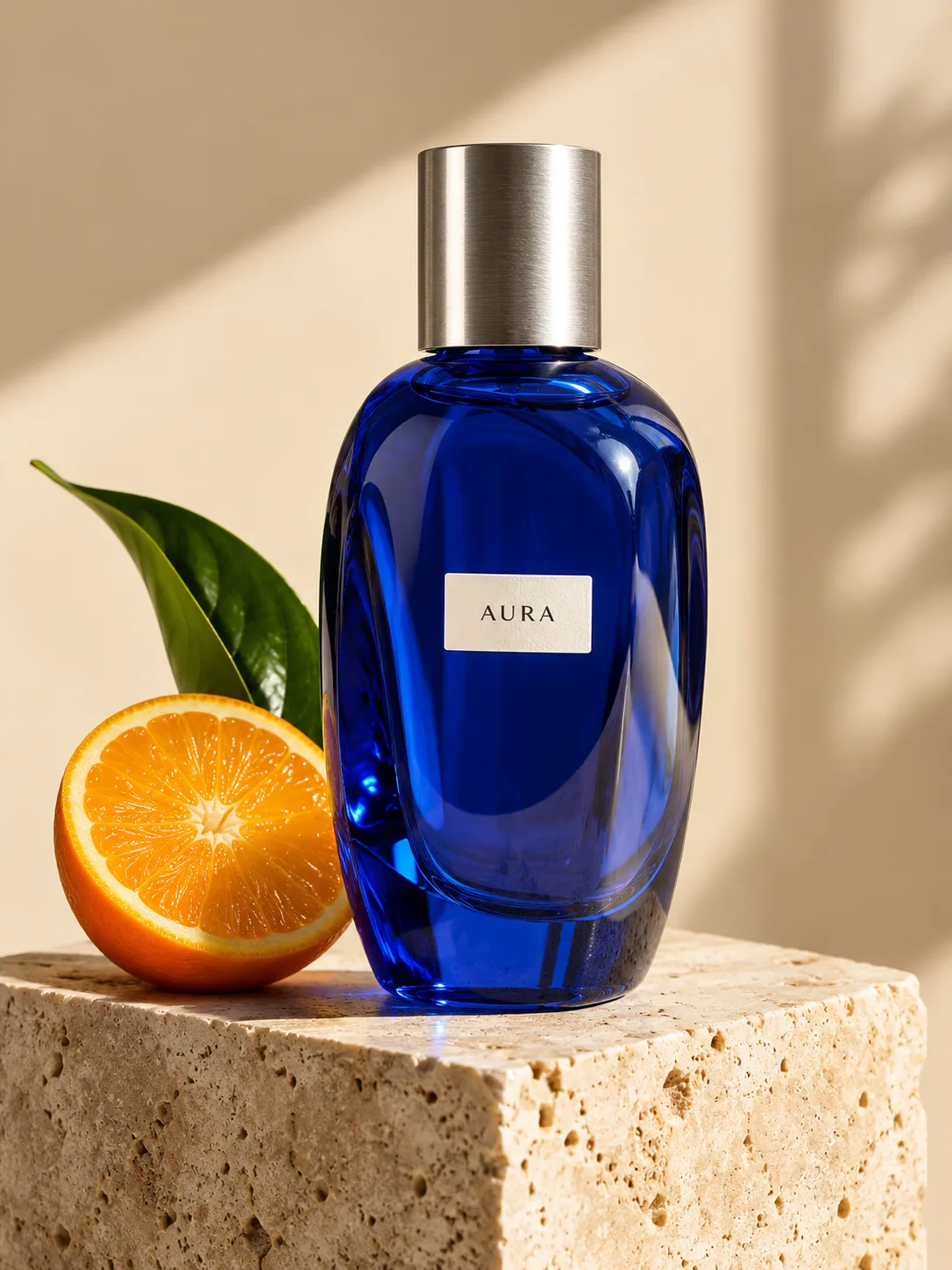
The citrus-bottle reference supplies the product and studio arrangement. The video brief introduces restrained camera motion and movement around the bottle. Keeping the product itself stable helps the clip function as a product showcase.

Keep audio tied to the scene

Kling 3.0 supports native audio generation. Describe the sound environment alongside the visible action and specify whether dialogue is needed. Listen for how well the actual sound follows the motion before selecting a final take.

From a reference image to a moving scene

The input still was made with GPT Image 2.5 Flare. The video was generated with the model selected on this page.

Starting image · GPT Image 2.5 Flare

Citrus product in motion

Kling 3.0 · 828 × 1108 · 5 seconds

Prompt

Animate this exact blue perfume bottle and studio composition. The camera slowly arcs around the bottle while a soft stripe of light travels across the glass; the orange and leaf remain in place. Preserve the bottle shape, silver cap and readable AURA label. Premium understated product film, gentle ambient tones, no speech, no added text or cuts.

How to create with Kling 3.0

  1. Describe the result

    Tell the agent the subject, composition, and intended use. Add a reference when the selected model supports it, and say which details should be preserved.

  2. Choose your settings

    This page starts with the featured model selected. Review the aspect ratio, available output size, and credit estimate. For video, also choose a duration that fits the action.

  3. Review and keep creating

    Open the completed work and inspect the details. Continue in chat with a specific revision, or download a result you want to use. Check visible text and listen to generated sound before publishing.

Settings and credits

These are the settings connected in DREAMMMER. The table shows output credits without reference inputs; your composer estimate includes the inputs and settings of the actual request.

Clip length: 3 / 4 / 5 / 6 / 7 / 8 / 9 / 10 / 11 / 12 / 13 / 14 / 15 s

OutputCredits
720P · 5 seconds420
1080P · 5 seconds565
4K · 5 seconds1400

Frequently asked questions

What duration and resolution can I select?

DREAMMMER exposes 3–15 seconds and 720p, 1080p, or 4K for this model. Available combinations and the final estimate are checked by the composer before generation.

How does the reference example work?

The still image was generated with GPT Image 2.5 Flare and supplied as the first frame. Kling 3.0 generated the moving clip from that image plus the motion prompt shown here.

Is Kling 3.0 Turbo the same selection?

No. Turbo is a separate model option with its own output tiers and reference controls. Compare the two landing pages and the credit estimate for the shot you want to create.

Do I need an account to create?

You can explore the page and prepare your prompt first. Sign in when you are ready to generate; the creative draft and selected model carry into the sign-in flow. Generation uses your available credits or eligible plan allowance.

Model information: Kling 3.0

Your next idea, made with Kling 3.0.

Start with a few words. Keep creating with your agent.

Create with Kling 3.0