Keep a person consistent
Change clothes, background or lighting while keeping the face, hairstyle and expression. Useful for headshots, avatars and social posts.
AI image generator with reference
Upload a photo of a person, product or style. Say what to keep and what to change, and the agent creates new images that stay true to your reference.
Real results made in DREAMMMER. Each one started from the reference on the left and one plain request.
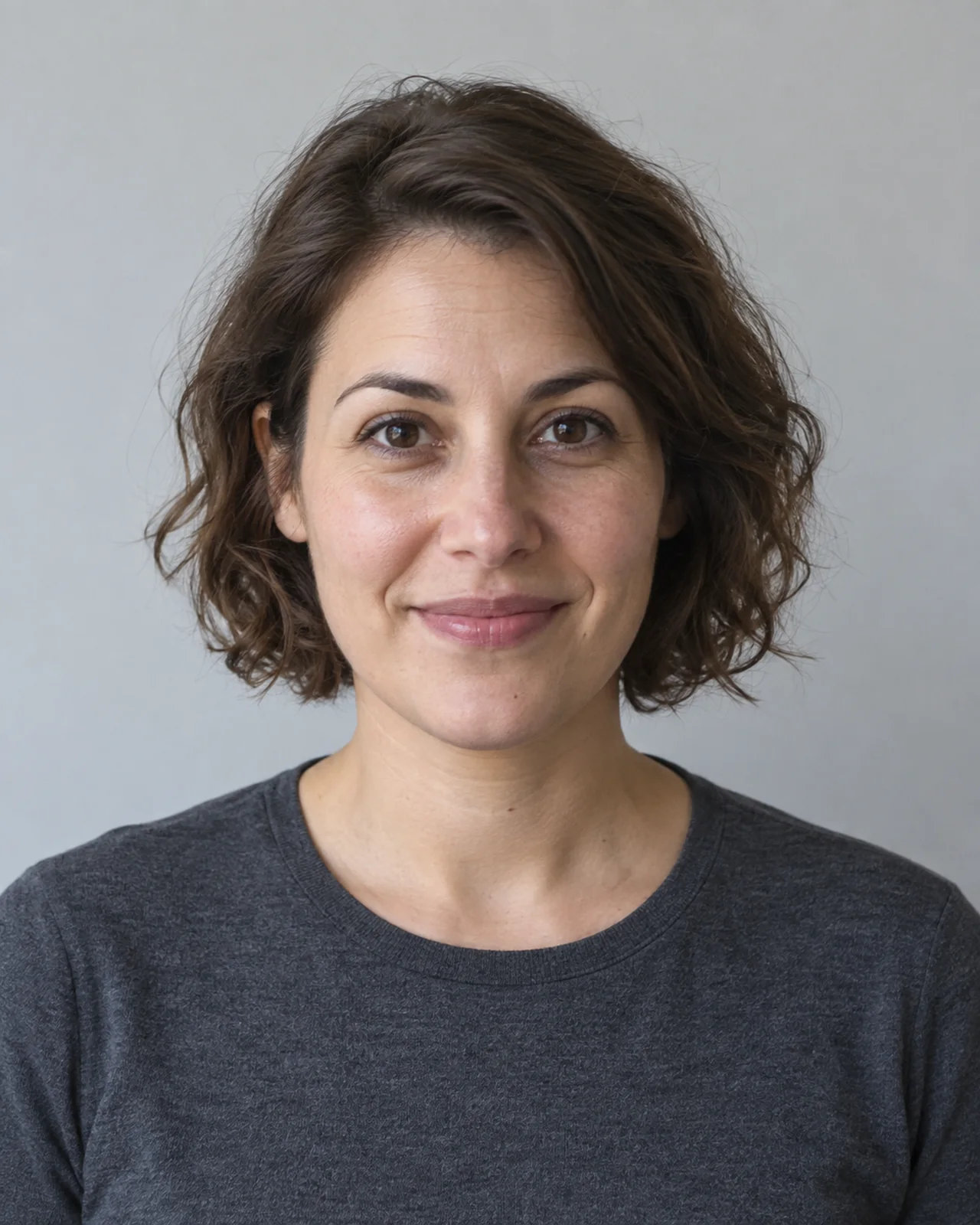
Reference

Result
Keep the same person and expression. Change the top to a cream blazer, with a warm studio background and softer lighting.
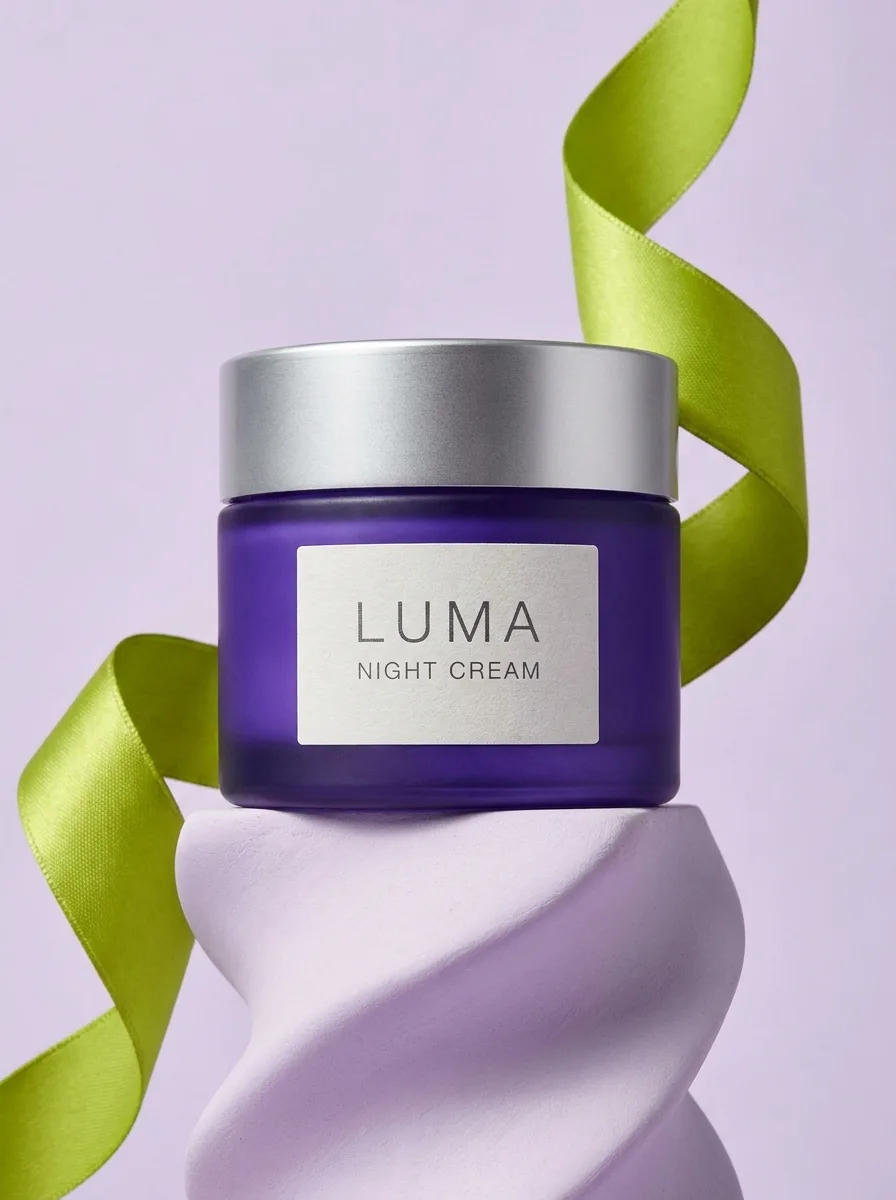
Reference
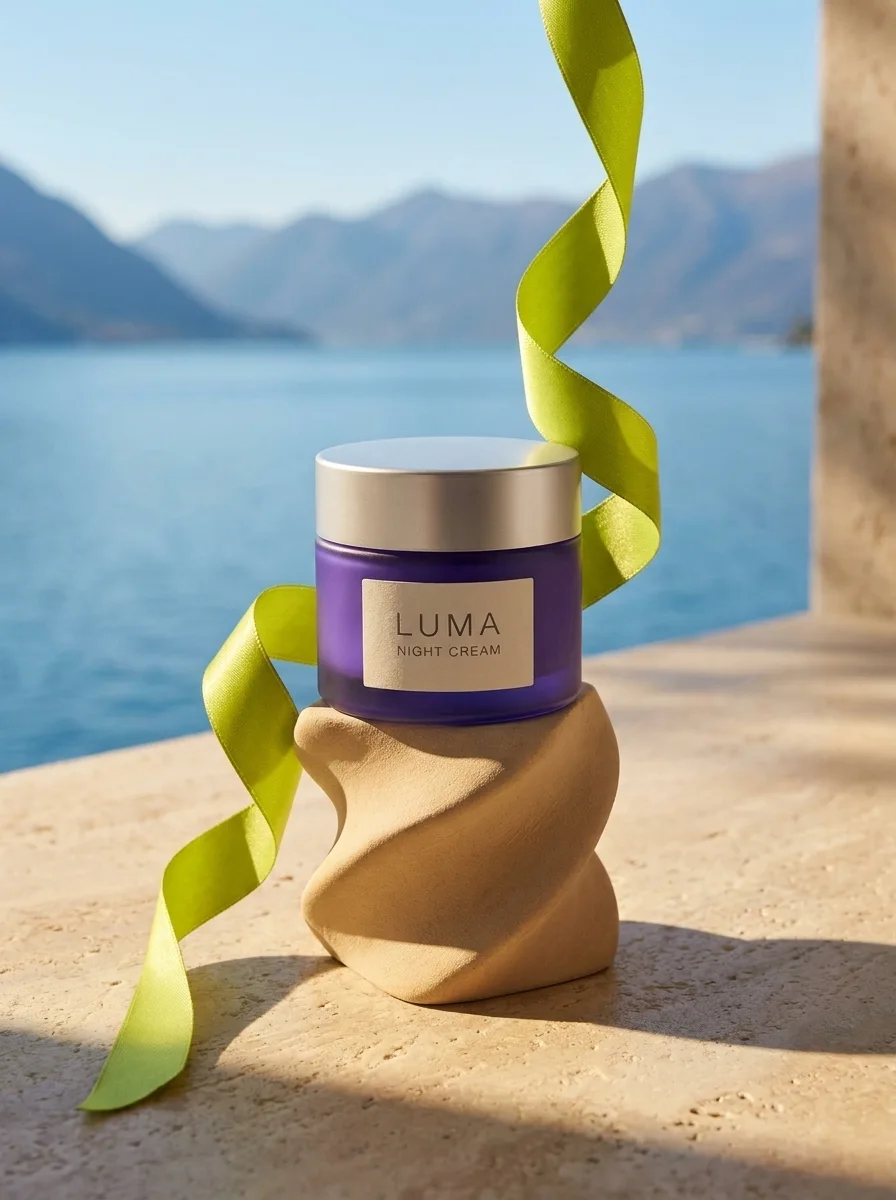
Result
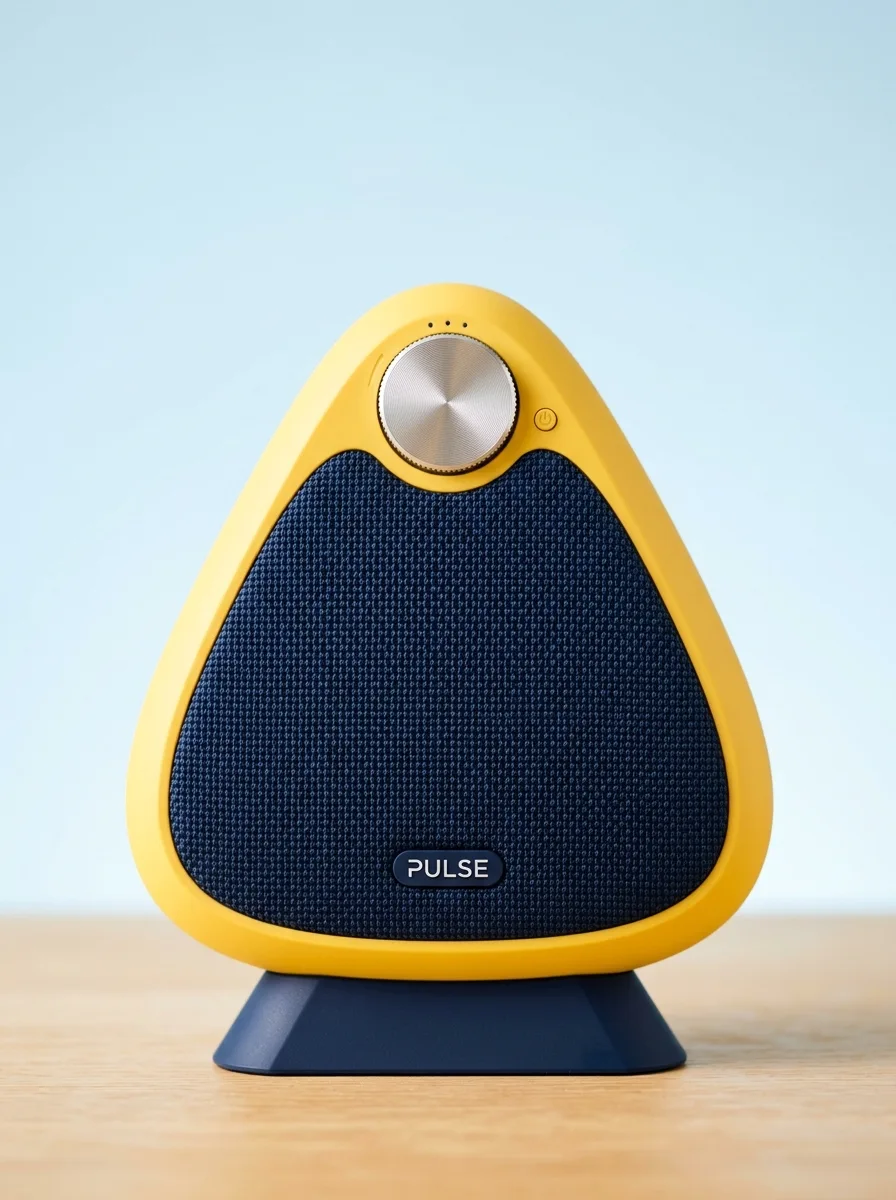
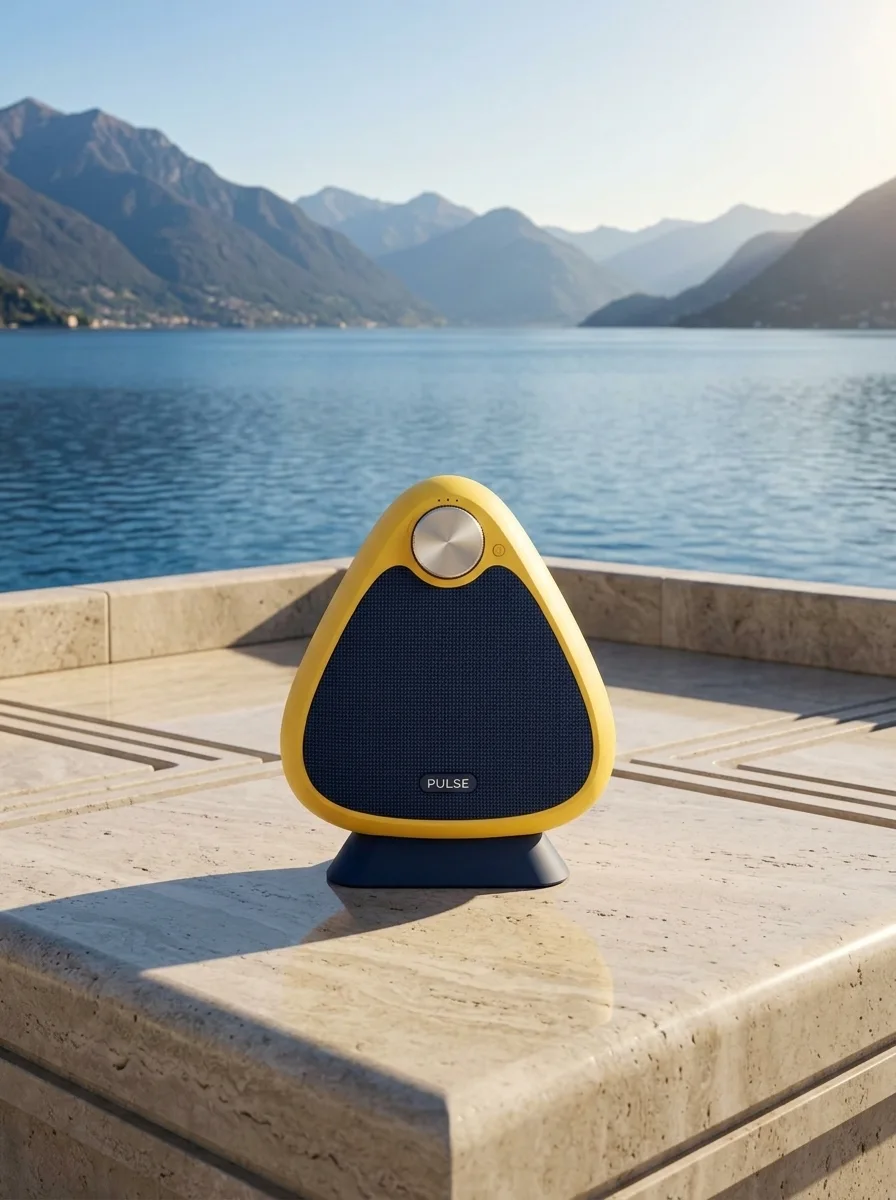
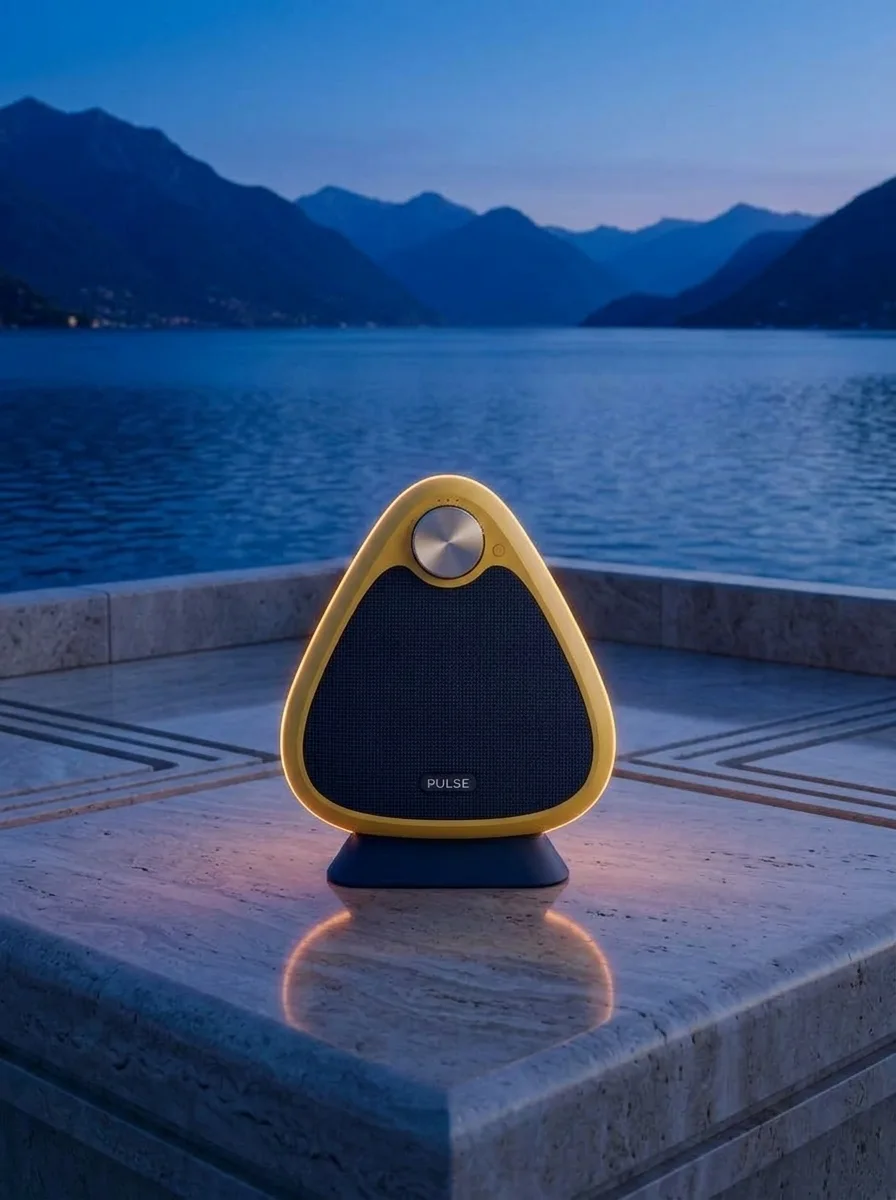
Use the supplied image as the product reference. Preserve the exact product silhouette, construction, colors, logo and readable label. Replace only the setting with a sunlit sculptural stone terrace overlooking a calm blue lake and distant mountains. Keep a similar camera angle, realistic scale and the complete product in frame. Premium commercial photography, precise natural shadows and coherent reflections. No extra text, no watermark.
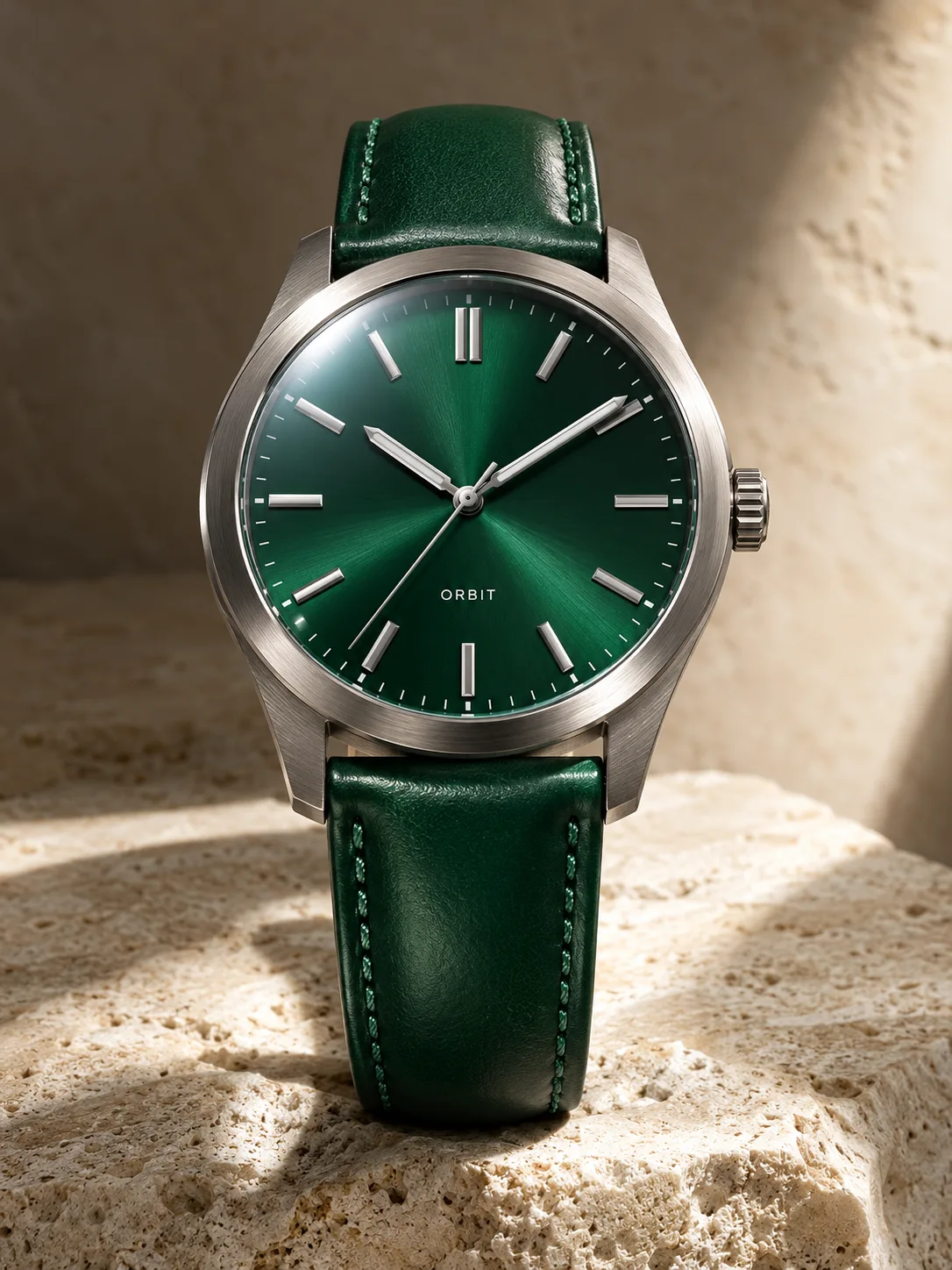
Reference
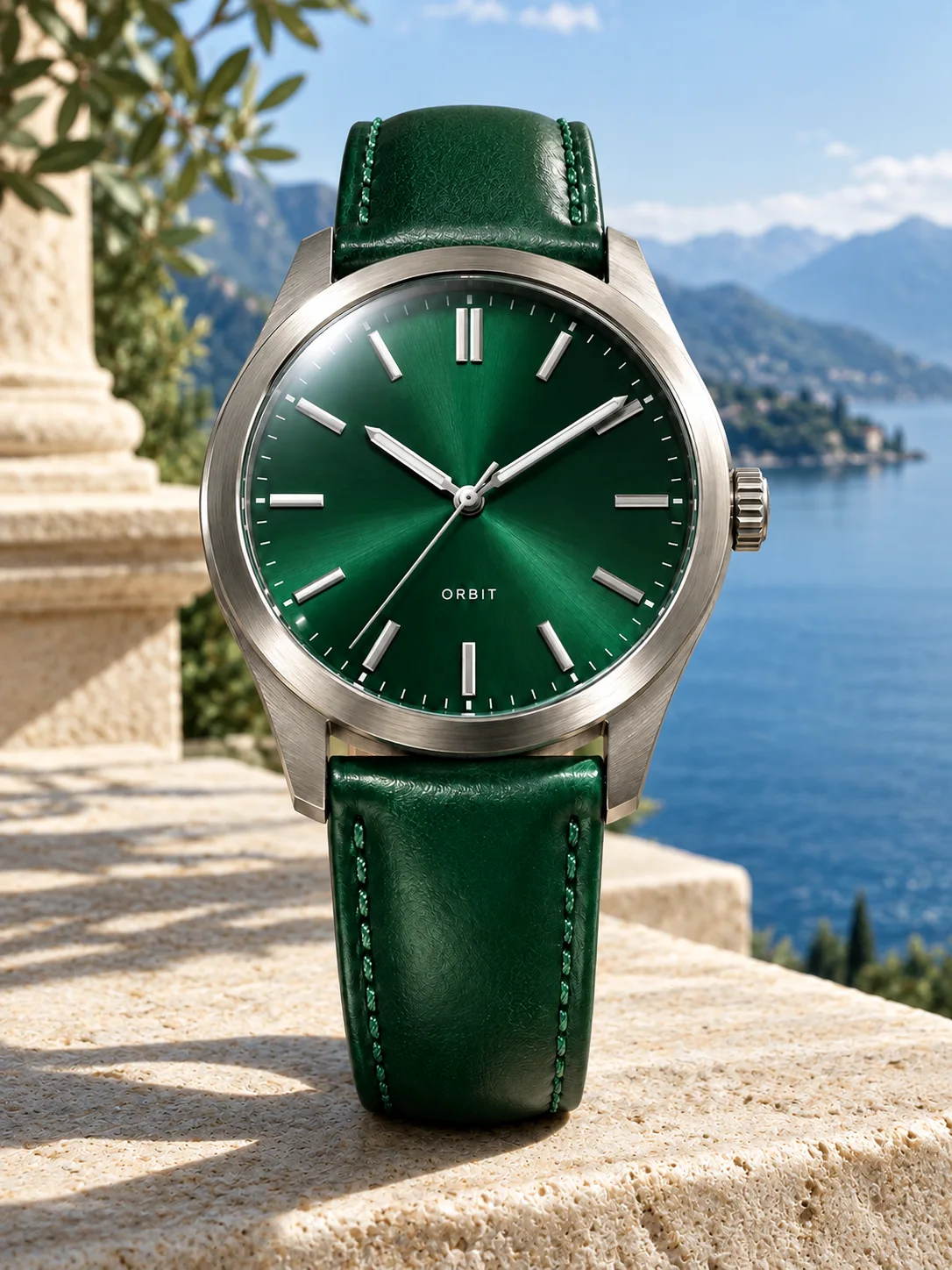
Result
Use the supplied image as the product reference. Preserve the exact product silhouette, construction, colors, logo and readable label. Replace only the setting with a sunlit sculptural stone terrace overlooking a calm blue lake and distant mountains. Keep a similar camera angle, realistic scale and the complete product in frame. Premium commercial photography, precise natural shadows and coherent reflections. No extra text, no watermark.
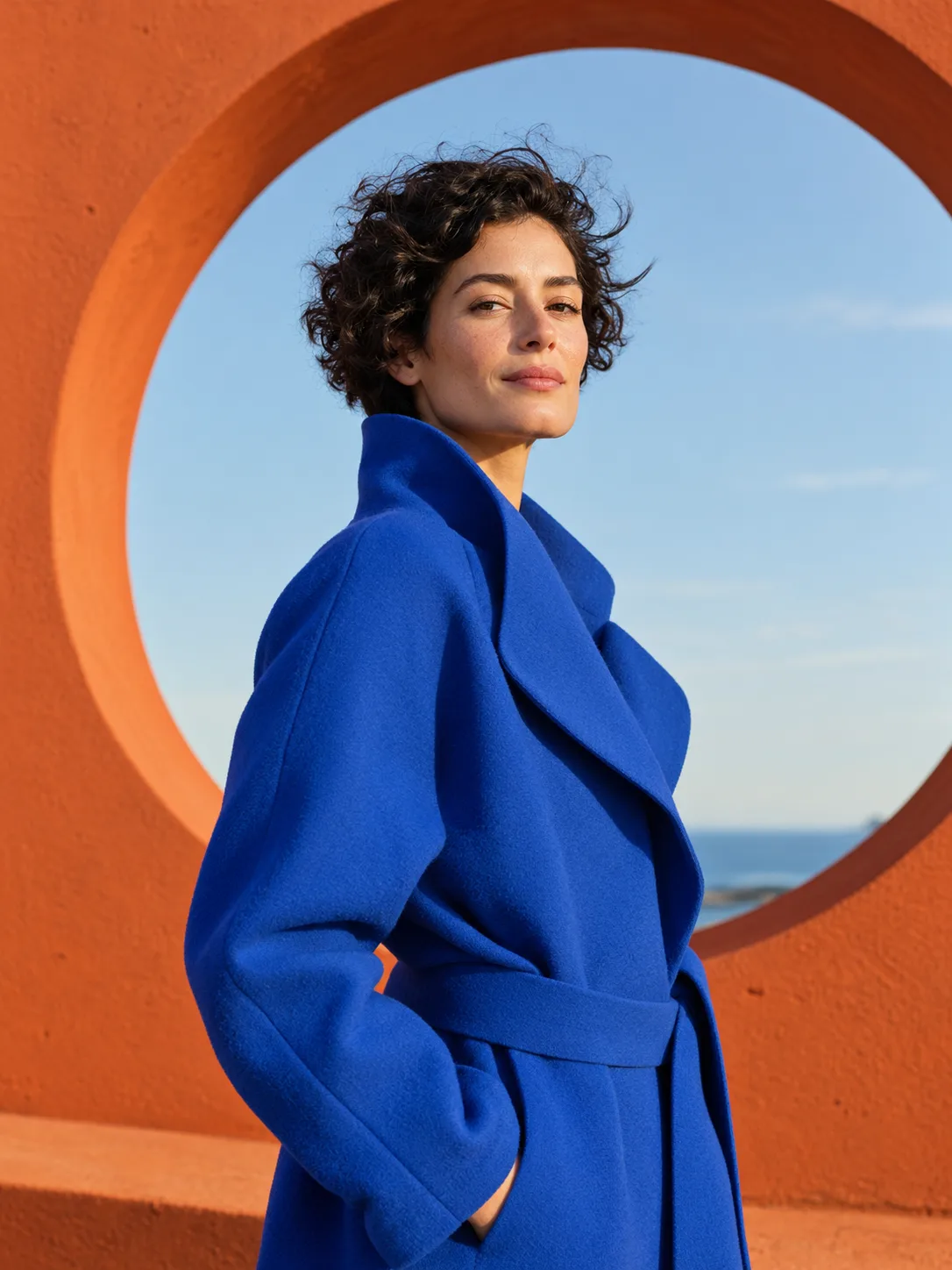
Reference
Result
Animate the supplied fashion portrait naturally. The adult woman turns her head slightly toward the camera, her curly hair moves in a gentle breeze and the blue coat fabric shifts subtly. Keep her identity, outfit, orange circular architecture and camera framing consistent. Refined editorial film, soft outdoor ambience, no speech or text.
Keep editing in the same conversation. Each result can become the reference for the next change, so the product stays the same while the scene moves on.
Change clothes, background or lighting while keeping the face, hairstyle and expression. Useful for headshots, avatars and social posts.
Keep the exact shape, label and colors of your product and place it in studio, lifestyle or seasonal scenes for listings and ads.
Bring a person, an outfit, a product or a background together from different photos. Tell the agent which part comes from which image.
Use one image for the look — colors, lighting, texture — and apply it to a new subject or to another photo.
Animate a reference image with a video model. Describe the movement and the camera; the picture you uploaded stays the starting frame.
Add one or more photos in the chat box: a portrait, a product shot, a sketch or a style you like.
Write it in plain words, for example: keep the same bottle and label, put it on wet stone at sunset. The agent writes the detailed prompt and picks the model.
Ask for changes until it looks right. Earlier results stay in the conversation, so you can go back or branch from any of them.
Leave the model on Auto and the agent chooses, or pick one yourself. Nano Banana 2.1 accepts up to 10 reference images.
It is an AI image generator that starts from a picture you upload, not from text alone. The reference fixes what should stay the same — a face, a product, a layout or a style — and your description says what should change.
You can add several images to one message. How many a model can use at once depends on the model: Nano Banana 2.1 accepts up to 10. On Auto, the agent picks a model that fits your references.
Say exactly what to keep, for example the same face and expression, or the exact product shape and label. If a detail drifts, describe it in your next message and the agent corrects that image.
Yes. Switch the chat box to Video, or ask the agent to animate an image. Your picture becomes the starting frame, and you describe the motion and the camera.
New accounts get 50 free credits, no credit card needed. Each image uses credits depending on the model and resolution; see Pricing for the rates. If a generation fails, its credits are returned.
Conversations and uploads are private by default and stay in your account. Nothing is shared publicly unless you turn on a sharing link.
Upload a photo, say what to keep, and refine the result in one conversation.
Upload a reference