Seedream 5.0 Pro AI Image Generator

Create design-focused images with ByteDance Seedream 5.0 Pro.

Made with Seedream 5.0 Pro

Original examples generated with this model. Open an example to see its prompt and output details.

Green tea packaging

Seedream 5.0 Pro · 896 × 1184

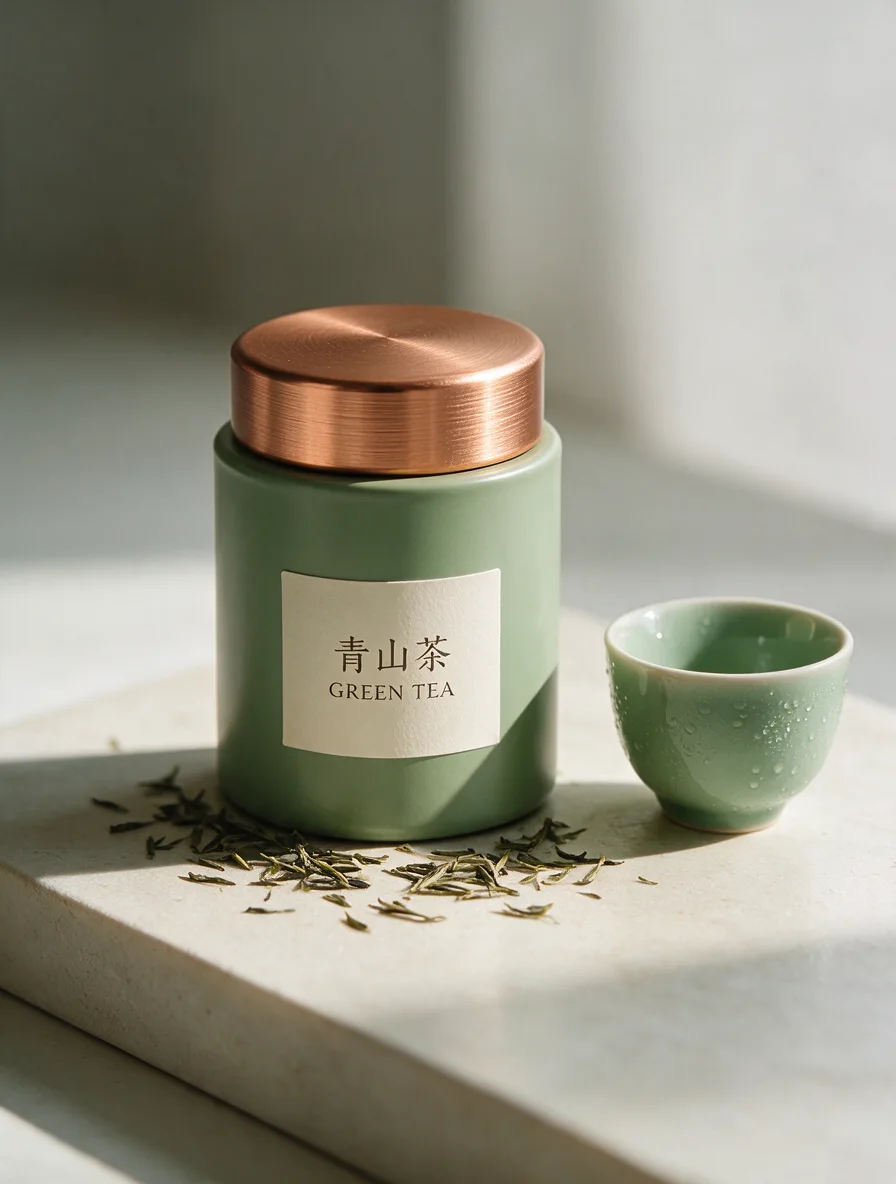
Prompt

A refined commercial photograph of a cylindrical sage-green tea tin with a brushed copper lid. The clean ivory front label reads 青山茶 and GREEN TEA. Place it beside a small ceramic cup on a pale stone platform. Fine tea leaves, soft natural window light, delicate condensation on the cup and realistic printed packaging, quiet premium design. Full composition, no border, no watermark.
A guide to tasting tea

Seedream 5.0 Pro · 1184 × 896

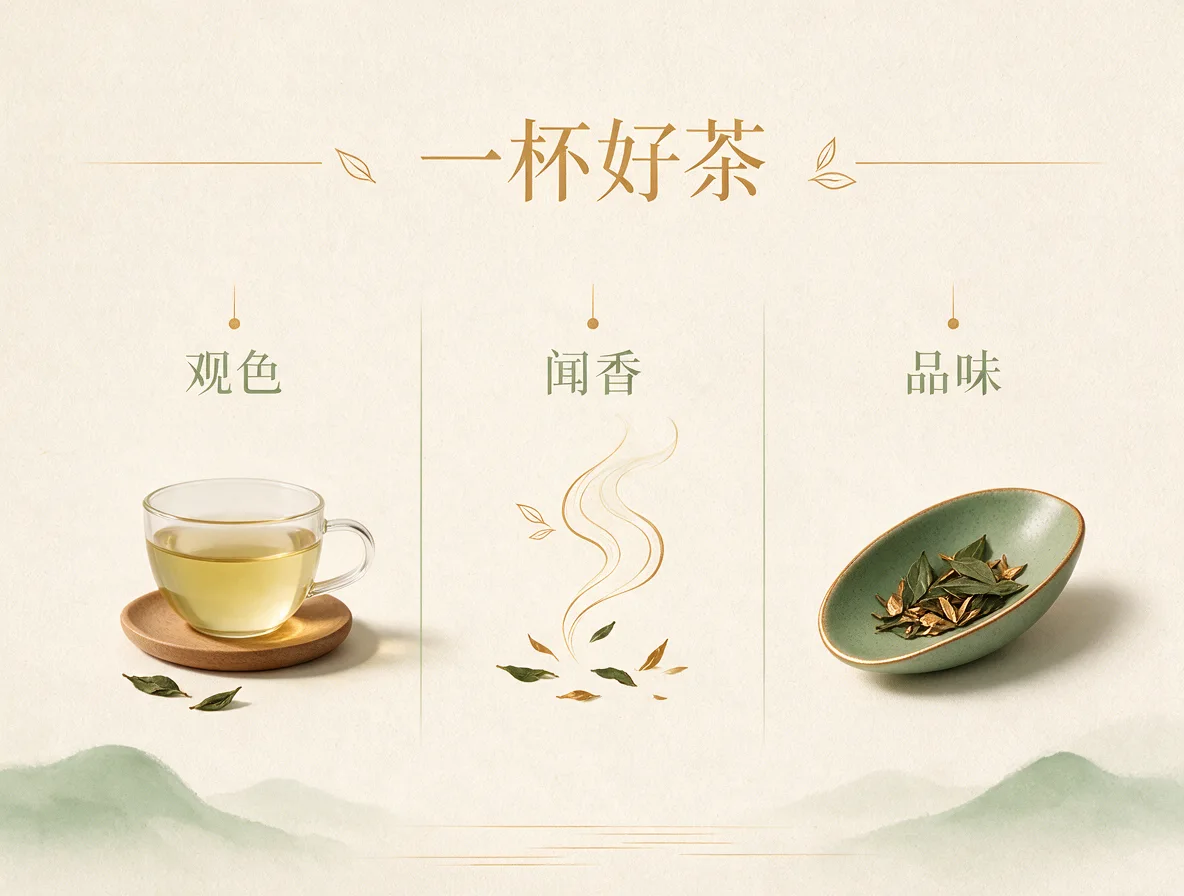
Prompt

设计一张高级简洁的茶文化信息海报,标题为「一杯好茶」,下方三个清晰分区分别标注「观色」「闻香」「品味」。分别配透明茶杯、轻盈茶香线条和茶叶细节插画。鼠尾草绿、铜金与米白配色,留白充足,清晰中文字体,细腻纸张质感,不出现其他文字。 Full composition, no border, no watermark.

Bamboo retreat

Seedream 5.0 Pro · 1376 × 768

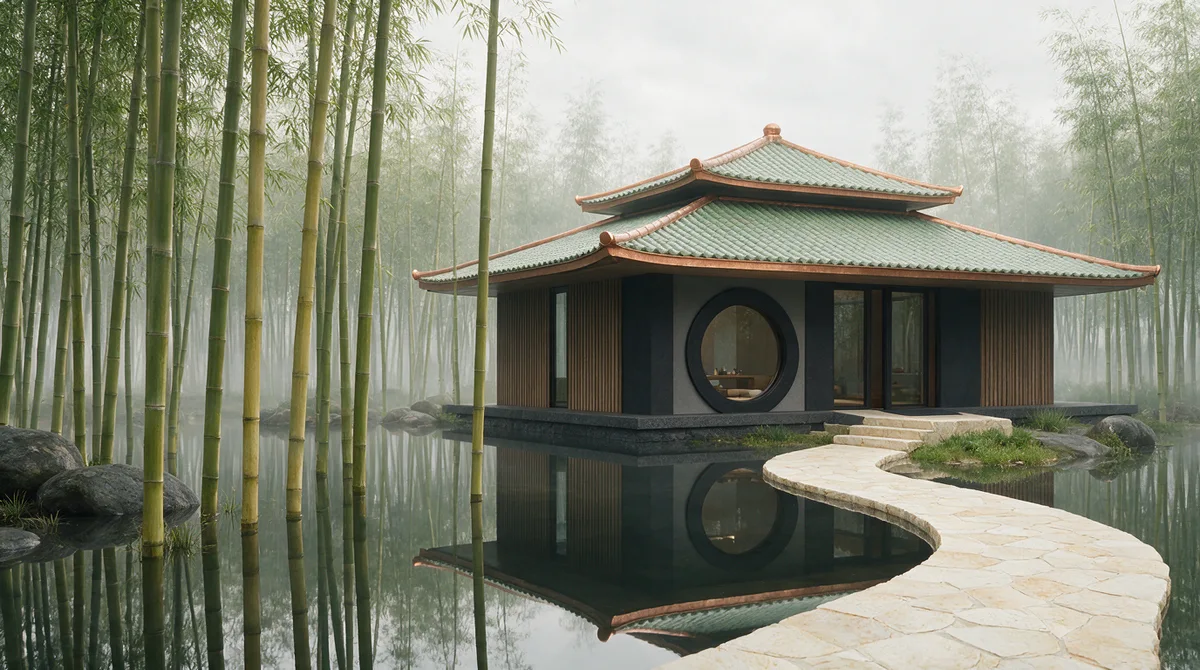
Prompt

Photorealistic architectural image of a modern teahouse beside a still lake within tall bamboo. Sage-green glazed tiles, warm copper roof edges, cream stone walkway, one large circular window. Soft fog, clear bamboo reflections, restrained cinematic atmosphere, realistic materials and accurate architectural structure. Full composition, no border, no watermark.

Copper fabric portrait

Seedream 5.0 Pro · 896 × 1184

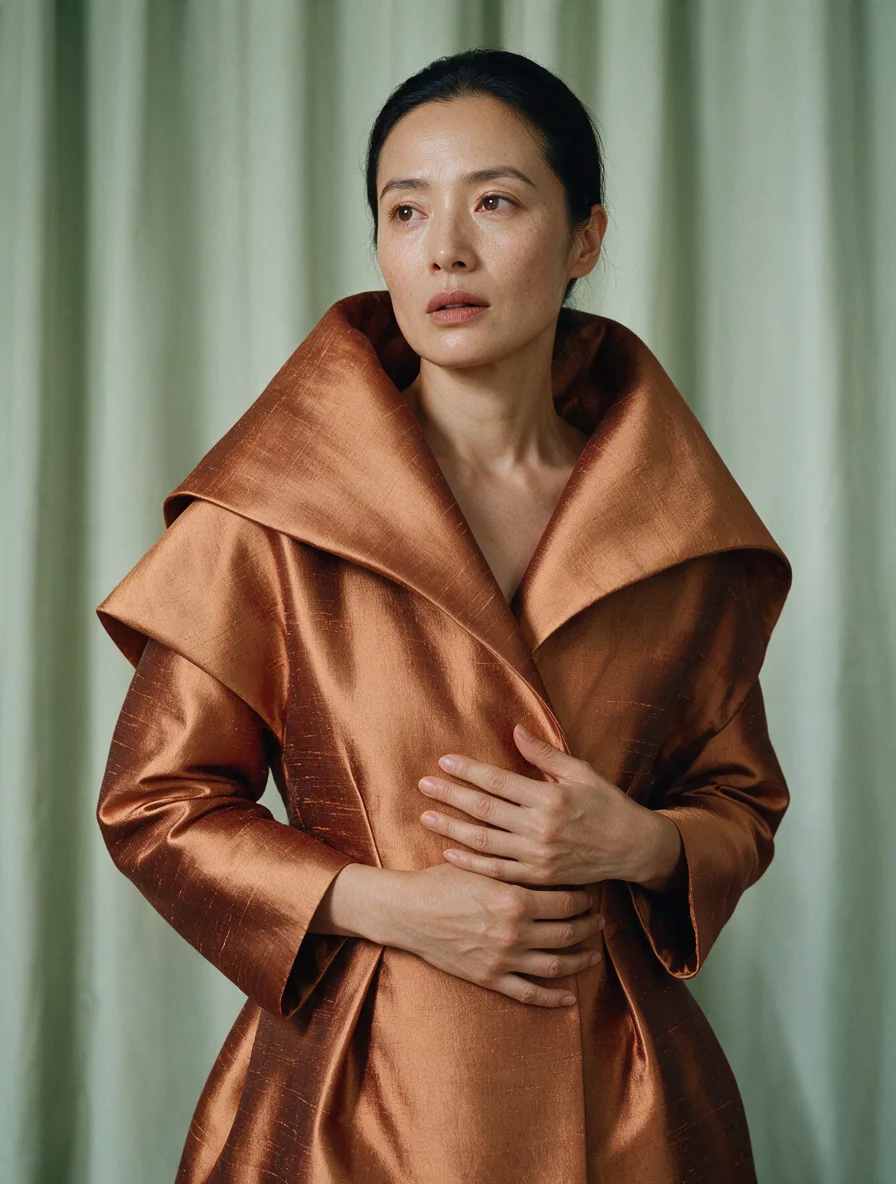
Prompt

A refined editorial portrait of an adult East Asian woman wearing a sculptural copper-colored silk coat, standing before pale sage-green curtains. Soft directional light shows natural skin texture and fine silk weave, thoughtful calm expression, medium shot, luxurious restrained palette, realistic fashion photography. Full composition, no border, no watermark.

What you can create

Create design-focused images with ByteDance Seedream 5.0 Pro. Bring together Chinese lettering, product materials, and composed scenes in a single brief. The DREAMMMER agent helps turn that brief into an image and continue editing from a reference.

Chinese text as part of the design

A tea tin and a tea-tasting guide put Chinese words inside a considered layout. Quote each phrase and explain its role: brand, headline, or step label. Review stroke shapes and spacing at full size before printing.

Materials that carry the atmosphere

Tea packaging, bamboo architecture, and copper fabric call for different surface behavior. Describe the finish and light direction rather than asking only for realism. This gives the scene a more specific visual purpose.

From packaging shot to a campaign scene

Our edit sequence takes the tea tin from its studio setup to a lakeside terrace, then into evening light. Keep the tin dimensions and lettering explicit in each revision so that the environmental change has a clear boundary.

One image, three creative decisions

Each revision uses the previous result as its reference. Compare what changes and what stays recognizable.

Original image
Original image
Prompt

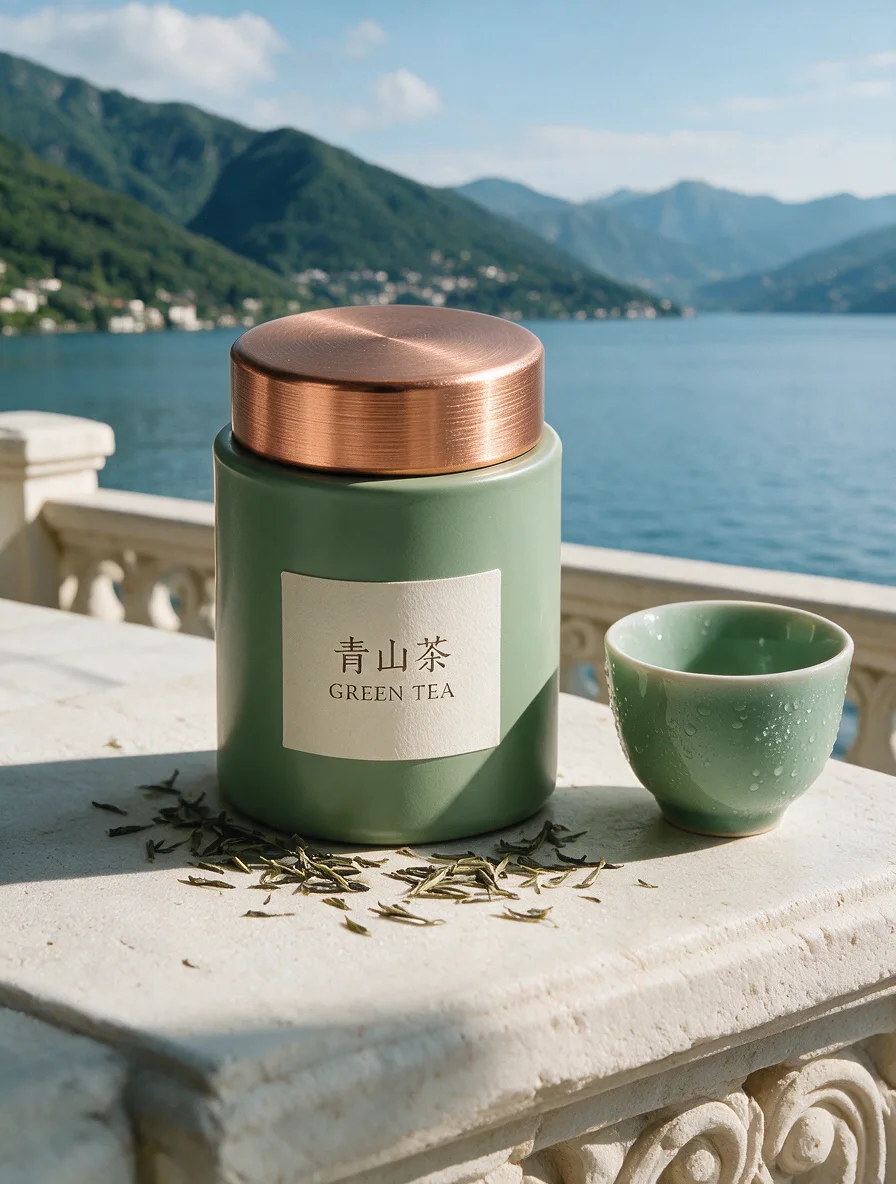
A refined commercial photograph of a cylindrical sage-green tea tin with a brushed copper lid. The clean ivory front label reads 青山茶 and GREEN TEA. Place it beside a small ceramic cup on a pale stone platform. Fine tea leaves, soft natural window light, delicate condensation on the cup and realistic printed packaging, quiet premium design. Full composition, no border, no watermark.
A new setting
A new setting
Prompt

Use the supplied image as the product reference. Preserve the exact product silhouette, construction, colors, logo and readable label. Replace only the setting with a sunlit sculptural stone terrace overlooking a calm blue lake and distant mountains. Keep a similar camera angle, realistic scale and the complete product in frame. Premium commercial photography, precise natural shadows and coherent reflections. No extra text, no watermark.

A new time of day
A new time of day
Prompt

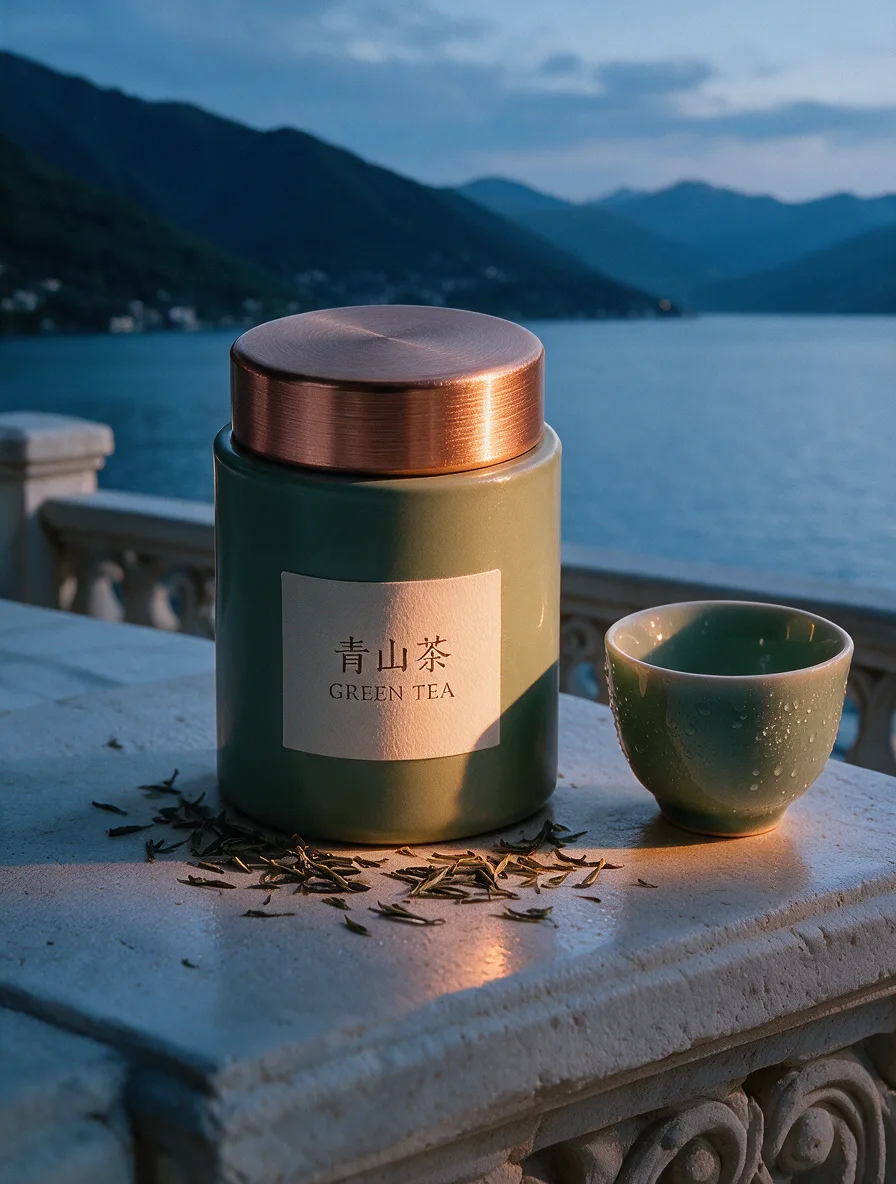
Use this result as the reference for one more edit. Preserve the exact product, label, shape, surface, lake, mountain background and camera composition. Change the daylight to a refined blue-hour mood with a warm amber rim light on the product and subtle warm reflections. Keep the important details legible and the product recognizable. No added objects or text, no watermark.

To reproduce an edit, attach the previous image as a reference along with the displayed prompt.

How to create with Seedream 5.0 Pro

  1. Describe the result

    Tell the agent the subject, composition, and intended use. Add a reference when the selected model supports it, and say which details should be preserved.

  2. Choose your settings

    This page starts with the featured model selected. Review the aspect ratio, available output size, and credit estimate. For video, also choose a duration that fits the action.

  3. Review and keep creating

    Open the completed work and inspect the details. Continue in chat with a specific revision, or download a result you want to use. Check visible text and listen to generated sound before publishing.

Settings and credits

These are the settings connected in DREAMMMER. The table shows output credits without reference inputs; your composer estimate includes the inputs and settings of the actual request.

OutputCredits
1K · per image30
2K · per image60

Frequently asked questions

Is Seedream useful for Chinese-language designs?

Seedream’s official introduction highlights text layout and multilingual design. Our tea examples provide a concrete Chinese-language test. Check every character in your own output before using it commercially.

Are there layer or lasso tools on this page?

The workflow here uses the DREAMMMER composer, reference images, and conversational instructions. It does not expose every editing tool shown in the model maker’s own demonstrations.

How are reference images charged?

The first reference image is included in the current Seedream output tariff; additional image inputs can add credits. The generation estimate uses the actual reference count and selected resolution.

Do I need an account to create?

You can explore the page and prepare your prompt first. Sign in when you are ready to generate; the creative draft and selected model carry into the sign-in flow. Generation uses your available credits or eligible plan allowance.

Model information: Seedream 5.0 Pro

Your next idea, made with Seedream 5.0 Pro.

Start with a few words. Keep creating with your agent.

Create with Seedream 5.0 Pro