MiniMax H3 AI Video Generator

Bring a small cinematic world to life with MiniMax H3.

Made with MiniMax H3

Original examples generated with this model. Open an example to see its prompt and output details.

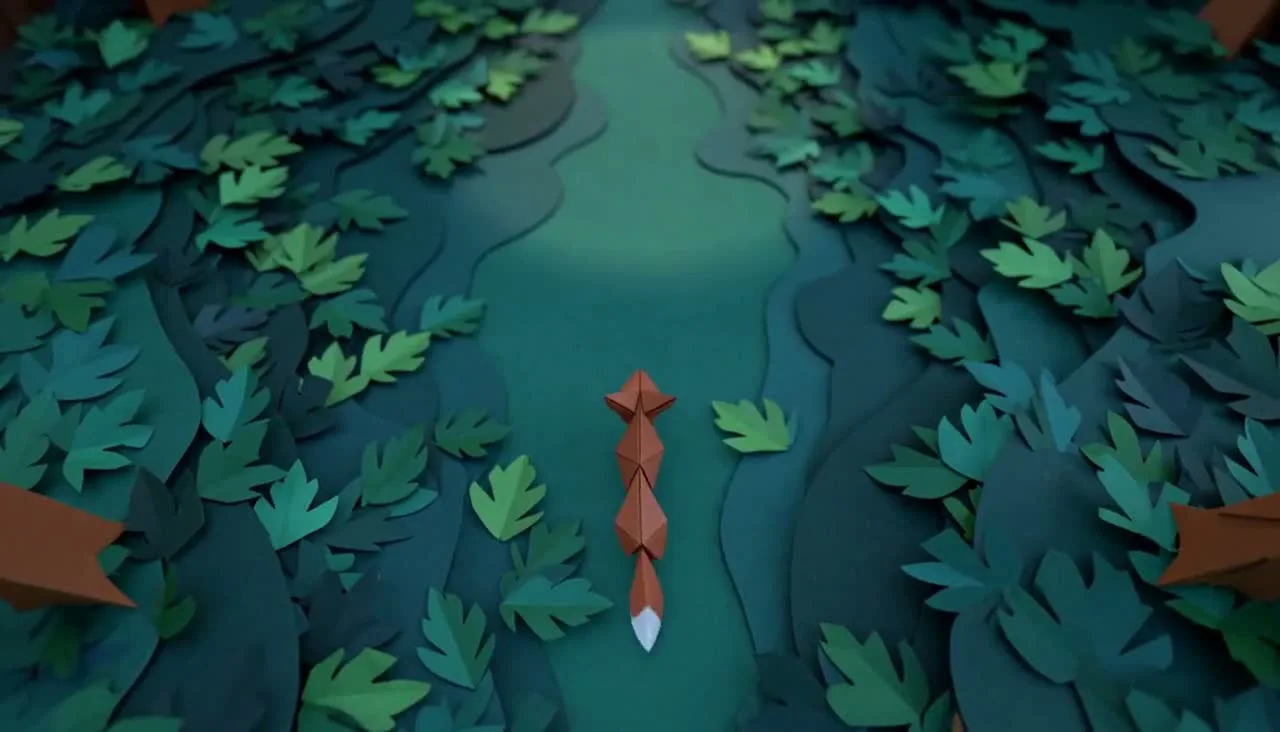
Copper fox in a paper forest

MiniMax H3 · 1344 × 768 · 5.2 seconds

Prompt

A beautifully crafted miniature paper theatre comes to life. An origami copper fox walks across a layered teal forest, paper leaves ripple gently, and a warm spotlight follows it. The camera smoothly pushes closer to reveal tactile cut-paper edges and hand-painted textures. Cohesive animation, clear character silhouette. Soft paper rustle, delicate wooden percussion and forest ambience. One continuous cinematic shot, no text or cuts.

Previews play muted. Use the video controls to pause, replay, or listen.

What you can create

Bring a small cinematic world to life with MiniMax H3. Describe the action, camera, and sound, or begin with an image that defines the scene. In DREAMMMER you can develop the shot with the agent and generate a playable clip from the same conversation.

A scene with a beginning and an end

Our paper-theatre clip follows a copper origami fox through a teal forest. The brief gives the subject a single action and the camera a clear path. Keeping the movement readable is a useful starting point for a short shot.

Motion guided by an image

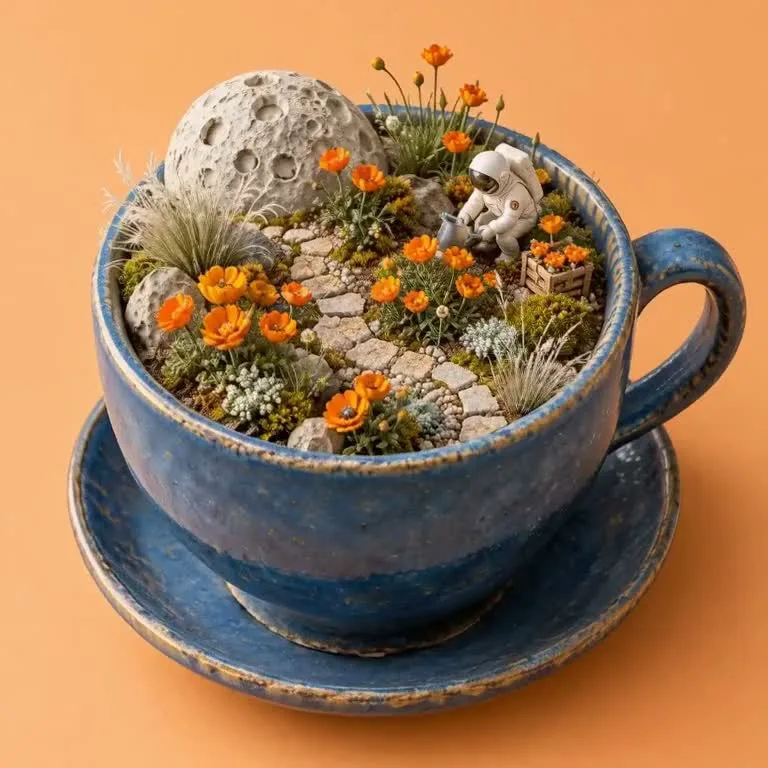
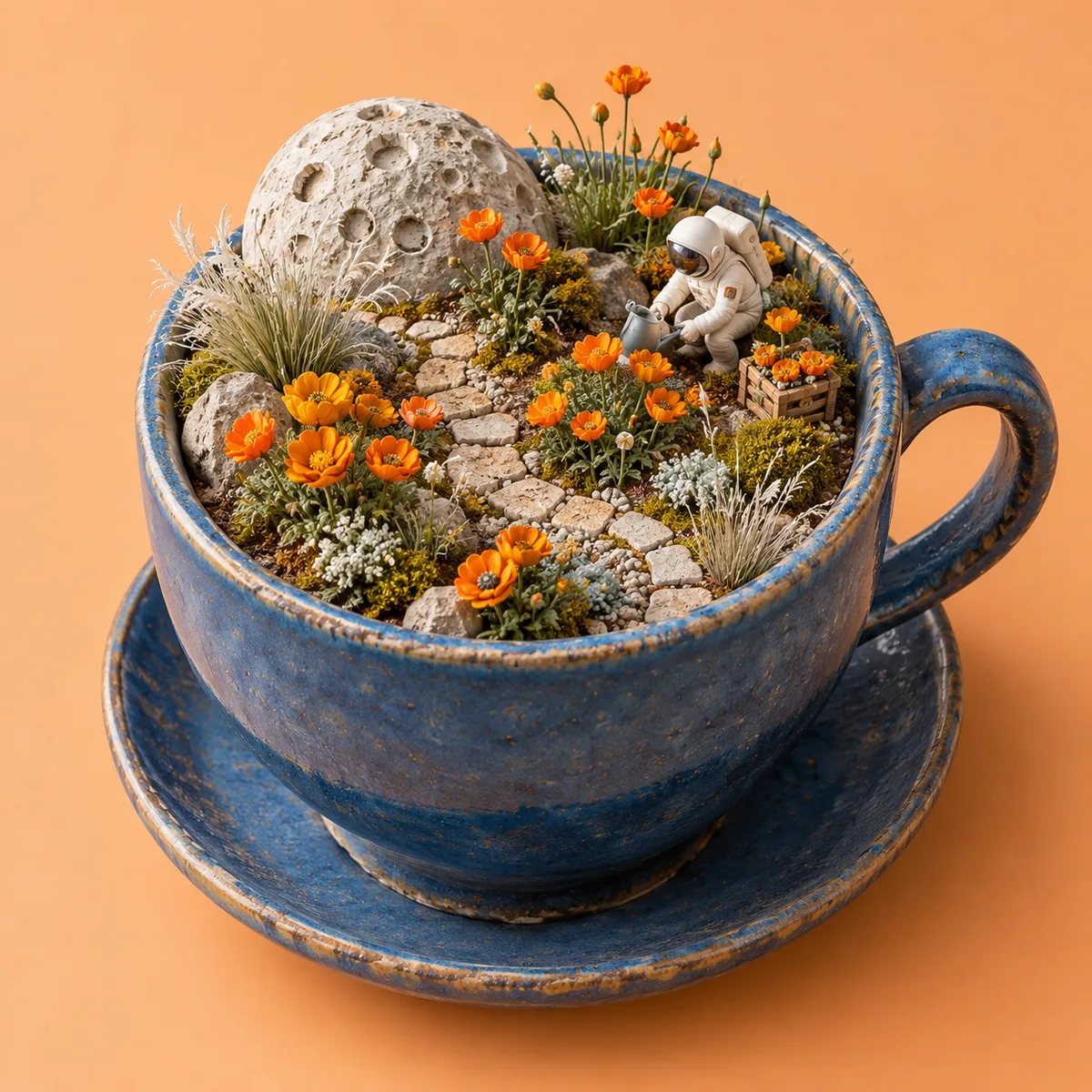
The moon-garden reference sets the visual direction before animation begins. Describe which elements should move and which should stay still. A slow camera move and a small environmental motion can make a still composition feel alive.

Sound belongs in the brief

H3 supports audio with video. Describe environmental sound, movement effects, and whether speech is wanted. These examples request sound design without dialogue; previews begin muted, and the player controls let you listen.

From a reference image to a moving scene

The input still was made with GPT Image 2.5 Flare. The video was generated with the model selected on this page.

Starting image · GPT Image 2.5 Flare

A moon garden in motion

MiniMax H3 · 768 × 768 · 5.2 seconds

Prompt

Slowly orbit this miniature moon garden in its ceramic cup. The tiny astronaut gently tends one flower, leaves move almost imperceptibly, and warm dust motes drift in the light. Preserve the cup, miniature scale, plants and overall handcrafted style. Soft atmospheric music and tiny gardening sounds, a graceful coherent camera move, no added text.

How to create with MiniMax H3

  1. Describe the result

    Tell the agent the subject, composition, and intended use. Add a reference when the selected model supports it, and say which details should be preserved.

  2. Choose your settings

    This page starts with the featured model selected. Review the aspect ratio, available output size, and credit estimate. For video, also choose a duration that fits the action.

  3. Review and keep creating

    Open the completed work and inspect the details. Continue in chat with a specific revision, or download a result you want to use. Check visible text and listen to generated sound before publishing.

Settings and credits

These are the settings connected in DREAMMMER. The table shows output credits without reference inputs; your composer estimate includes the inputs and settings of the actual request.

Clip length: 4 / 5 / 6 / 7 / 8 / 9 / 10 / 11 / 12 / 13 / 14 / 15 s

OutputCredits
768P · 5 seconds170
2K · 5 seconds275

Frequently asked questions

How long can an H3 clip be here?

The composer offers 4–15 seconds, with 768P and 2K output tiers. Choose a length that fits one readable action. The pricing table uses the displayed example duration so the credit estimate is concrete.

Can I begin from an image?

Yes. Add an image as the starting frame and describe the motion. The reference shown here was created with GPT Image 2.5 Flare; the moving result was generated with MiniMax H3.

Will sound play automatically?

The preview starts muted to allow inline autoplay. Use the player controls to hear the clip. Audio instructions guide generation, so listen to the actual output before using it in a project.

Do I need an account to create?

You can explore the page and prepare your prompt first. Sign in when you are ready to generate; the creative draft and selected model carry into the sign-in flow. Generation uses your available credits or eligible plan allowance.

Model information: MiniMax H3

Your next idea, made with MiniMax H3.

Start with a few words. Keep creating with your agent.

Create with MiniMax H3