Seedance 2.5 AI Video Generator

Turn a visual idea into an audio-video scene with ByteDance Seedance 2.5.

Made with Seedance 2.5

Original examples generated with this model. Open an example to see its prompt and output details.

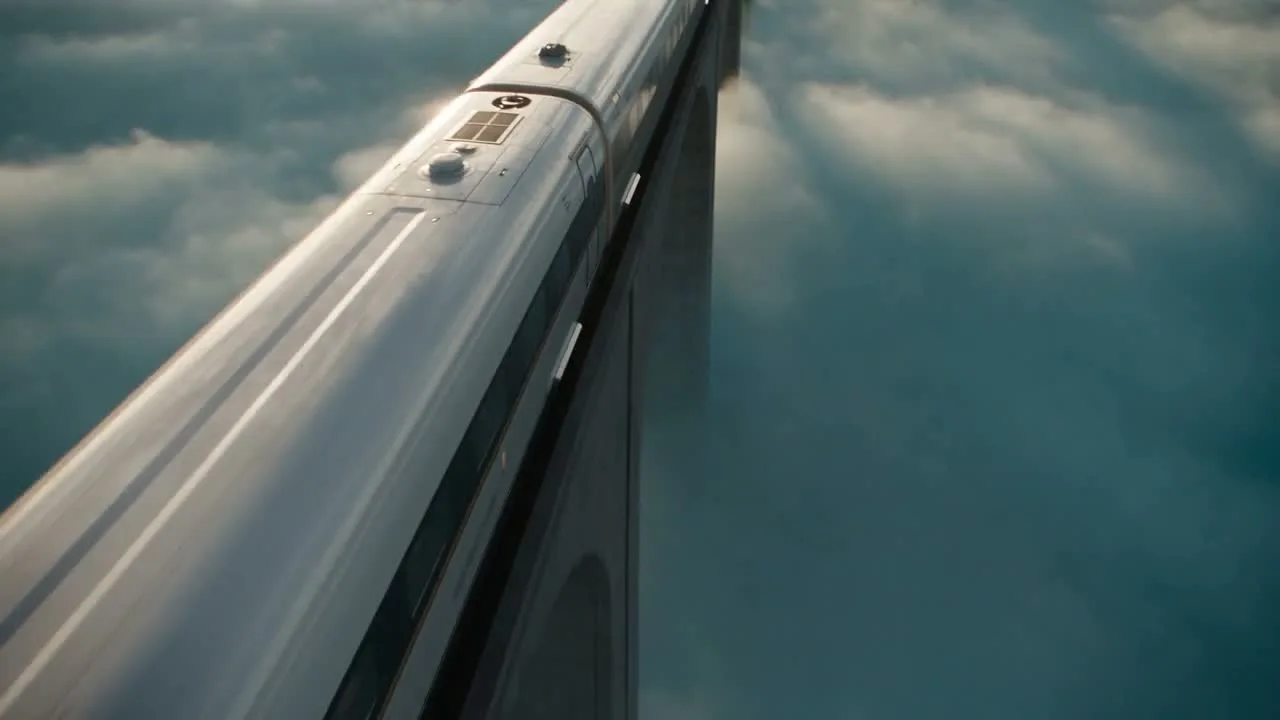
Train through a floating world

Seedance 2.5 · 1280 × 720 · 5.1 seconds

Prompt

A polished cinematic shot of a sleek ivory train with copper details gliding across a viaduct high above turquoise clouds. The camera tracks alongside the front carriage with convincing parallax as sunlight breaks through drifting mist. Elegant engineering, realistic metal surfaces, cinematic scale. Gentle railway rhythm and airy ambient sound, no speech, no text, one continuous shot.

Previews play muted. Use the video controls to pause, replay, or listen.

What you can create

Turn a visual idea into an audio-video scene with ByteDance Seedance 2.5. Describe a shot from scratch or use reference material to guide it. DREAMMMER keeps the creative brief, model settings, and subsequent revisions together in chat.

Build a world around one movement

A train gliding through a floating landscape provides a simple action inside an imaginative setting. Specify the train’s direction, the camera movement, and how the environment responds. Avoid asking several unrelated events to happen at once.

Use a still to anchor the shot

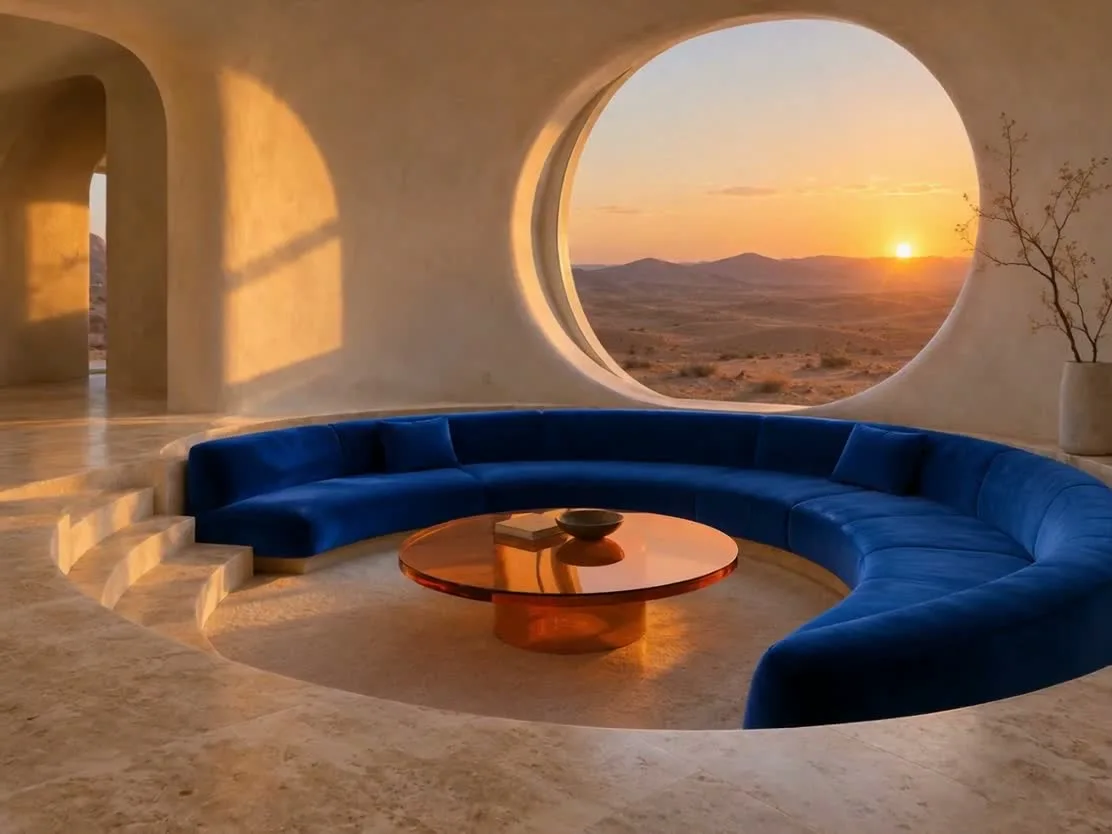
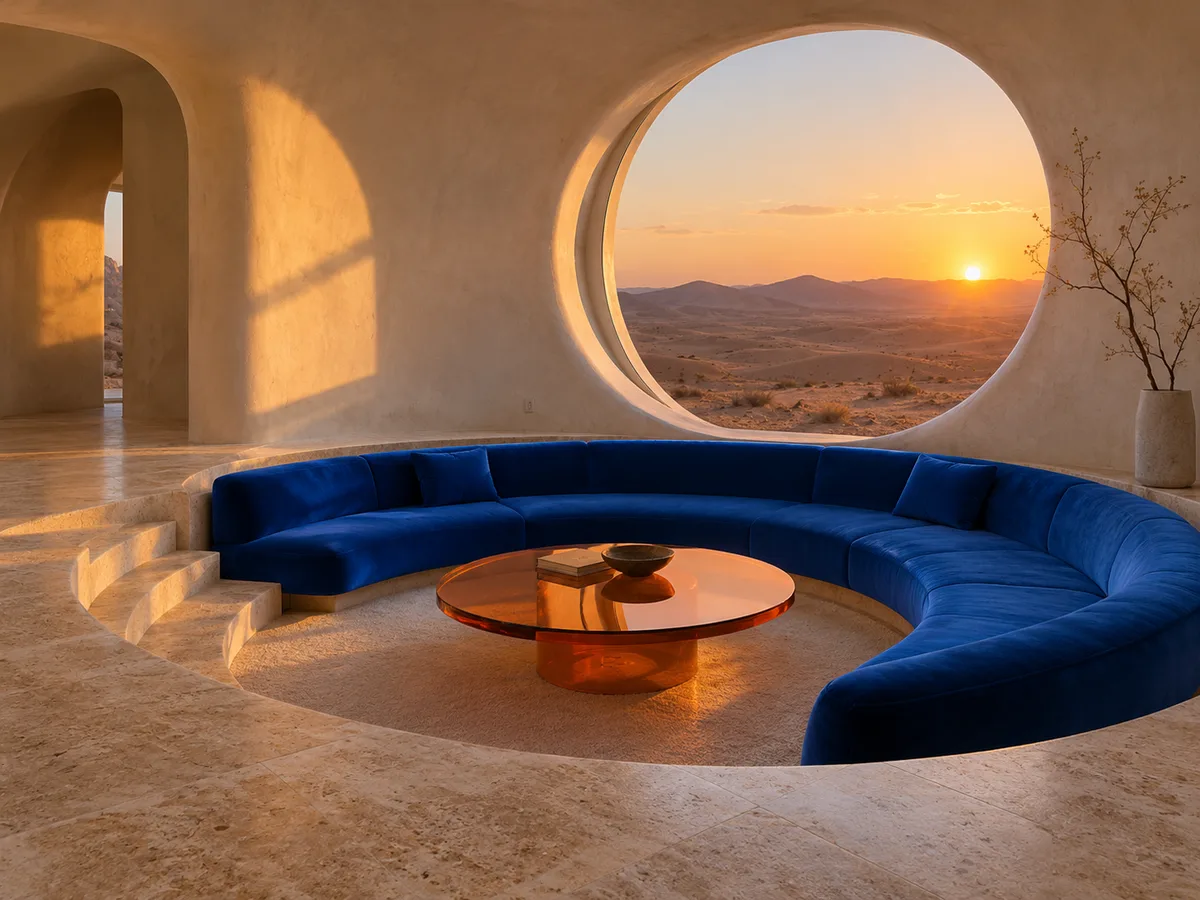
The desert-interior reference establishes architecture, color, and light. The animation brief then focuses on a slow camera move and environmental detail. This separates the visual design from the motion you want to add.

Plan sound and pacing together

Seedance 2.5 combines audio and video generation. Match the sound description to the visible movement and decide whether the scene needs dialogue. Leave room in the duration for the shot to settle before it ends.

From a reference image to a moving scene

The input still was made with GPT Image 2.5 Flare. The video was generated with the model selected on this page.

Starting image · GPT Image 2.5 Flare

Desert architecture in motion

Seedance 2.5 · 1112 × 834 · 5.1 seconds

Prompt

Begin from this exact desert living room. The camera performs a slow smooth dolly toward the round window, afternoon light shifts gently across the blue sofa and orange glass table, and fine dust glows in the sunbeam. Preserve the furniture and architecture, natural interior ambience, no people, no text, no cuts.

How to create with Seedance 2.5

  1. Describe the result

    Tell the agent the subject, composition, and intended use. Add a reference when the selected model supports it, and say which details should be preserved.

  2. Choose your settings

    This page starts with the featured model selected. Review the aspect ratio, available output size, and credit estimate. For video, also choose a duration that fits the action.

  3. Review and keep creating

    Open the completed work and inspect the details. Continue in chat with a specific revision, or download a result you want to use. Check visible text and listen to generated sound before publishing.

Settings and credits

These are the settings connected in DREAMMMER. The table shows output credits without reference inputs; your composer estimate includes the inputs and settings of the actual request.

Clip length: 4 / 5 / 6 / 7 / 8 / 9 / 10 / 11 / 12 / 13 / 14 / 15 / 16 / 17 / 18 / 19 / 20 / 21 / 22 / 23 / 24 / 25 / 26 / 27 / 28 / 29 / 30 s

OutputCredits
480P · 5 seconds585
720P · 5 seconds1315
1080P · 5 seconds3295

Frequently asked questions

Can I generate a longer scene?

The current composer offers durations from 4 to 30 seconds. A longer duration increases the output charge; select the length and resolution before checking the generation estimate.

Can I use video and audio references?

The connected workflow supports reference inputs through the composer. Describe the purpose of each reference. Reference-video duration can affect the credit estimate, so review it after attaching your material.

Does this include every feature from the official demo?

This page presents the controls connected in DREAMMMER. It does not promise separate extension, green-screen, or other tools that may be available in the maker’s own product.

Do I need an account to create?

You can explore the page and prepare your prompt first. Sign in when you are ready to generate; the creative draft and selected model carry into the sign-in flow. Generation uses your available credits or eligible plan allowance.

Model information: Seedance 2.5

Your next idea, made with Seedance 2.5.

Start with a few words. Keep creating with your agent.

Create with Seedance 2.5