Kling 3.0 Turbo AI Video Generator

Explore short motion concepts with Kling 3.0 Turbo.

Made with Kling 3.0 Turbo

Original examples generated with this model. Open an example to see its prompt and output details.

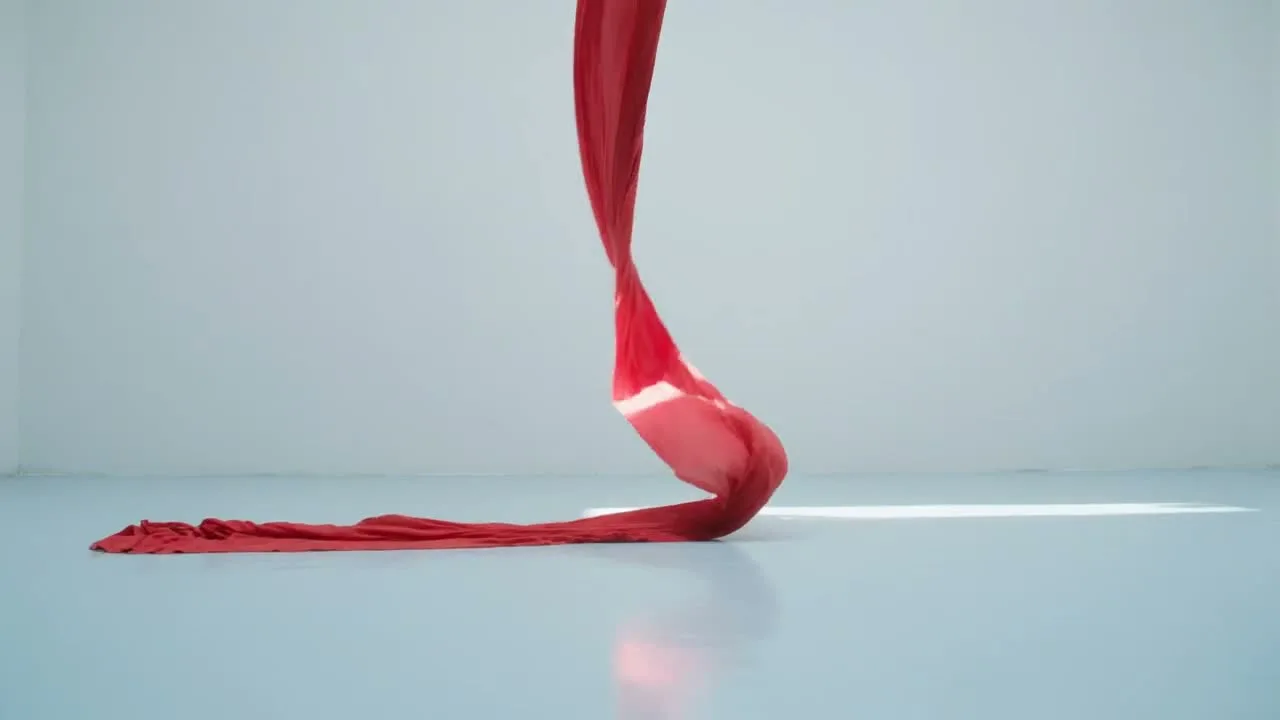
Red silk choreography

Kling 3.0 Turbo · 1280 × 720 · 5 seconds

Prompt

A high-impact fashion film of one flowing red silk ribbon suspended above a pale blue reflective floor. It twists smoothly into an elegant loop, catches a white beam of light, and gently unfurls. Camera tracks sideways with clear parallax, physically coherent cloth motion, crisp fabric detail, sophisticated commercial lighting. Quiet airy sound design, one continuous shot, no text.
Previews play muted. Use the video controls to pause, replay, or listen.

What you can create

Explore short motion concepts with Kling 3.0 Turbo. Generate from a written scene or add a first-frame image to guide the look. Use DREAMMMER to shape a compact motion brief and compare takes before investing in a longer sequence.

Movement as the main subject

A red silk ribbon twists through an architectural space. The brief keeps the palette simple so the movement remains the focus. Describe the path, speed, and material response rather than adding several competing subjects.

Give a portrait subtle motion

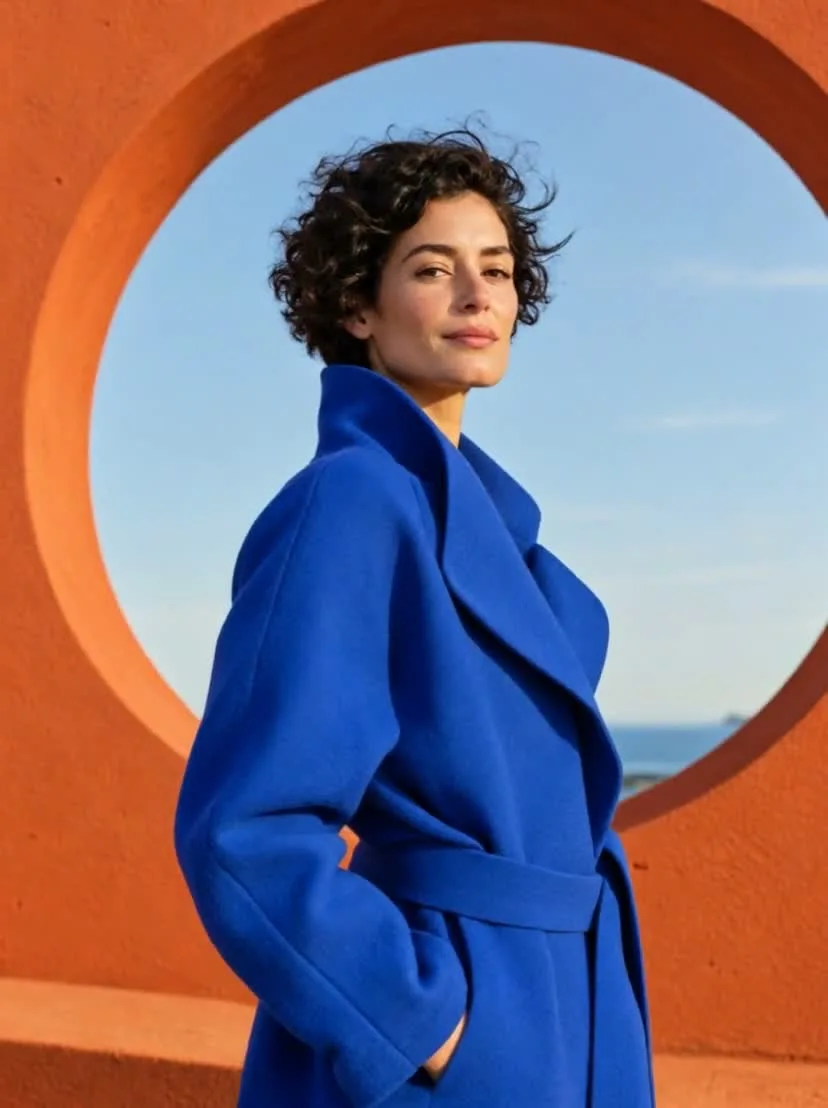
The orange portrait reference establishes the person and lighting. The animation asks for restrained movement and a gentle camera approach. Small actions are easier to assess when your priority is keeping a recognizable face and a composed frame.

Test one shot at a time

Use a short clip to explore camera movement, then revise the motion description based on what you see. This is useful for comparing visual directions. Generation time still depends on the service and is not a guaranteed turnaround.

From a reference image to a moving scene

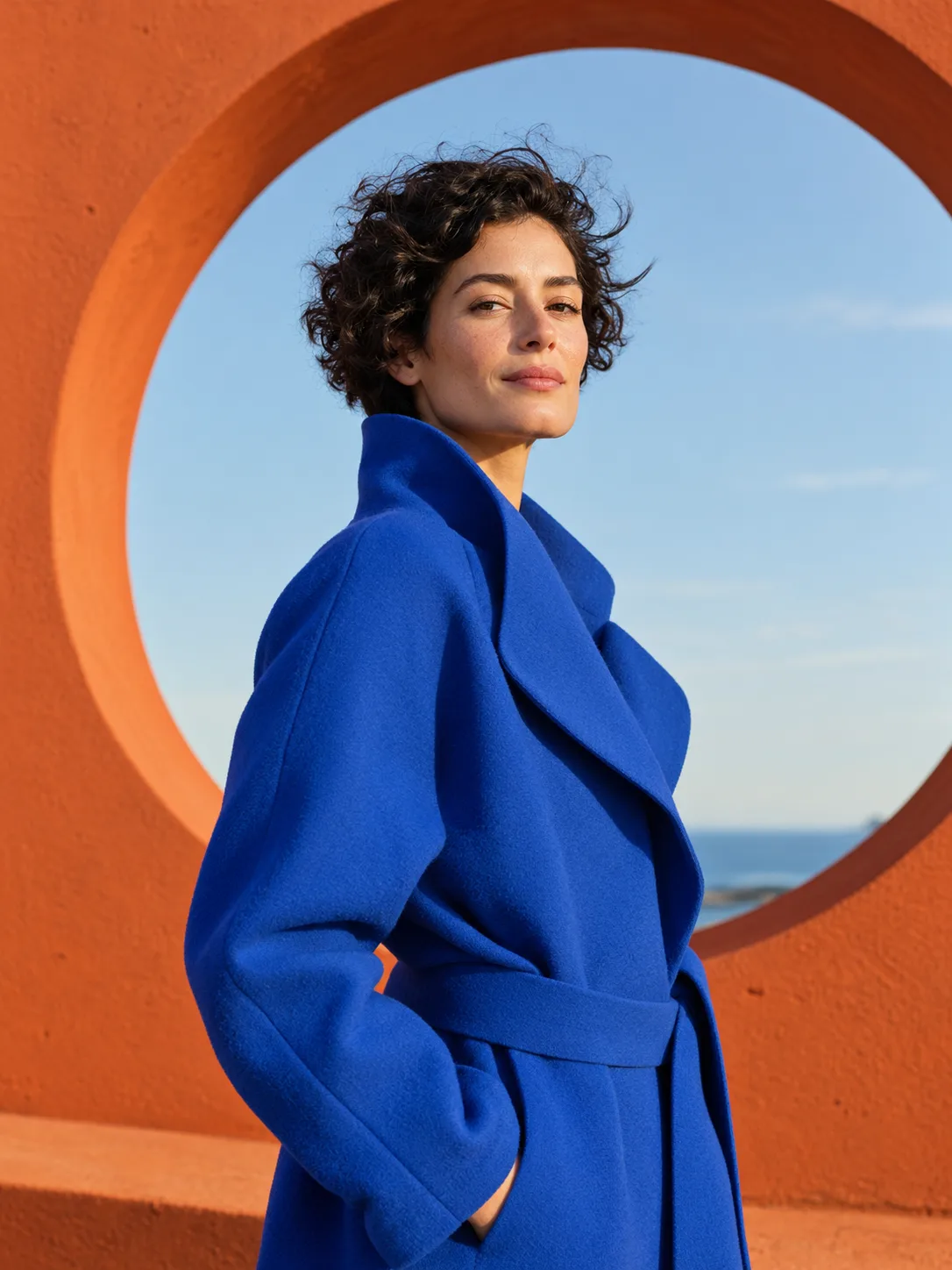
The input still was made with GPT Image 2.5 Flare. The video was generated with the model selected on this page.

Starting image · GPT Image 2.5 Flare

A portrait comes to life

Kling 3.0 Turbo · 828 × 1108 · 5 seconds

Prompt

Animate the supplied fashion portrait naturally. The adult woman turns her head slightly toward the camera, her curly hair moves in a gentle breeze and the blue coat fabric shifts subtly. Keep her identity, outfit, orange circular architecture and camera framing consistent. Refined editorial film, soft outdoor ambience, no speech or text.

How to create with Kling 3.0 Turbo

  1. Describe the result

    Tell the agent the subject, composition, and intended use. Add a reference when the selected model supports it, and say which details should be preserved.

  2. Choose your settings

    This page starts with the featured model selected. Review the aspect ratio, available output size, and credit estimate. For video, also choose a duration that fits the action.

  3. Review and keep creating

    Open the completed work and inspect the details. Continue in chat with a specific revision, or download a result you want to use. Check visible text and listen to generated sound before publishing.

Settings and credits

These are the settings connected in DREAMMMER. The table shows output credits without reference inputs; your composer estimate includes the inputs and settings of the actual request.

Clip length: 3 / 4 / 5 / 6 / 7 / 8 / 9 / 10 / 11 / 12 / 13 / 14 / 15 s

OutputCredits
720P · 5 seconds375
1080P · 5 seconds470

Frequently asked questions

Can Turbo use a first and last frame?

The current DREAMMMER integration supports a first-frame image for Turbo, not a separate last frame. Use Kling 3.0 or another model with last-frame controls if your shot needs both endpoints.

What output settings are available?

Turbo offers 3–15 seconds at 720p or 1080p in the composer. The table below shows the credit cost for a stated clip length, and the estimate updates with your settings.

What reference image should I provide?

Use a clear JPEG or PNG with the subject and composition you want at the start. Describe the movement separately. A first-frame image guides the shot but does not guarantee every detail remains unchanged.

Do I need an account to create?

You can explore the page and prepare your prompt first. Sign in when you are ready to generate; the creative draft and selected model carry into the sign-in flow. Generation uses your available credits or eligible plan allowance.

Model information: Kling 3.0 Turbo

Your next idea, made with Kling 3.0 Turbo.

Start with a few words. Keep creating with your agent.

Create with Kling 3.0 Turbo