Seedance 2.0 Mini AI Video Generator

Explore compact video ideas with Seedance 2.0 Mini.

Made with Seedance 2.0 Mini

Original examples generated with this model. Open an example to see its prompt and output details.

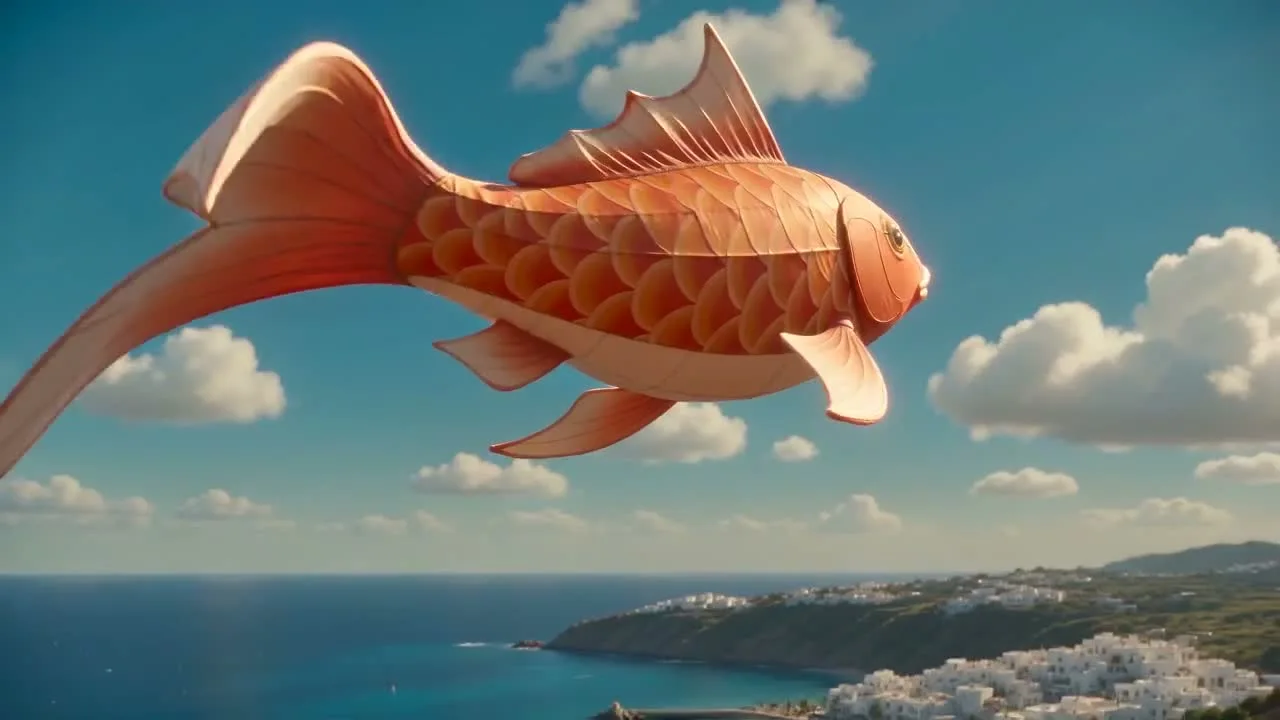
Kite above the clouds

Seedance 2.0 Mini · 1280 × 720 · 5.1 seconds

Prompt

A joyful stylized cinematic shot of a giant coral-orange koi kite swimming gracefully through a bright turquoise sky above a tiny white coastal town. Its delicate fabric fins ripple naturally as the camera tracks underneath, with soft clouds passing at different depths. Rich tactile cloth, strong silhouette, playful polished motion. Light wind and gentle melodic sound design, no speech or text, no cuts.
Previews play muted. Use the video controls to pause, replay, or listen.

What you can create

Explore compact video ideas with Seedance 2.0 Mini. Write a focused scene or bring a reference image, then use the DREAMMMER agent to describe the motion and prepare the clip. Start with a small visual experiment and develop the direction from the result.

A playful idea in one shot

A kite moving through a cloud landscape creates a simple relationship between subject, wind, and camera. Describe the movement that makes the idea interesting. Keep the rest of the scene restrained enough for that action to remain visible.

Bring a designed scene into motion

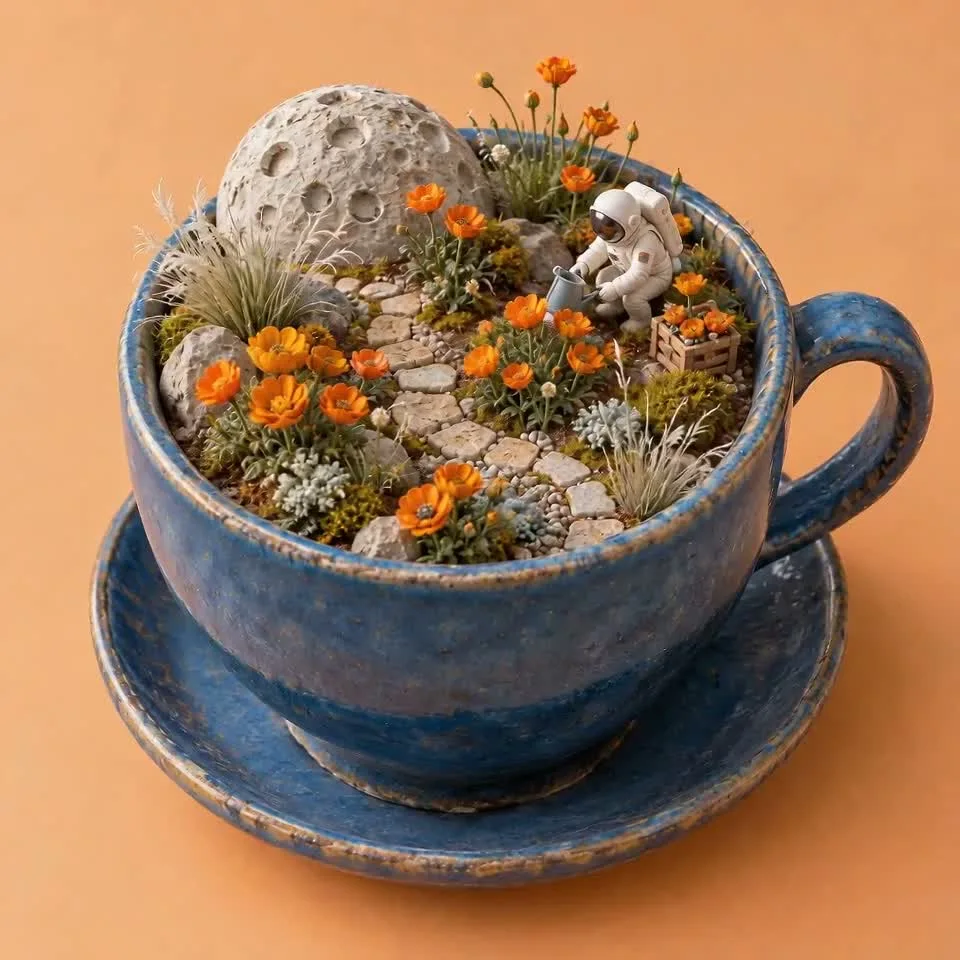
The moon-garden reference supplies a finished visual composition. The animation adds a gentle camera move and small changes in the environment. This is a practical way to test how a still-image direction translates into a moving shot.

Make the first test easy to evaluate

Use a short duration and a clear motion request when exploring a new idea. Watch for subject continuity, camera behavior, and the ending frame. Revise the specific part that did not work instead of replacing the entire brief.

From a reference image to a moving scene

The input still was made with GPT Image 2.5 Flare. The video was generated with the model selected on this page.

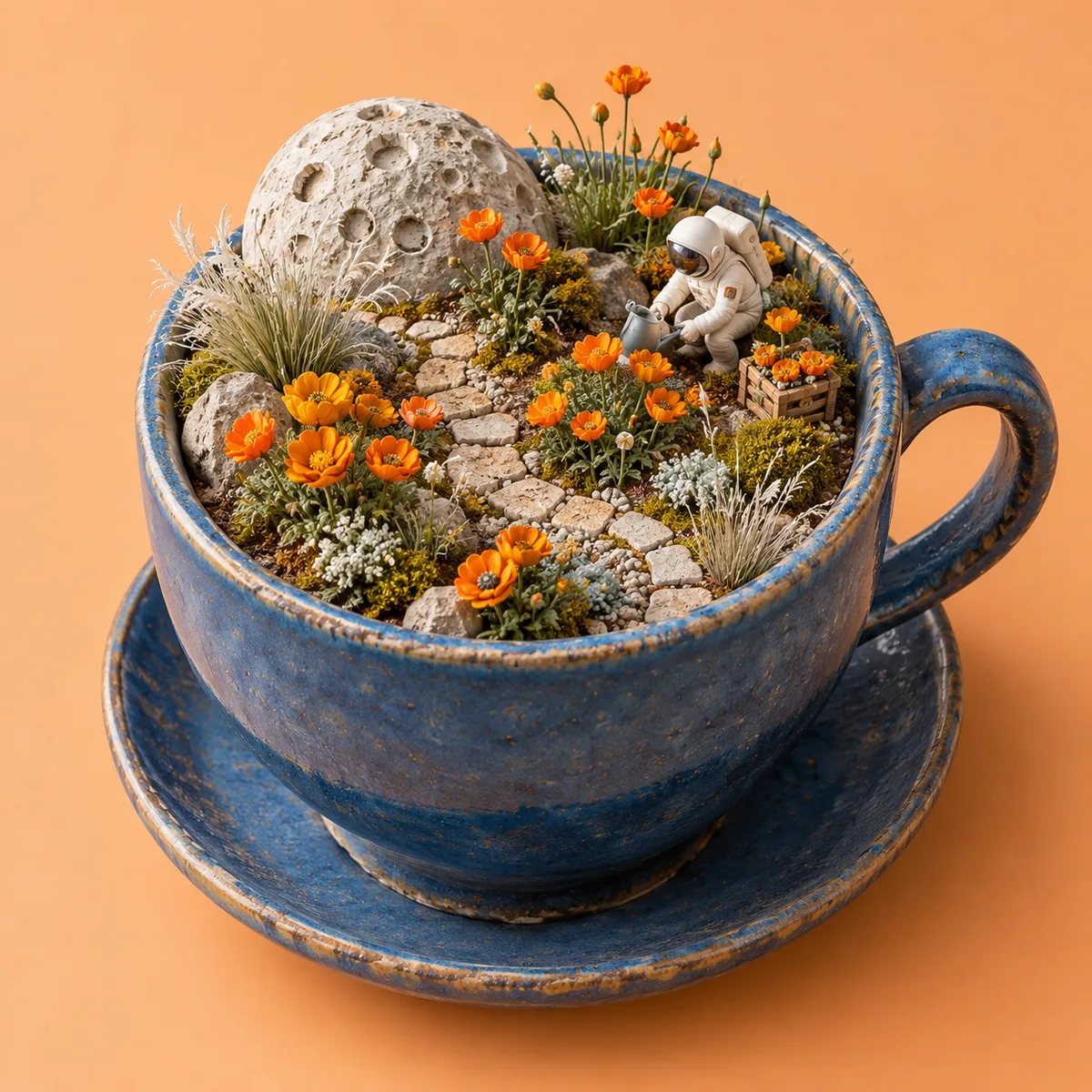
Starting image · GPT Image 2.5 Flare

Moon garden animation

Seedance 2.0 Mini · 960 × 960 · 5.1 seconds

Prompt

Animate this miniature garden as a gentle stop-motion-inspired scene. A tiny astronaut raises one hand toward a flower, delicate petals sway, and the camera slides slightly to the right. Preserve the blue cup, flowers, lunar details and warm peach backdrop. Quiet playful chimes, coherent tiny movement, no cuts or text.

How to create with Seedance 2.0 Mini

  1. Describe the result

    Tell the agent the subject, composition, and intended use. Add a reference when the selected model supports it, and say which details should be preserved.

  2. Choose your settings

    This page starts with the featured model selected. Review the aspect ratio, available output size, and credit estimate. For video, also choose a duration that fits the action.

  3. Review and keep creating

    Open the completed work and inspect the details. Continue in chat with a specific revision, or download a result you want to use. Check visible text and listen to generated sound before publishing.

Settings and credits

These are the settings connected in DREAMMMER. The table shows output credits without reference inputs; your composer estimate includes the inputs and settings of the actual request.

Clip length: 4 / 5 / 6 / 7 / 8 / 9 / 10 / 11 / 12 / 13 / 14 / 15 s

OutputCredits
480P · 5 seconds80
720P · 5 seconds175

Frequently asked questions

Is Mini the same as Seedance 2.5?

No. Seedance 2.0 Mini is a separate connected model. Its duration and resolution controls differ from Seedance 2.5; the tables and composer on this page show the Mini settings.

What output tiers are available?

The current Mini integration offers 480p and 720p, with durations from 4 to 15 seconds. Choose a setting that suits the test clip and review the credit estimate before generation.

Can I use references for the clip?

Yes. Add supported references through the composer and explain their role. The example here uses a Flare-generated still as the first frame; Seedance 2.0 Mini produces the moving result.

Do I need an account to create?

You can explore the page and prepare your prompt first. Sign in when you are ready to generate; the creative draft and selected model carry into the sign-in flow. Generation uses your available credits or eligible plan allowance.

Model information: Seedance 2.0 Mini

Your next idea, made with Seedance 2.0 Mini.

Start with a few words. Keep creating with your agent.

Create with Seedance 2.0 Mini