Blue tea box
Qwen Image 3.0 Pro · 864 × 1152
Prompt
精致商业产品摄影,一只靛蓝色方形茶叶包装盒,米白色正面标签清晰写着「山川之间」和「乌龙茶」,细小的金色山脉线条。包装放在浅灰石台上,旁边一片茶叶。自然侧光、真实纸张纹理、清晰折边、准确中文排版,安静而高级。 Full composition, no border, no watermark.
 DREAMMMER
Turn text-heavy briefs into visual compositions with Qwen Image 3.0 Pro.
Original examples generated with this model. Open an example to see its prompt and output details.
Turn text-heavy briefs into visual compositions with Qwen Image 3.0 Pro. Explore Chinese packaging, editorial covers, storyboards, and atmospheric scenes. DREAMMMER brings generation and reference editing into one conversation so you can develop the design step by step.
Our blue tea box separates the product name from the supporting label. Quote the Chinese text exactly and describe which line should dominate. For real packaging, review the generated wording and dimensions against your production requirements.
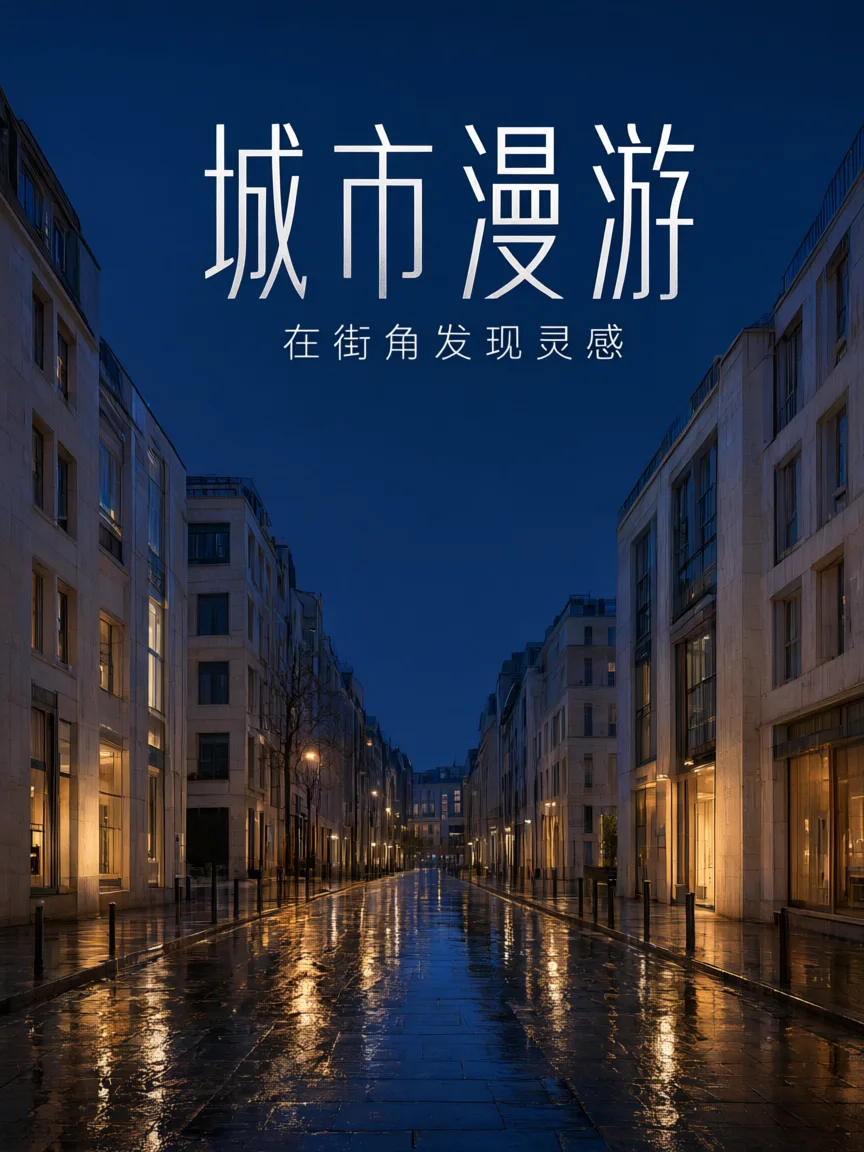
The city editorial example combines Chinese lettering with an urban scene. Specify a reading order and a visual mood rather than simply asking for a magazine. Leave enough space for the headline to remain distinct from the background.
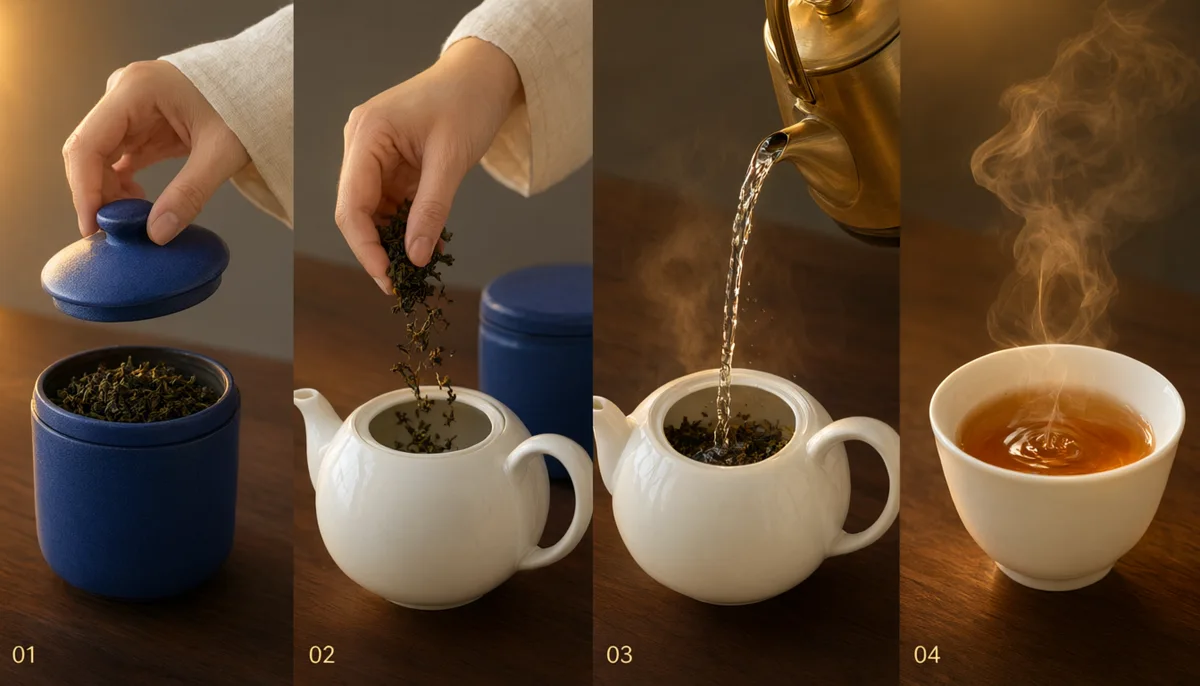
A four-panel tea story explores continuity across separate moments. Describe what happens in each panel and which objects should repeat. Use the output to discuss the visual direction, then check panel order and continuity before relying on it as a production guide.
Each revision uses the previous result as its reference. Compare what changes and what stays recognizable.
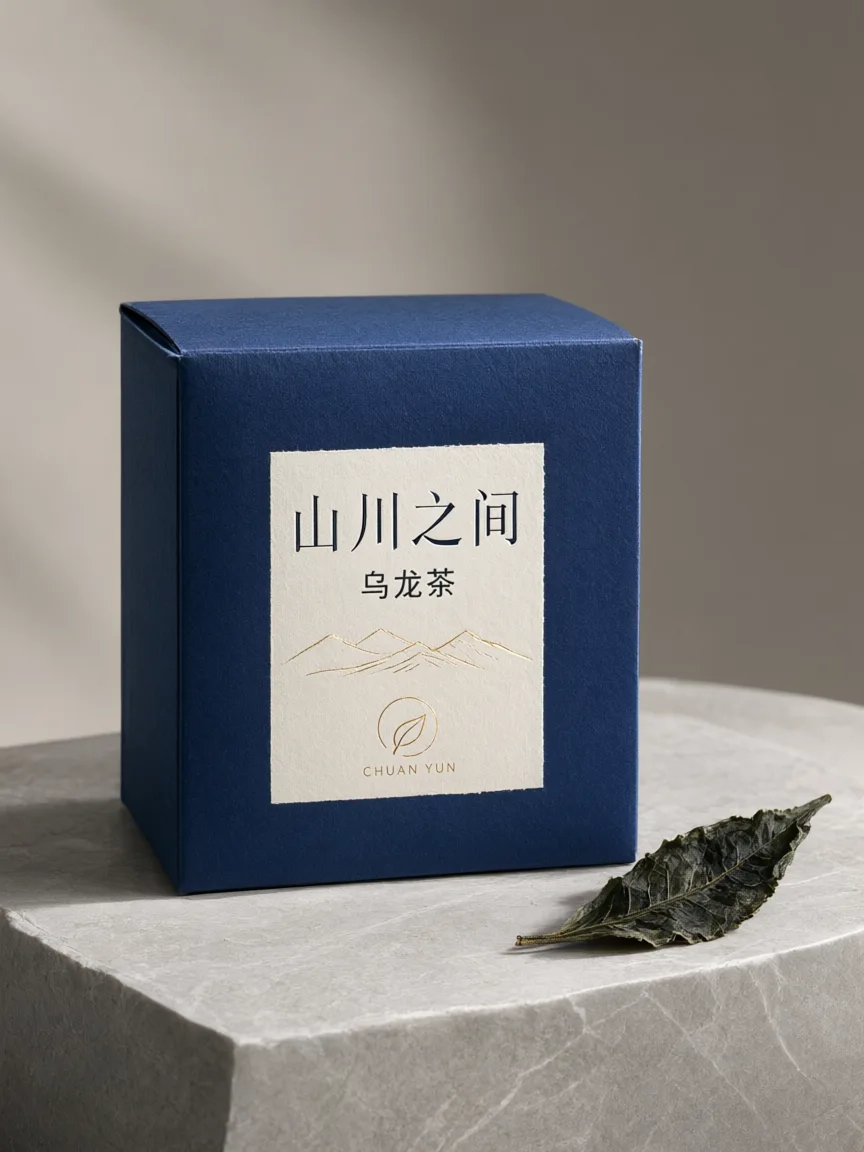
精致商业产品摄影,一只靛蓝色方形茶叶包装盒,米白色正面标签清晰写着「山川之间」和「乌龙茶」,细小的金色山脉线条。包装放在浅灰石台上,旁边一片茶叶。自然侧光、真实纸张纹理、清晰折边、准确中文排版,安静而高级。 Full composition, no border, no watermark.
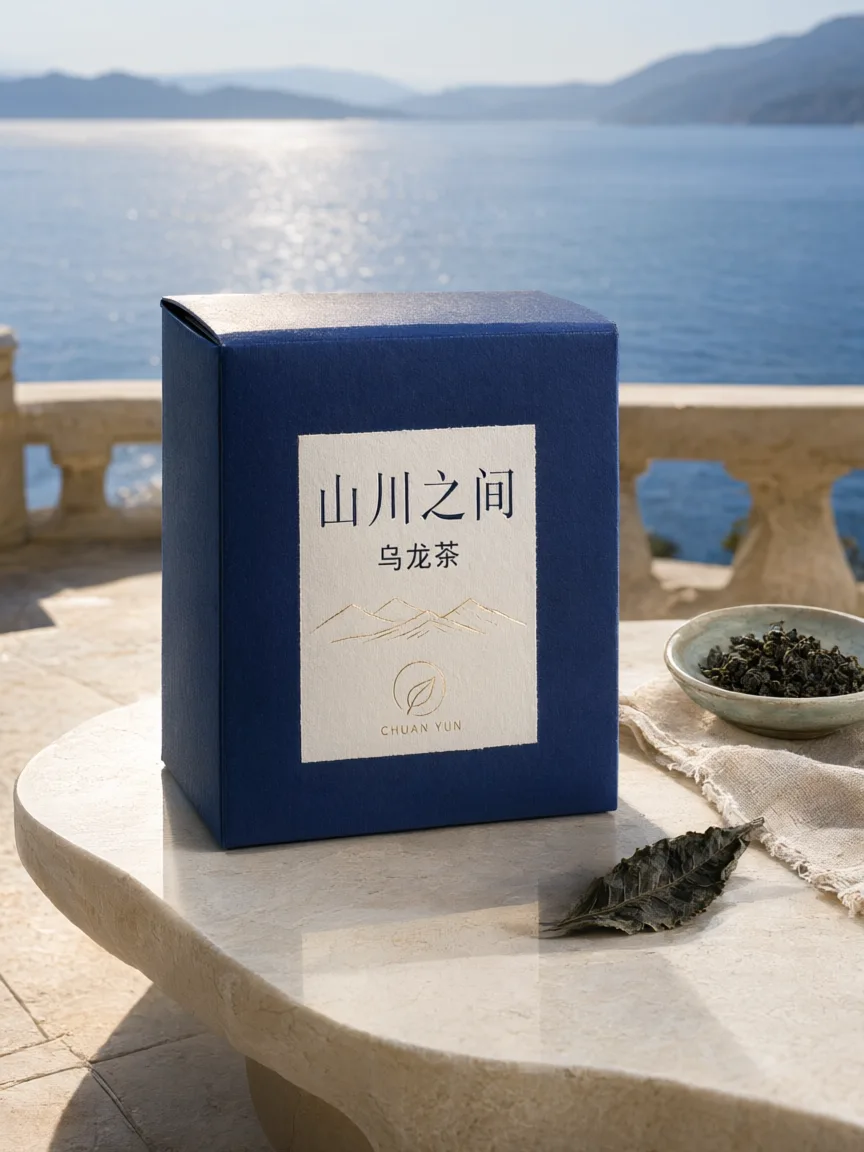
Use the supplied image as the product reference. Preserve the exact product silhouette, construction, colors, logo and readable label. Replace only the setting with a sunlit sculptural stone terrace overlooking a calm blue lake and distant mountains. Keep a similar camera angle, realistic scale and the complete product in frame. Premium commercial photography, precise natural shadows and coherent reflections. No extra text, no watermark.
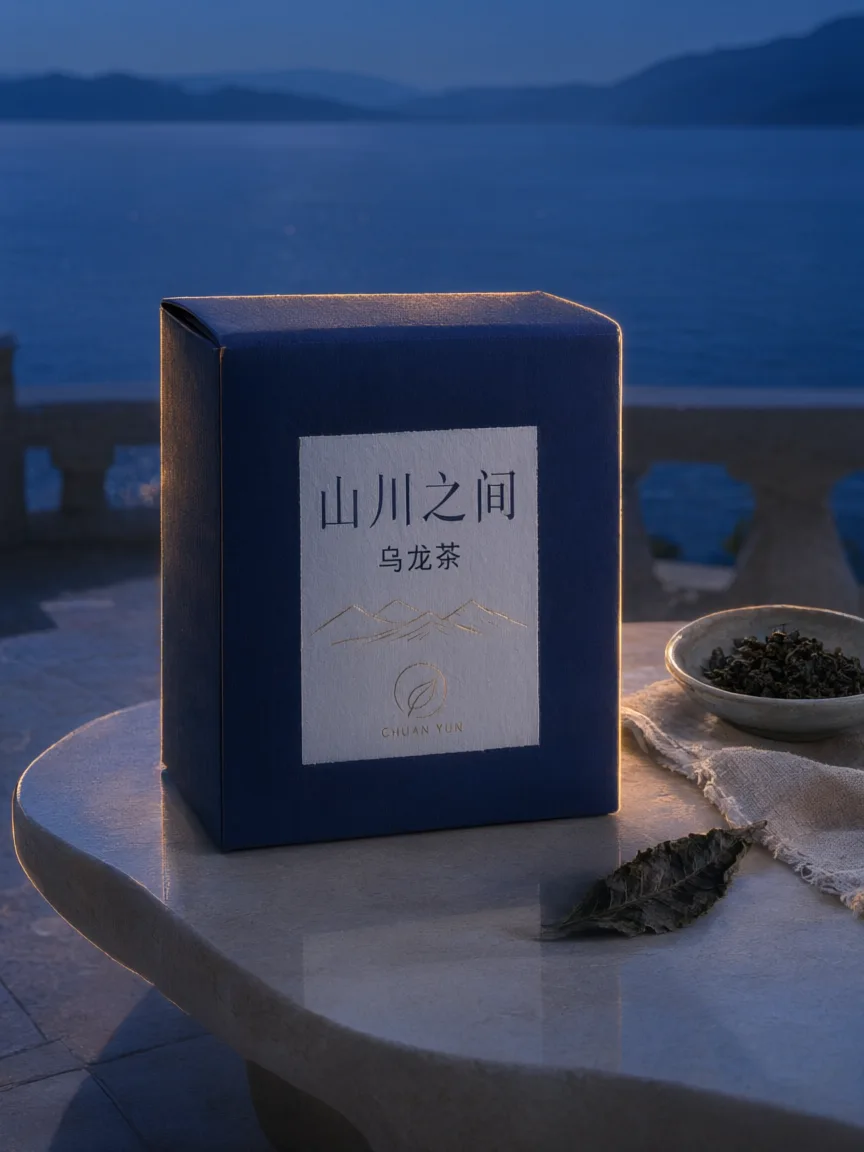
Use this result as the reference for one more edit. Preserve the exact product, label, shape, surface, lake, mountain background and camera composition. Change the daylight to a refined blue-hour mood with a warm amber rim light on the product and subtle warm reflections. Keep the important details legible and the product recognizable. No added objects or text, no watermark.
To reproduce an edit, attach the previous image as a reference along with the displayed prompt.
Tell the agent the subject, composition, and intended use. Add a reference when the selected model supports it, and say which details should be preserved.
This page starts with the featured model selected. Review the aspect ratio, available output size, and credit estimate. For video, also choose a duration that fits the action.
Open the completed work and inspect the details. Continue in chat with a specific revision, or download a result you want to use. Check visible text and listen to generated sound before publishing.
These are the settings connected in DREAMMMER. The table shows output credits without reference inputs; your composer estimate includes the inputs and settings of the actual request. Use your free welcome credits to try images at 1K. 2K and 4K require paid access; actual dimensions depend on model and aspect ratio.
| Output | Credits |
|---|---|
| 1K · per image | 11 |
| 2K · per image | 20 |
The official Qwen Image 3.0 introduction emphasizes multilingual text and complex layouts. Chinese output is demonstrated here, but every character and label should still be checked in your own image.
Yes. Use the previous image as a reference and identify a focused change. The examples below show a tea box moved to a new environment and then relit, while asking the model to preserve the packaging.
The result is an image, not a layered layout or editable document. You can continue revising through chat or download the image for further work in your preferred design tool.
You can explore the page and prepare your prompt first. Sign in when you are ready to generate; the creative draft and selected model carry into the sign-in flow. Generation uses your available credits or eligible plan allowance.
A poster, a product shot, your own photo: one sentence each. Free welcome credits first, 10 credits a picture after that.
Create with Qwen Image 3.0 Pro