Travel photos
Empty the crowd out of a landmark shot and keep the one person who matters.
 DREAMMMER
AI photo tool
Tell it what to erase, or let it clear the usual suspects: people in the background, cars, signs, cables, trash. The AI fills the gap with matching texture and light, so nothing looks patched.

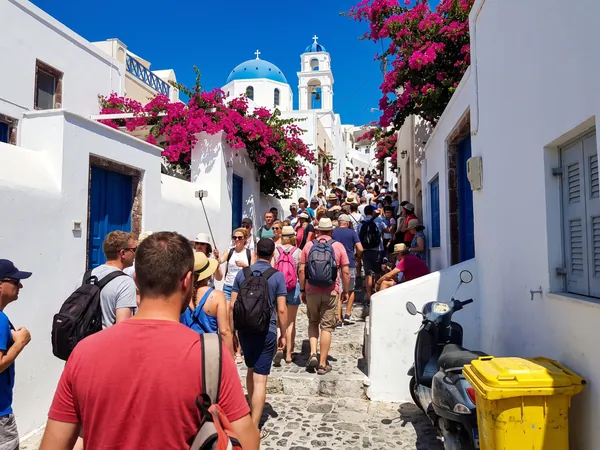
Drag the handle to compare the original with the result.
Drag a JPEG, PNG or WebP into the tool, or try the built-in sample first.
There is at most one option to pick. No prompt to write, no settings to learn.
The result lands in a chat with the Agent. Ask for a tweak, a variation or a completely different look in plain words.
Empty the crowd out of a landmark shot and keep the one person who matters.
Remove cables, bins, clutter and the photographer in the mirror before a listing goes live.
Take out price tags, stray props and reflections without reshooting.
Type a short description such as "the man in the red shirt" or "the cable on the left". Leave the field empty and it removes passers-by and distracting objects on its own.
7 credits per edit. New accounts start with 50 free credits.
The instruction asks the model to keep framing, lighting, colors and every other detail exactly as they are and only rebuild the area you named. Compare the result with the original using the slider in the chat.
Yes, but the larger the gap, the more the AI has to imagine what was behind it. Small and medium objects with visible surroundings come out most convincingly.
Yes. The result opens in a chat, so you can ask for the next object to go, or undo and try a different description.