Old or low-resolution photos
Phone photos from years ago, scans and downloads that need to be printed or shown on a big screen.
 DREAMMMER
AI photo tool
Turn a small or soft image into a sharp, print-ready one. Choose 2× or 4×; the upscaler rebuilds detail instead of just stretching pixels, so eyes, hair and lettering stay crisp.
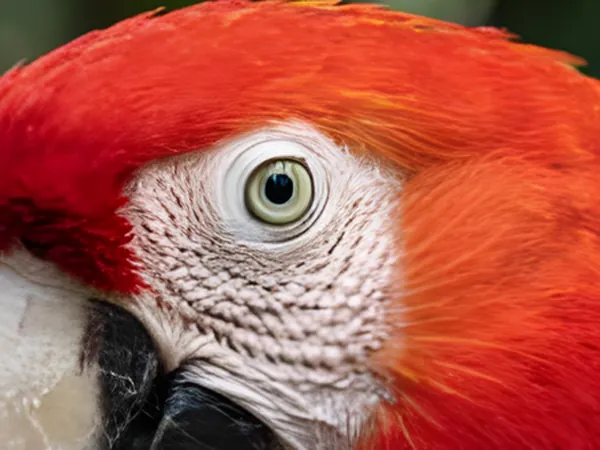
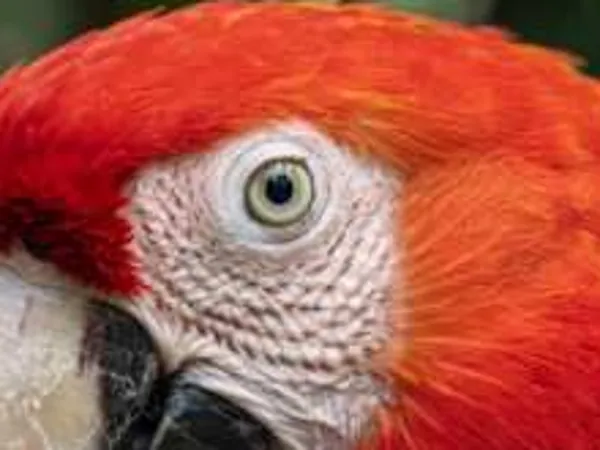
Drag the handle to compare the original with the result.
Drag a JPEG, PNG or WebP into the tool, or try the built-in sample first.
There is at most one option to pick. No prompt to write, no settings to learn.
The result lands in a chat with the Agent. Ask for a tweak, a variation or a completely different look in plain words.
Phone photos from years ago, scans and downloads that need to be printed or shown on a big screen.
Supplier images that arrive too small for a banner, a listing or a print catalog.
Take a 1K generation to 4K for wallpapers, posters and prints without regenerating it.
32 credits per image, for either 2× or 4×. HD upscaling is available on any paid plan or after buying a credit pack; the 50 sign-up credits cover the other tools.
Pick 4× for images under about 1000 px on the long side; 2× is enough for anything larger. Both runs land in the 4K output tier, which is why they cost the same.
JPEG, PNG or WebP up to 10 MB. Very large inputs are already near the output ceiling and gain little from upscaling.
It reconstructs plausible fine detail from what is in the image: skin texture, hair strands, fabric weave, edges of letters. It will not change what is in the picture or add objects.
Yes. The upscaled image opens in a chat with the Agent, so you can remove an object, change the background or crop it for a format in the same place.