
Z-Image Turbo AI Image Generator

Explore fresh image ideas with Z-Image Turbo, the distilled text-to-image model from Tongyi-MAI.

Made with Z-Image Turbo

Original examples generated with this model. Open an example to see its prompt and output details.

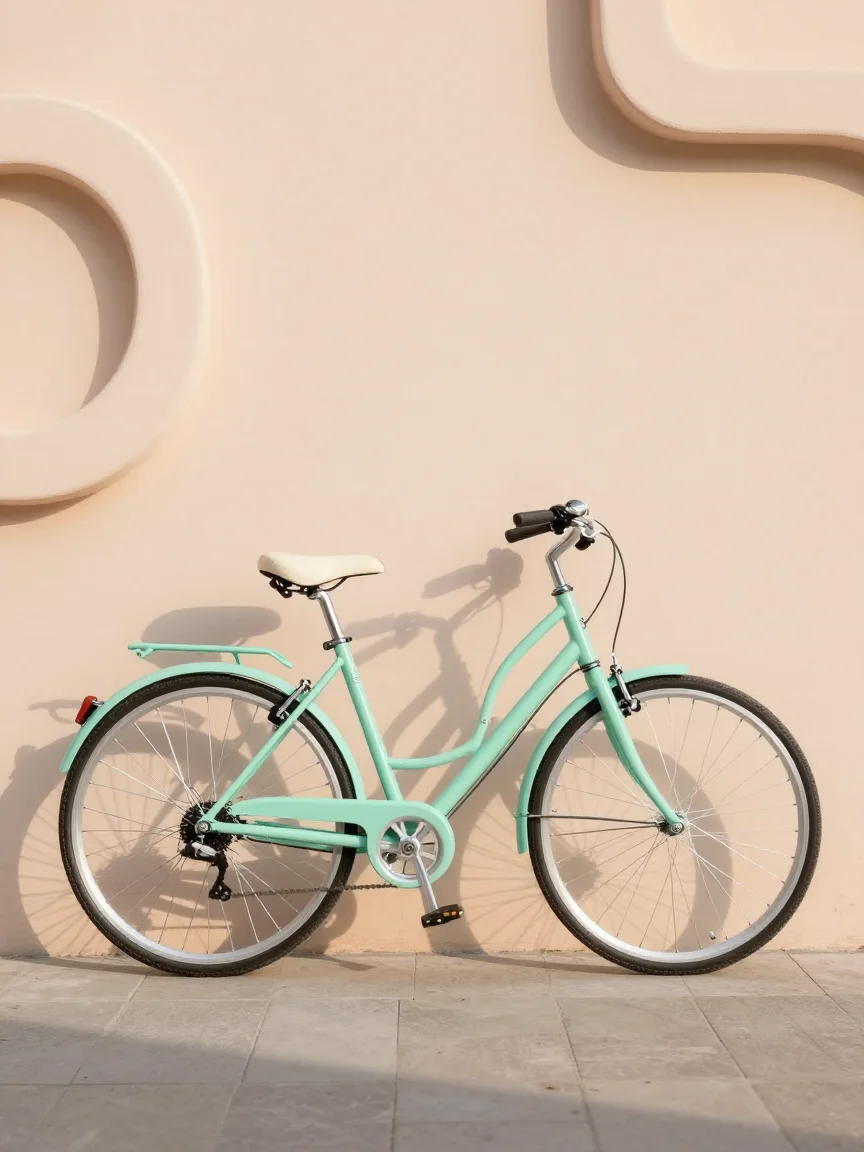
Mint bicycle

Z-Image Turbo · 864 × 1152

Prompt

A beautiful mint-green city bicycle with a cream saddle parked against a pale peach sculptural wall. Clean late afternoon sunlight, long shadow, precise spokes, realistic painted metal and rubber, contemporary lifestyle photography, simple uncluttered composition, no text. Full composition, no border, no watermark.

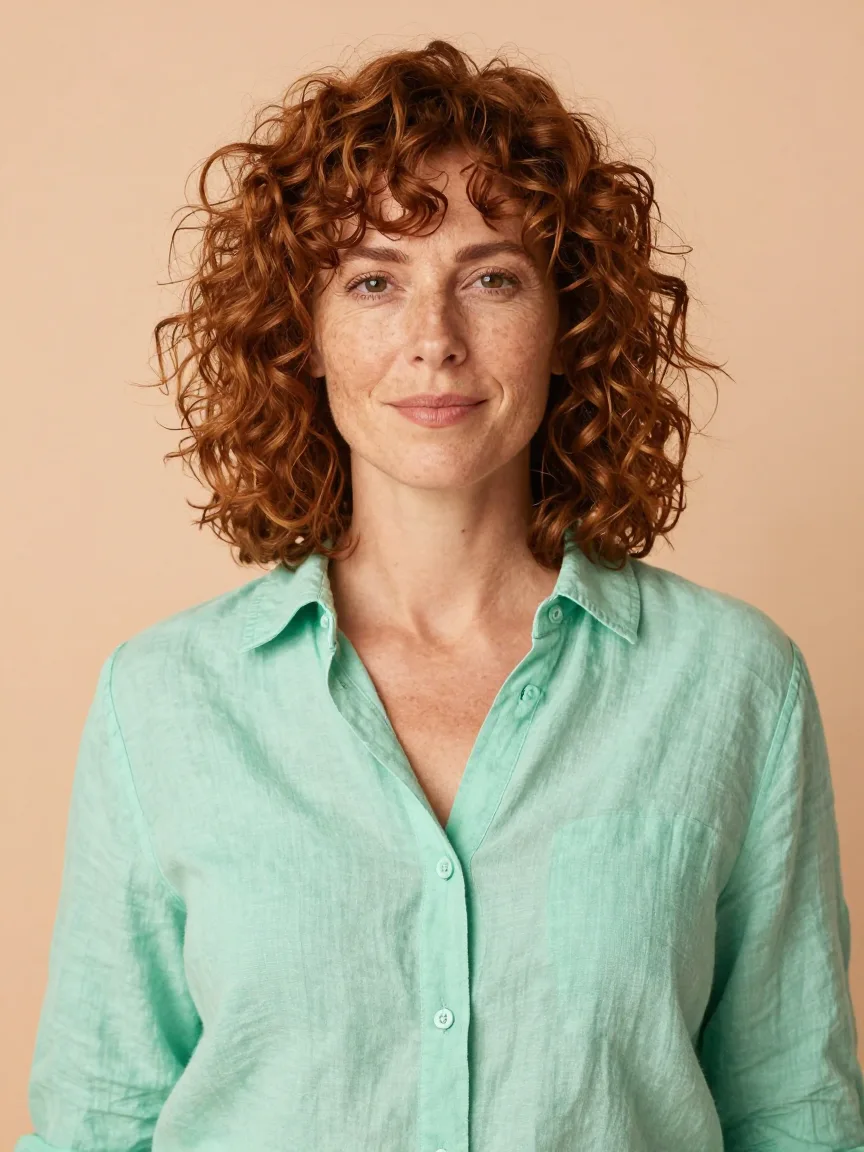
Peach-toned portrait

Z-Image Turbo · 864 × 1152

Prompt

Natural editorial portrait of an adult woman with curly auburn hair wearing a mint-green linen shirt, against a warm peach background. Gentle sunlight, freckles, relaxed expression, lifelike skin and fabric texture, clean medium-shot composition, warm approachable personality. Full composition, no border, no watermark.
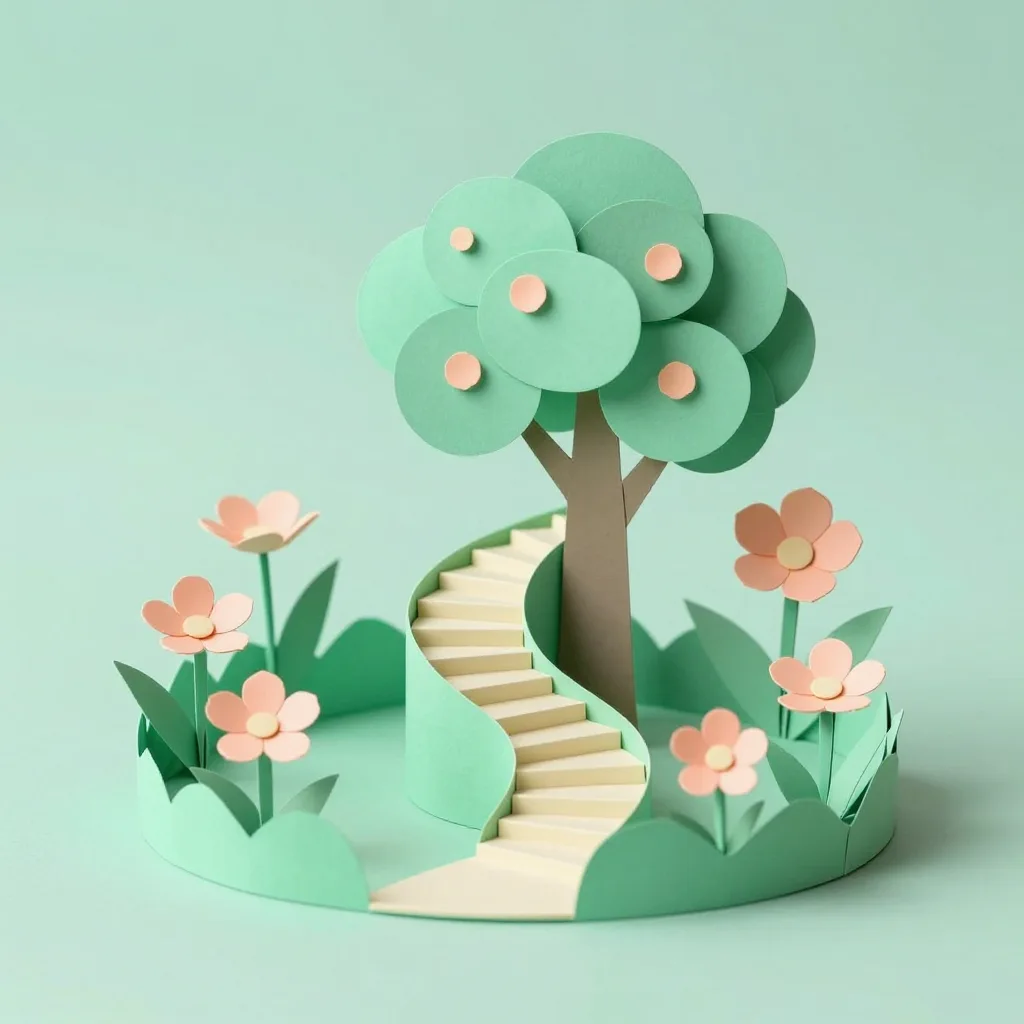
Folded-paper garden

Z-Image Turbo · 1024 × 1024

Prompt

A whimsical miniature garden made from mint-green folded paper, with peach-colored flowers and a tiny cream stairway spiraling around a tree. Visible paper texture, soft studio shadows, elegant handcrafted diorama aesthetic, strong centered composition. Full composition, no border, no watermark.
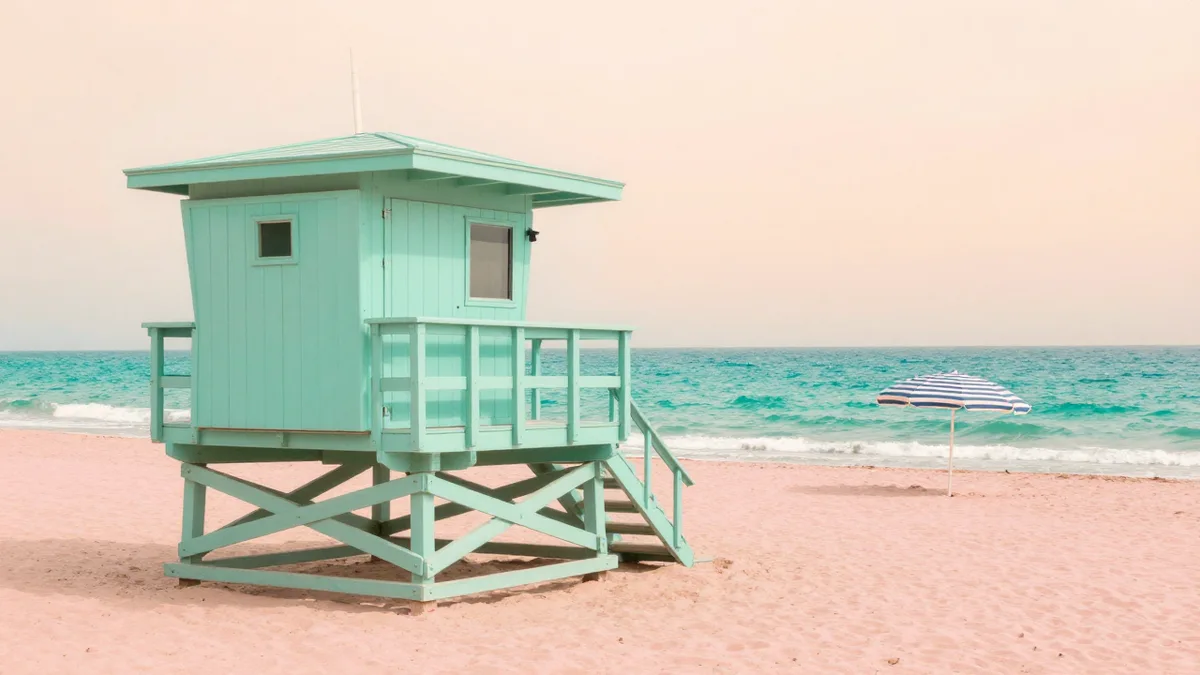
Mint coast

Z-Image Turbo · 1280 × 720

Prompt

A quiet coastal photograph of a mint-green lifeguard hut on a pale pink beach, turquoise waves, a peach sunrise and one striped umbrella. Strong clean composition, gentle natural light, believable wood grain and sand texture, bright refined travel editorial mood. Full composition, no border, no watermark.
What you can create

Explore fresh image ideas with Z-Image Turbo, the distilled text-to-image model from Tongyi-MAI. Describe a subject, palette, and composition to start a new visual direction. This DREAMMMER page focuses on original image generation, from a mint bicycle to a folded-paper garden.

Begin with a compact visual brief

The bicycle example starts with a recognizable object and a restrained mint palette. Specify the setting and camera angle before adding small decorative details. This makes it easier to compare which parts of your description reached the image.

Try different materials and moods

A peach-toned portrait, a paper garden, and a coastal scene demonstrate distinct uses for text-to-image creation. Treat each as a separate brief. Change the material, lighting, or viewpoint to explore the range of a single idea.

Use drafts to choose a direction

Z-Image Turbo offers a low-credit starting point in the current DREAMMMER catalog. Generate a visual draft, assess its composition, and revise the description for another version. If you need reference-based editing, select an image model that supports it.

How to create with Z-Image Turbo

  1. Describe the result

    Tell the agent the subject, composition, and intended use. Add a reference when the selected model supports it, and say which details should be preserved.

  2. Choose your settings

    This page starts with the featured model selected. Review the aspect ratio, available output size, and credit estimate. For video, also choose a duration that fits the action.

  3. Review and keep creating

    Open the completed work and inspect the details. Continue in chat with a specific revision, or download a result you want to use. Check visible text and listen to generated sound before publishing.

Settings and credits

These are the settings connected in DREAMMMER. The table shows output credits without reference inputs; your composer estimate includes the inputs and settings of the actual request.

OutputCredits
Standard output · per image5

Frequently asked questions

Can Z-Image Turbo edit my uploaded image here?

No. This integration is for text-to-image generation. To modify a particular uploaded image, switch to an editing model such as FLUX.2 Pro or GPT Image 2 instead.

Can I choose 1K, 2K, or 4K?

DREAMMMER currently offers standard output for Z-Image Turbo. The page does not expose separate resolution tiers. Inspect the downloaded image dimensions for your intended use.

Will it always generate instantly?

No fixed completion time is promised. The official model is optimized for efficient generation, but hosted completion also depends on the service queue and the request.

Do I need an account to create?

You can explore the page and prepare your prompt first. Sign in when you are ready to generate; the creative draft and selected model carry into the sign-in flow. Generation uses your available credits or eligible plan allowance.

Model information: Z-Image Turbo

Your next idea, made with Z-Image Turbo.

Start with a few words. Keep creating with your agent.

Create with Z-Image Turbo