Product photos for stores
Clean cutouts for Amazon, Shopify and Etsy listings, ready for a white or transparent background.
 DREAMMMER
AI photo tool
Upload a photo and get the subject cut out on a transparent background in a few seconds, hair, fur and fine edges included. The result opens in a chat, so you can drop in a new background, add a shadow or export it as it is.
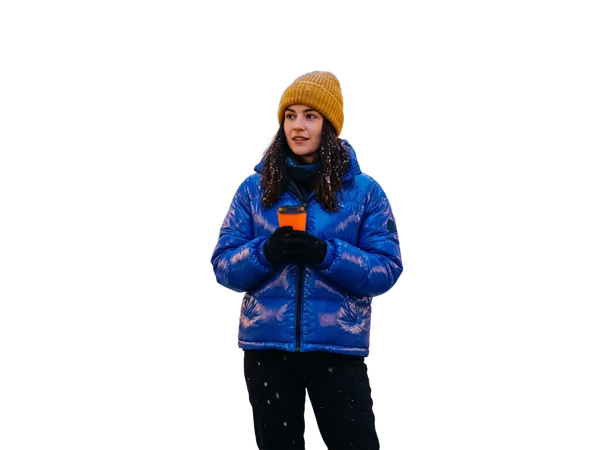
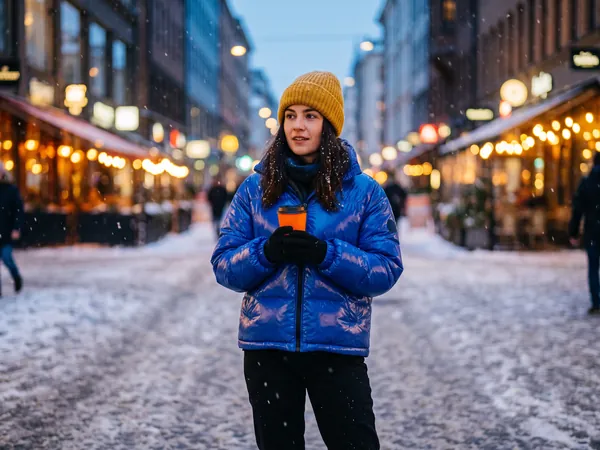
Drag the handle to compare the original with the result.
Drag a JPEG, PNG or WebP into the tool, or try the built-in sample first.
There is at most one option to pick. No prompt to write, no settings to learn.
The result lands in a chat with the Agent. Ask for a tweak, a variation or a completely different look in plain words.
Clean cutouts for Amazon, Shopify and Etsy listings, ready for a white or transparent background.
Lift yourself out of a busy photo and put the cutout on a plain color or a studio backdrop.
Cutouts for posters, slides, thumbnails and collages that need a subject without its surroundings.
Every new account gets 50 free credits and each removal costs 3 credits, so you can cut out about 16 photos before buying anything. Downloads on a free account carry a small DREAMMMER mark in the corner; any credit pack or plan removes it.
JPEG, PNG and WebP up to 5 MB. The output is a PNG with real transparency, ready to drop onto any background.
Yes. It runs on a dedicated background-removal model rather than a general image generator, so it separates hair, fur, glass and semi-transparent edges instead of redrawing them.
Yes. Use the Background Changer tool, or after the cutout opens in chat, tell the Agent what scene you want and it will place the subject there with matching light.
Uploads and results stay in your account and are private by default. You decide if and when to create a public share link.